
Running out of your new iPhone 13 or iPhone 13 Pro and you don’t have an outlet nearby? Save battery life by following these tips.
One of the strengths, which Apple improved with the arrival of the iPhone 13, was the battery. IPhone 13 batteries have a higher capacity and last longer than previous Apple devices, but the truth is, you have to be careful with this problem as well. Occasionally, you may need to maximize your iPhone battery lifeIt’s not always easy to access a charger so you can plug in the phone, and this is where the tips for making the battery last longer get interesting.
Don’t have a charger nearby? Here’s how to extend the battery life of your iPhone 13 a bit
As we mentioned, not being able to charge the iPhone all the time can be a big problem while using it. For this same reason, we have collected 6 Tricks You Can Easily Do To Make Your iPhone 13 mini, iPhone 13, iPhone 13 Pro, or iPhone 13 Pro Max Battery Last A Little Longer and you can access the charger without any problem.
1. Disable 5G networks

Since the iPhone 12, Apple has integrated 5G technology into its phones, which allows higher download speeds to be achieved when using mobile data with compatible carriers and in areas with such coverage. However, In case your carrier allows it, the truth is it can turn out to be an unnecessary waste of battery.. If there is 5G coverage, it will consume more battery than 4G networks, and if it is not available in your area, iPhone will continue to consume as it will scan for these networks in the background.
If you are not interested in such technology, you can go to Settings and, in the “Voice and data” section of the mobile networks section, turn off 5G marking in the list of options that appear “4G” as network mode.
2. Use dark mode when you need more battery

With the arrival of iOS 13 a few years ago, Apple introduced Dark Mode, which is available for all supported iPhone models. While at first glance it might seem that its usefulness is just aesthetic, the truth is that in all iPhone 13s, the battery can last a bit longer. This is due to the fact, depending on the type of screens they incorporate, instead of showing black colors what they are doing does not illuminate said rooms. This way, especially in the iPhone 13 Pro Max due to its size, it will be easy to save a little more battery life, although in the rest it can also help.
Enabling this dark mode on the iPhone 13 is very simple, and can be done from Settings, from Control Center, or using Siri, although the most convenient thing is that in the control center you press and hold the brightness adjustment and select the dark mode option to activate it.
3. Reduce screen brightness when you don’t need it

In line with the above, let’s say that all iPhones have built-in automatic brightness adjustment by default to better adapt to light situations. However, There may be times when you don’t need to use it as much, so turn this setting off and then manually adjust the screen brightness. depending on what you need. This is something that you can easily achieve from the iPhone settings and then you will have the option to adjust the brightness anytime easily from the control center if you want. Of the same shape, it is also convenient to turn off True Tone.
4. Disable “Lift to wake” in the iPhone settings
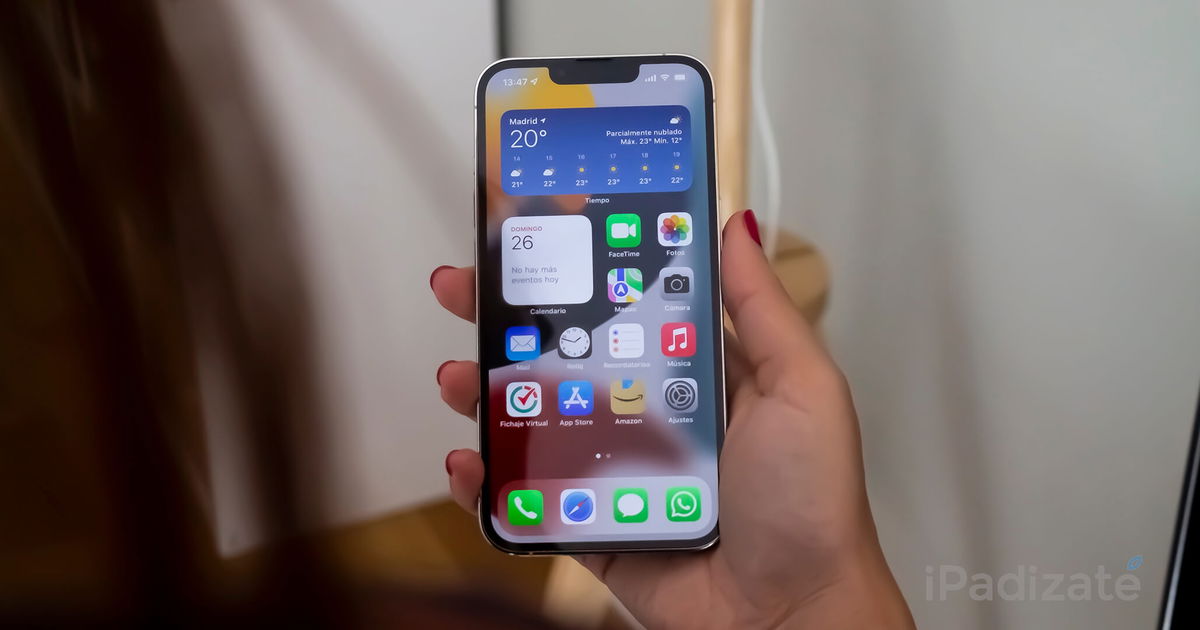
By default, when you lift the iPhone off a surface or tilt it up, the screen will turn on and display the lock screen, starting to scan possible faces to unlock the phone using Face ID. This can be useful sometimes, but makes the phone detect possible movements at all times that can kill your batteryMoreover, it may fail and appear at the wrong time, then turn on the screen and start scanning using Face ID.
In case this function is not so useful in your case, say that you can delete it at any time if you access the “Screen and brightness” section in the settings iPhone, which allows you to extend battery life a bit more when you need it most.
5. Disable updating in the background, or at least for apps you don’t need.
Another option enabled by default with iOS in the latest iPhone is updating background apps. Basically, this function regularly update the data of the applications you use the most, so that notifications can be sent sooner and apps load faster by downloading the latest information.
However, it may consume more battery. You can manage the option as you wish from the “General” section in your iPhone settings, in the “Background update” section. You can turn off everything you won’t need so soon, or even remove the feature altogether if you want to save as much battery life as possible.
6. Low minimums? Activate low consumption mode

As a final recommendation, while it is true that low power mode disables many iPhone functions, the truth is that it can be very useful on many occasions. You can easily activate it from the Control Center or from the phone settings, and it will take care of changing some aspects of the settings. iPhone to try and save as much battery power as possible, so in situations where having a battery is of great importance can come in handy.
Related topics: iPhone

Join our Telegram channel @iPadizate
Follow us on facebook ipadizate.blog
Table of Contents


