
To share
With these apps for making outlines and summaries, you can prepare your presentations and express ideas in an organized way. Get to know them!
When you present a project or make a presentation in which you want to capture a idea clearlyit is always very useful to have support material that specifies each of the ideas in an orderly fashion, among the support materials that can best be made available are the diagrams, mind maps and concept maps.
Definitely elaborate this kind of presentations can be a bit heavy especially if you have in mind several ideas and you don’t find a clear path in the first place.

With these apps for making outlines and summaries, you can prepare your presentations and express ideas in an organized way. Get to know them!
To solve this problem, several developers have developed different mobile app who can help to create such flowcharts. In this space we will show you what are the best apps to make plans and summaries from iphone.
These are 7 applications to make plans and summaries from your mobile
- Notepad Diagrams
- miMind
- Flowdia diagrams
- XMind – Mind Mapping and Brainstorming
- Mindly (mind maps)
- Mind Map Maker – Mindomo
- SimpleMind – Mind Mapping
Below you can see a list with the 7 best apps for making outlines and summaries anytime, especially from the comfort of your iOS mobile.
Diagrams Notebook
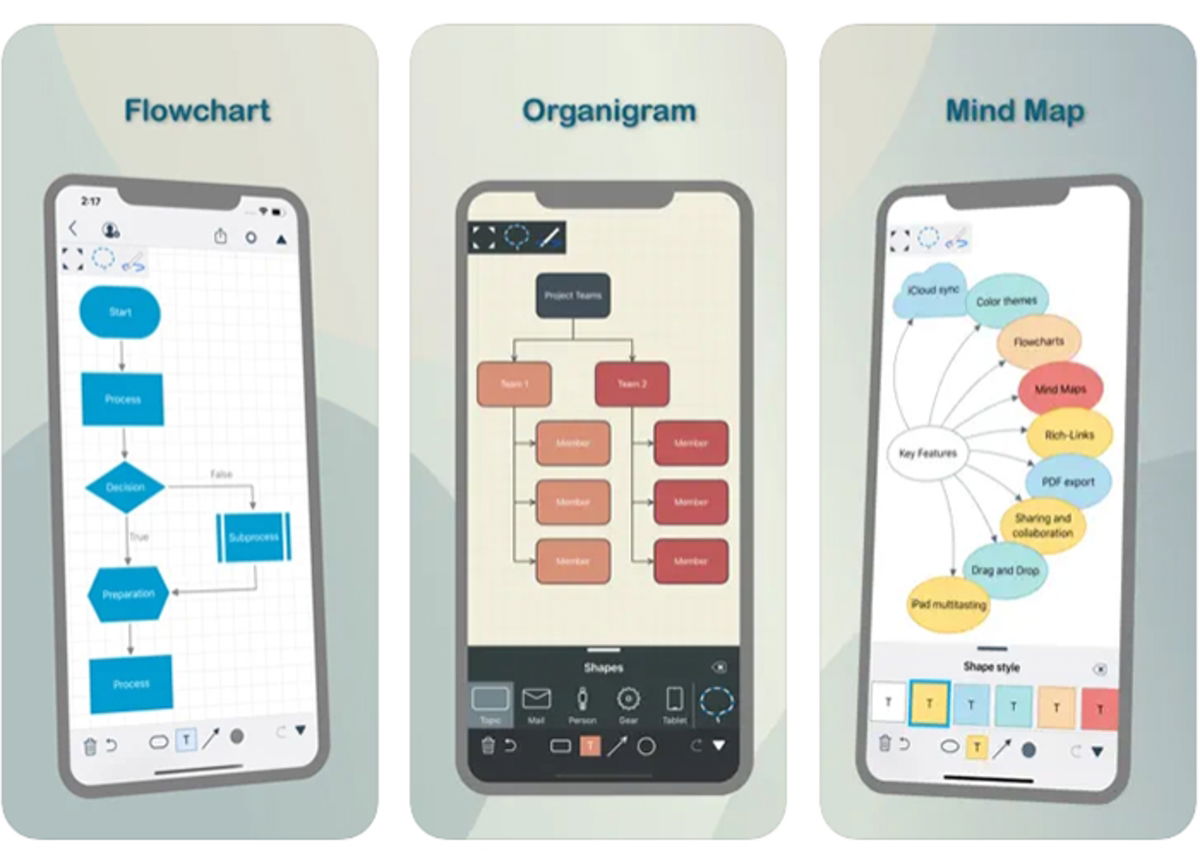
Notebook diagrams: professional papers and graphic presentations
A very simple way to prepare articles and graphic presentations with the handy tool Diagrams Notebook. It is a program that makes it much easier to draw diagrams, diagrams, flowcharts, mind maps and much more…all with a unique style, harmonic composition and understandable at first glance. You can add shapes, images, connectors and even web links.
hand draw the shape of the boards or slide the figures of the models available. As if that weren’t enough, you can sync your work with all iOS devices and have them when you need them.
miMind
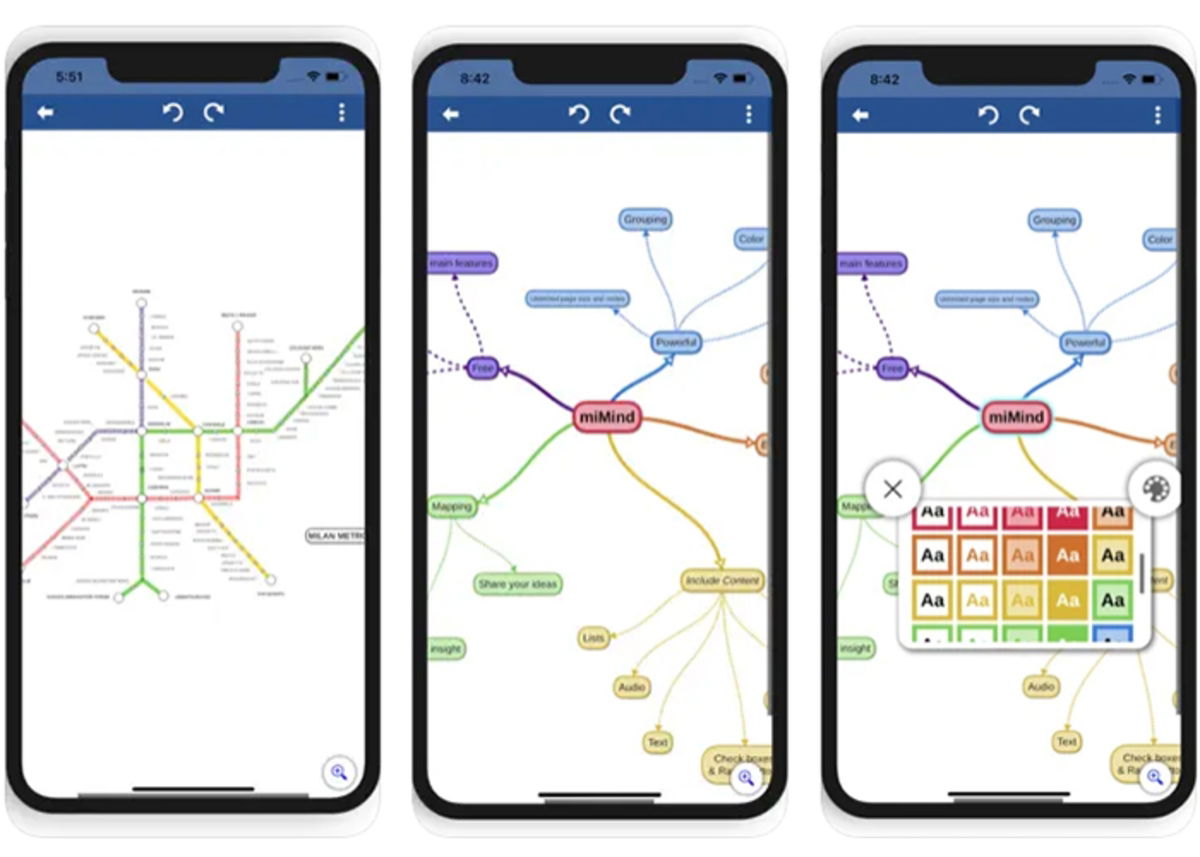
miMind: outlines and summaries with customizable styles and colors
Transfer your ideas into a file that organizes them perfectly and turns out so much more easy to understandthanks to the established functions of miMind. You can draw diagrams and graphs very easily, and with a variety of customizable styles and colors.
He has a user-friendly interface that will help you capture ideas, with line and curve indicators as well as different geometric figures.
And don’t worry about losing your work, as the tool includes auto-save and can be shared across different file types as JPG, PDF, Text and XML file.
Between his basic functions we have: copy, paste, reset, undo, rotate, expand, drag and many more. Download it now!
Flowdia diagrams

Flowdia diagrams: flowcharts and more
One of the best apps for making outlines, summaries and making flowcharts are Flowdia diagrams. It gives you the opportunity to get in a short time and in a few simple steps high quality results.
The bone diagram flows connect easily simply indicating what are the departure points and arrival pointsthis way it will adjust automatically.
By selecting the “+” buttons you will be able to add new rails that will fit harmoniously into the space, and if necessary, you can slide it to the desired place.
As if that were not enough, you can import the diagrams in formats JPG, PNG, PDF and SVG and the app has a integration capability up to 10 pages per diagram.
XMind – Mind Mapping and Brainstorming
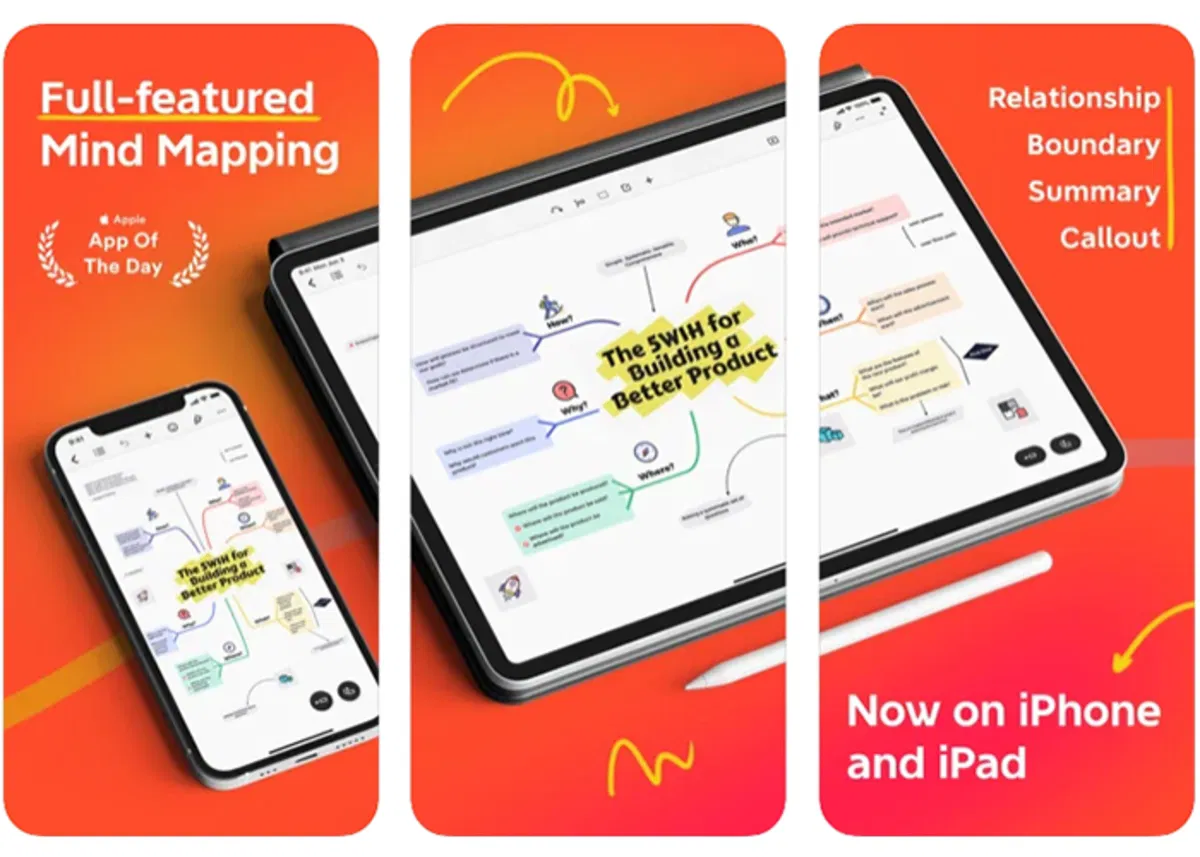
XMind: quality mind maps, outlines and summaries
The work team of XMind has been dedicated to dresser for more than a decade development of mind maps, diagrams and summariesresulting in this application.
In the app, it is possible to create mind maps with an option to adjust between your structure and colorswhich ensures that each mind map is unique.
He has a distraction-free presentation to focus your full attention on your work, plus a dark mode that adjusts to reduce the impact of light on your eyes.
Also you can find skeleton themes, matching colors and structures for an incredible result.
Mindly (mind maps)

Organizing ideas with Mindly
It is an excellent tool for build plans and summaries from mobile. With it you can organize ideas and be prepared for any presentation, especially for more visual people.
Application classify topics automatically added and removed from clutter, ensuring greater focus on ideas. Also you can add picturesnotes, icons or any desired item in the map.
Mind Map Maker – Mindomo

Mind Map Maker: an application to create diagrams and maps
It is an application that presents you with a space where you can draw diagrams and mapsboth mental and conceptual. work under a fun interface and has different elements and styles to personalize the job.
One of the most striking features is that it can be used together, so you can give group presentations and receive support from your peers in real time.
Likewise, it is possible make presentations without needing to be connected to the network and syncs seamlessly between your iOS devices.
SimpleMind – Mind Mapping

Organize your work and make quality summaries using maps with SimpleMind
To finish our list but not the least, this application is positioned to help its users in the creating presentations and materials very easily, by molding each element to the desired line style, color, size and font.
With her it is possible add images, icons, emojis, audios, links, notes much more. He has dark mode vision adapt the style sheet to the modality. It syncs seamlessly with the cloud.
As you will see, preparing your tasks and presentations will now only be a matter of a few minutes with these popular applications to make plans and summaries from the iPhone.
Related Topics: Apps
To share

Sign up for Disney+ for 8.99 dollars and without permanence
Table of Contents


