
Related news
Since the race for the use of multiple cameras on Android phones began, the use of sensors and lenses that, until not so long ago, were reserved for professional niche cameras, has been become popular.
The best example of this are macro lenses, which allow you to take pictures of items up close, dramatically changing the result of the photographs.
We may have seen it at its best with the OPPO Find X3 Pro, which includes a microscopic lens. The normal thing, despite this, is that the mobiles have a macro camera, or that the wide angle or some other sensor acts as such.
Taking pictures with these cameras is easy, but there are some things to keep in mind if we want the images to be as colorful as possible.
Activate the macro lens

Macro mode on the OnePlus 9 Pro
The first thing we need to do is activate macro mode in the camera application of our mobiles.
For this we have to look for the option, almost always symbolized by the shape of a flower. It is no coincidence that this type of photography is used a lot to immortalize flowers and certain elements of nature.
Once activated, we have to look at the distance indicated by the interface. There are mobiles that allow macro at 4 cm, others at 3 cm and some even closer.
The smaller the number of cm allowed, the better it is for what we are looking for.
Look for accent blur
Once we have activated this mode, we need to look for a good framing. For this, we recommend that you take the photo of an object that has nothing behind it, creating a very forced blur that increases the sense of scale of what we are focusing on.
When we do, we have to have a good pulse or use a tripod, and the shake is much more than in conventional photos.
Control exposure
Exposure control next to the focus area
Finally, you have to concentrate, normally, by tapping on the screen. When we do, it is possible that the mobile allows us to change the exposure, which will help us improve the illumination of the image.
The control is generally sliding, raising or lowering the light inlet by pressing the sun icon and move it up or down.
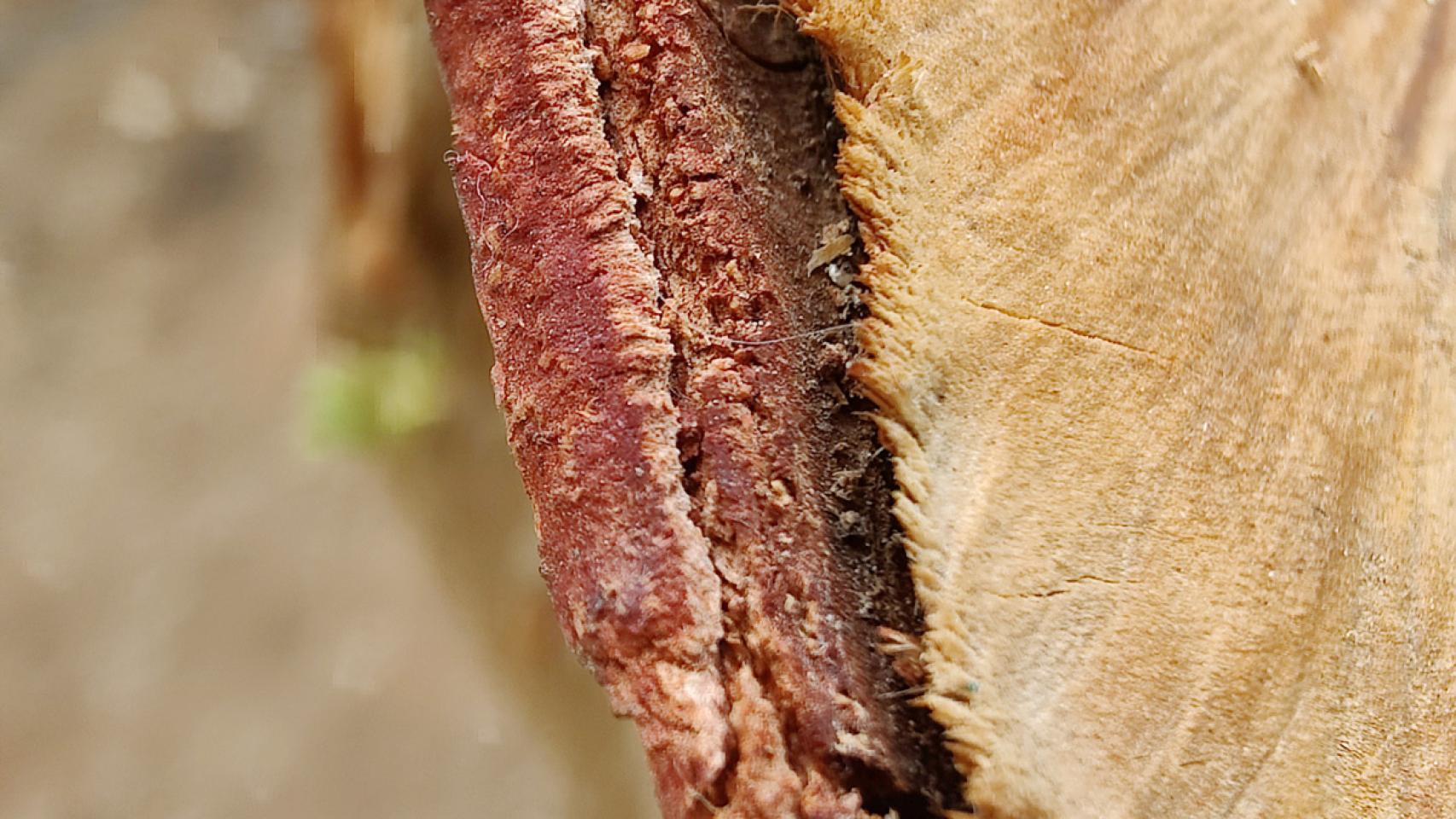
Macro photography of a tree trunk
As you can see, this is an easy type of photography to perform since there are no moving elements, we don’t have to look for a large landscape, etc.
What we need is patience and practice, but if you like photography, that’s okay.
it may interest you
- OPPO Find X3 Pro analysis: the first mobile with a microscope
- Open Camera: a complete open source camera application
- How to know if your mobile is compatible with the Google camera
Follow the topics that interest you
.
Table of Contents


