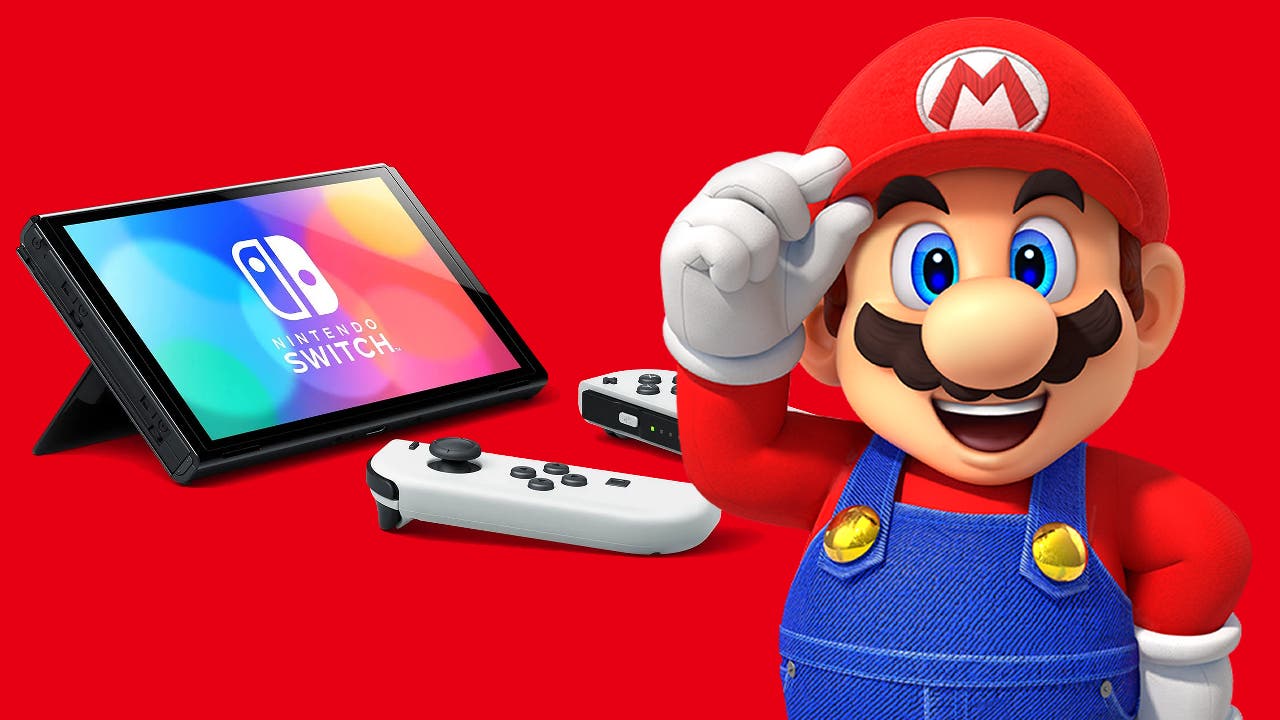
Currently, there are several ways to be able to share games with Nintendo Switch. Whether with our friends, with our partner or with whoever we want, since playing and enjoying Nintendo’s works should be accessible to practically everyone, and this 2024 We have a few options for enjoying titles on Switch.
Below we offer you a quick guide with some methods to Share games with Nintendo Switch in 2024. We also invite you to read our article on the 110 best Nintendo Switch games.
Share games on the same console
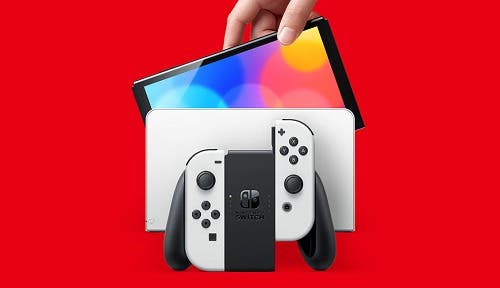
We can in the same Nintendo Switch consolecreate different profiles. This will allow each user to have access to their own games and library. In fact, to create new profiles we need to go to: “Console Settings” > “Users” > “Add User” and follow the step-by-step instructions given by the console.
Once we have done this, by accessing each account we will have access to the games linked to each of them. The games will be linked to the Nintendo eShopand once you download them on the same console, they will be available to other users as well.
Share games with Nintendo Switch using 2 consoles

This step is a little more complex, so take note of it. We will need 2 consoles at least to carry out these steps. The first thing to do is to configure one of these consoles as “main” and the other as “secondary”. So to do this, we will have to decide which console we configure as the main console, which will be the one with the games.
Connect to your Nintendo Accounton the console you want to make primary.
After that we will need to access the Nintendo Online Store, followed by the “Profile” and “Account Settings” option. We will then select the “Register as primary console” option.
Once these steps are completed, we will need to do the following in the secondary console:
- On the second console, sign in with the same Nintendo Account.
- Download games from Nintendo eShop.
- This console will be considered secondary and games can be played while the licensed account is connected to the internet.
It’s a bit of a process complexand we recommend you to share games on the same console with different accounts, like what happens with other platforms such as PlayStation or Steam.
- Enter “Nintendo eShop” with the main account.
- Go to “Profile” and select “Account Settings”.
- Select “Register as primary console” and confirm.
If you have any questions or suggestions, leave it in the comments.