
Welcome to Xbox!
You are now the proud owner of one of the most powerful video game consoles ever built! To get you playing as quickly as possible, there are a few things you need to keep in mind after taking your brand new Xbox Series X or Xbox Series S console out of the box.
note: The following guide contains some of our personal recommendations for getting started gaming with your new console as quickly as possible. For more detailed step-by-step setup instructions, see Visit Xbox.com here.
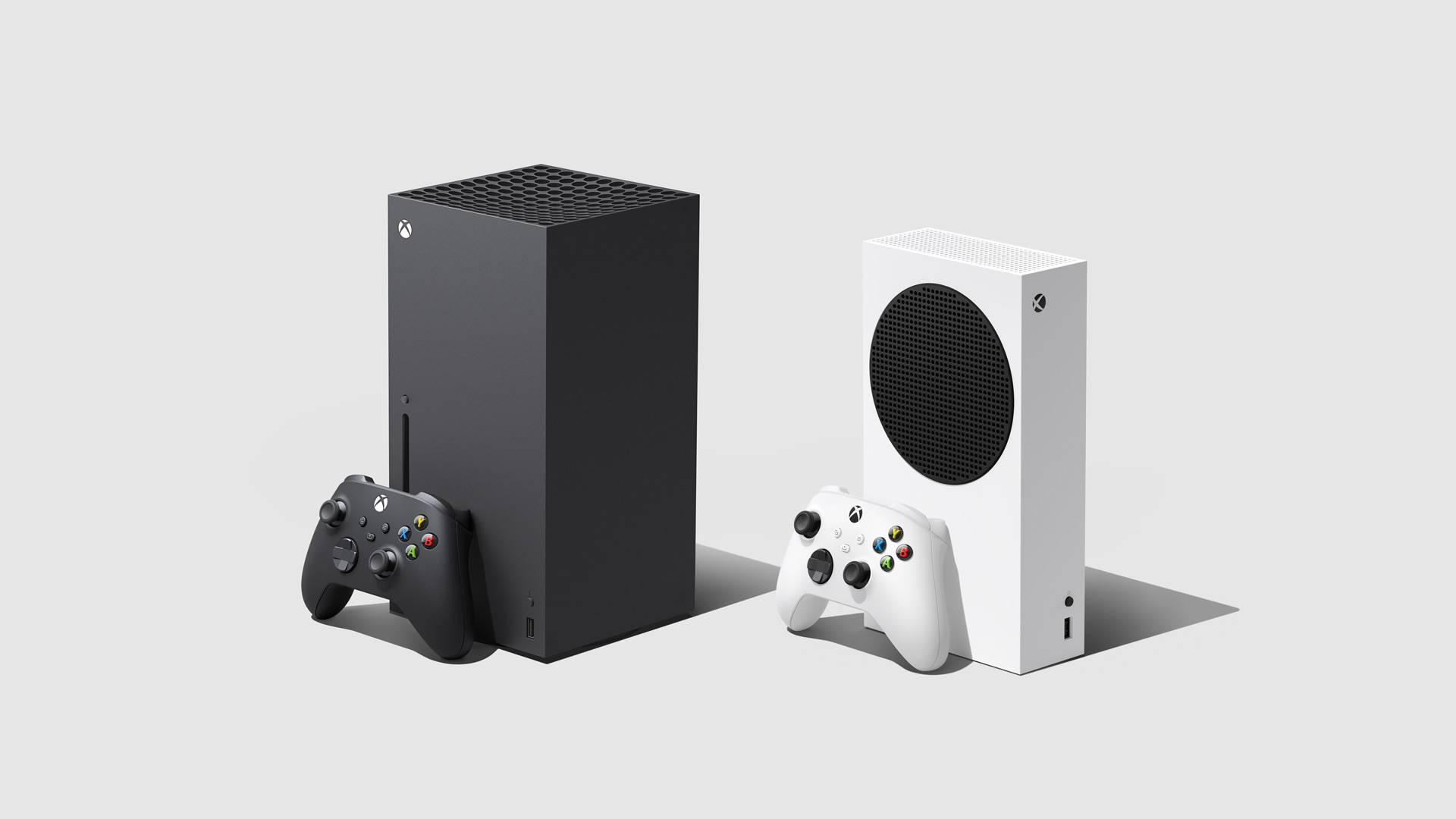
Prepare your console
Let's get your console ready! First, follow the instructions in the box to connect it to the internet (either broadband or WiFi). Next, connect it to an HDMI compatible TV and turn it on to start the update process.
Keeping your console up to date ensures that new games can be played immediately and helps maintain system security. We strongly recommend completing this step before connecting additional peripherals such as external hard drives or battery charging stations. This ensures optimal compatibility with current and future devices and accessories. For a list of compatible accessories, visit Xbox.com..
This process May Depending on your internet speed and the number of updates required, it may take some time. If you are gifting the console to someone, we recommend this step before They open their gift – this saves everyone some time and allows them to start playing more quickly.
While the console is being updated, this is a perfect opportunity to download the Xbox app iOS or Android. The app provides step-by-step instructions and allows you to manage the console from your smartphone. If you are a parent or caregiver, we also encourage you to download this Xbox Family Settings app. for additional control and security functions (more on this in a moment). for additional control and security functions (more on this in a moment).
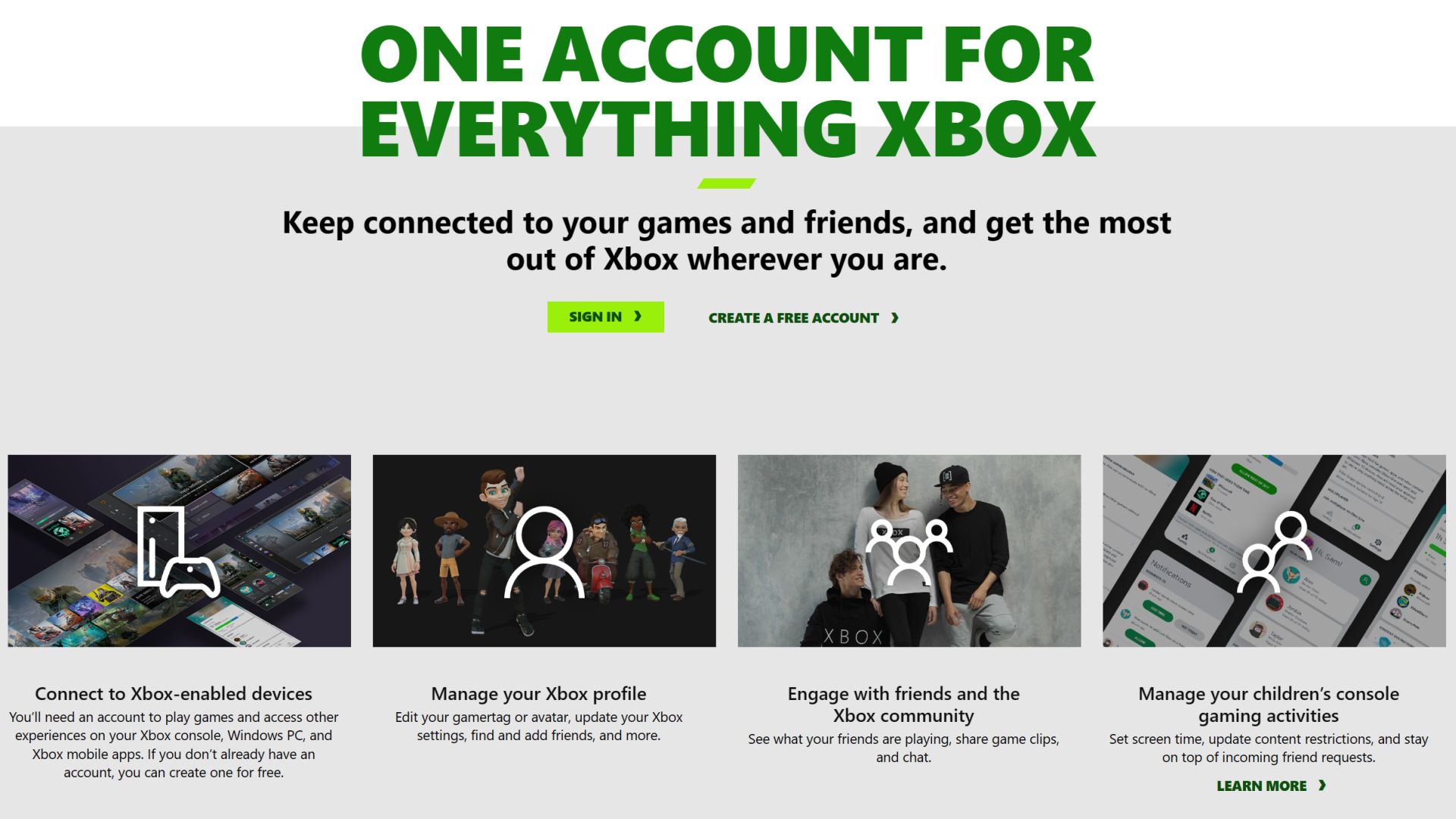
Create a free Xbox account
To access features like playing free online multiplayer games and joining a community, you'll need to create a free Xbox account – You can register here and get started. If you already have a personal Microsoft account (e.g. from Windows, Office, Outlook, etc.), you can use that instead.
This is a great opportunity to start a family group, which is great if you live in a household with a few younger players. You can create individual Xbox accounts for all players and, as an organizer, customize content and screen time settings for each person. Learn more about the benefits of creating a family group on Xbox here.
Select your family settings
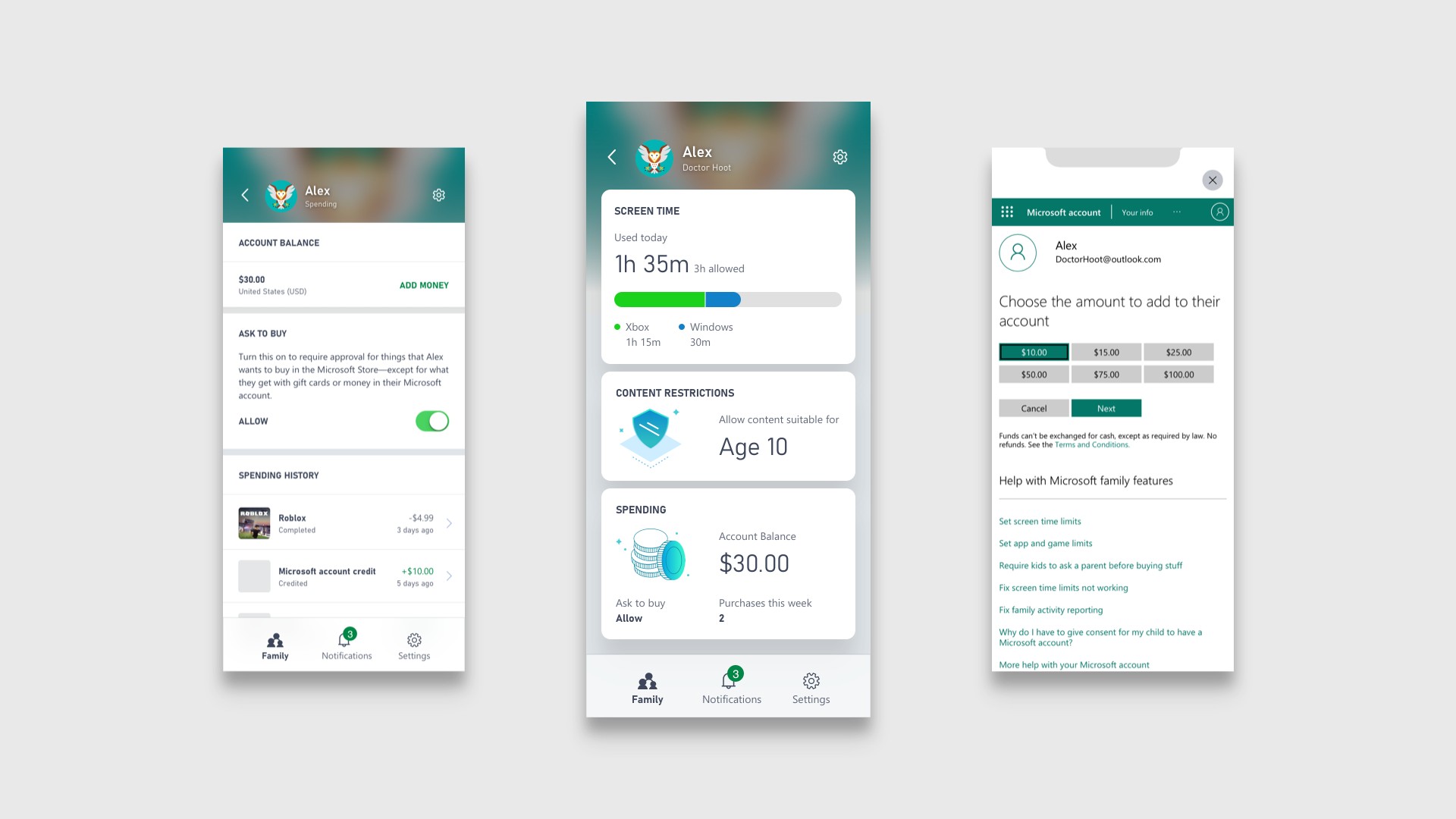
If you are gifting the console to a child under 13, make sure to set up a child account. This simplifies the process for parents to add family members to a family group and monitor console activity with the free Xbox Family Settings appavailable for iOS and Android.
You can personalize your experience by creating screen schedules, managing content limits and communication settings, reviewing friend requests, and setting spending limits in the Xbox Store. Plus, it's easy to adjust these settings at any time. It's a great way to encourage healthy gaming habits together.
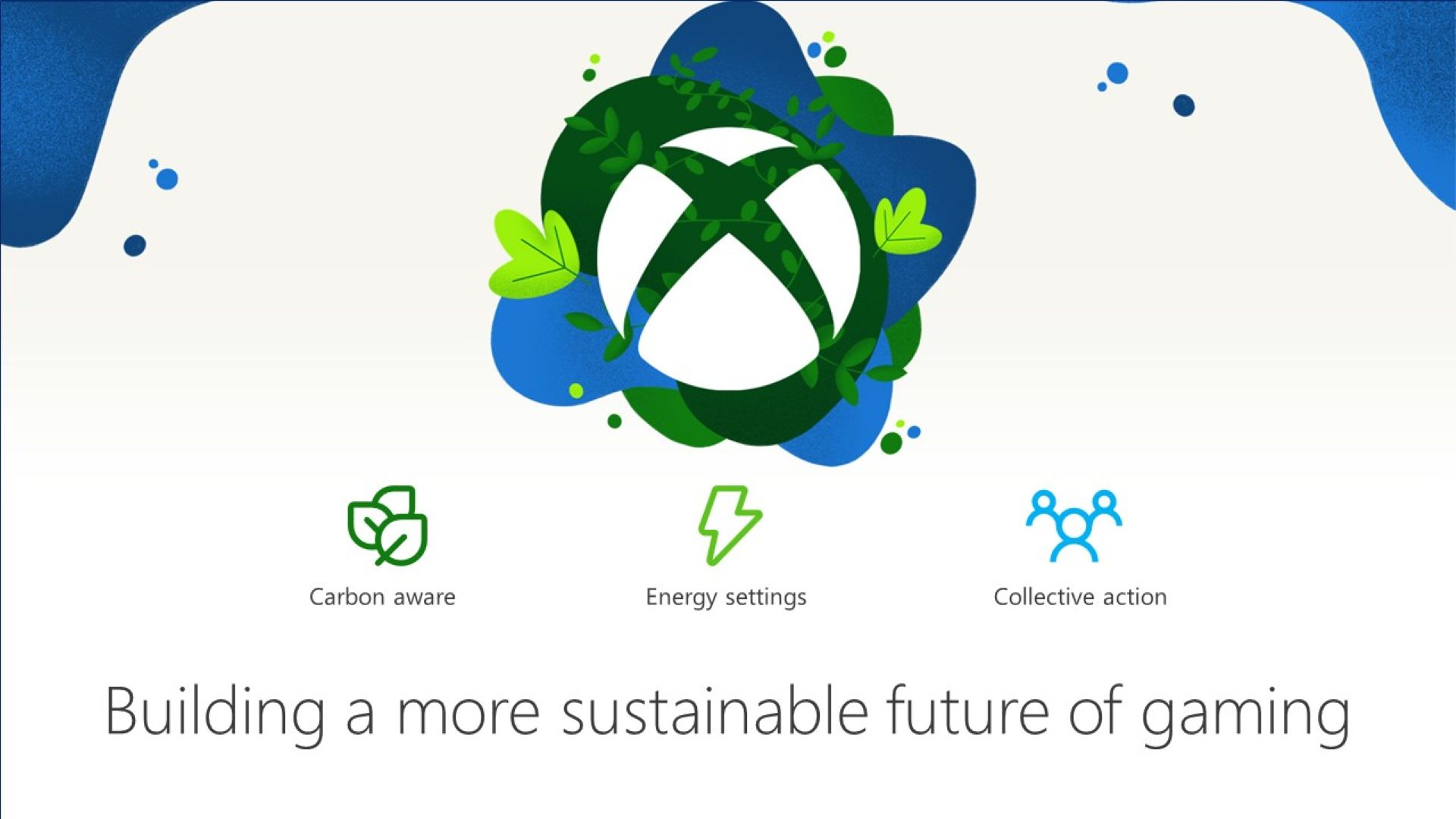
Select energy saving features
Did you know that you can reduce emissions and reduce the energy consumption of your Xbox? It's true! By using the Shutdown option (power saving), your console will use up to 20 times less power when turned off than in sleep mode. By default, your console is set to the Shutdown (power saving) option. However, you can choose which settings work best for you by navigating to the General tab in the Settings menu and selecting Power Options.
Take advantage of gaming accessibility features
Thanks to feedback from the Gaming & Disability Community, many games in the Microsoft Store on Xbox now display Xbox Game Accessibility Feature Tags. These tags highlight the various accessibility features available in each game, making it easier for players with disabilities to decide whether a game is appropriate for them. Additionally, the Xbox Series X|S offers several features designed to make gaming accessible to everyone
- co-pilot allows you to connect two controllers so you can use them like a single controller.
- The Xbox accessories app You can configure the button layout on the Xbox Wireless Controller.
- Language to text Converts player speech or in-game chat that you can read on the screen.
- Quick settings allow you to quickly activate elements such as night mode, high contrast and more.
If you find yourself wanting to provide additional feedback as you navigate your new Xbox console's accessibility features, Visit the Xbox Accessibility Insider League (XAIL) FAQ page here.. You can find the full range of our accessibility settings here here on the official accessibility website on Xbox.com. There are also many games on Xbox with great accessibility features, often developed in collaboration with the disability community:
- Forza Motorsport: features Blind Driving Assists, a feature set designed for blind or visually impaired players.
- Forza Horizon 5: has an ASL/BSL interpreter during the in-game cinematics.
- Grounded: Includes an Arachnophobia Safe Mode that allows players to customize the appearance of spiders in the game.
Xbox offers that too Adaptive Xbox controllerwhich is primarily designed to meet the needs of players with limited mobility. It acts as a unified hub for devices, helping to make gaming more accessible across a variety of devices. You can Learn more about the Xbox Adaptive Controller and the official Xbox Adaptive Controller User Guide here
Join Game Pass
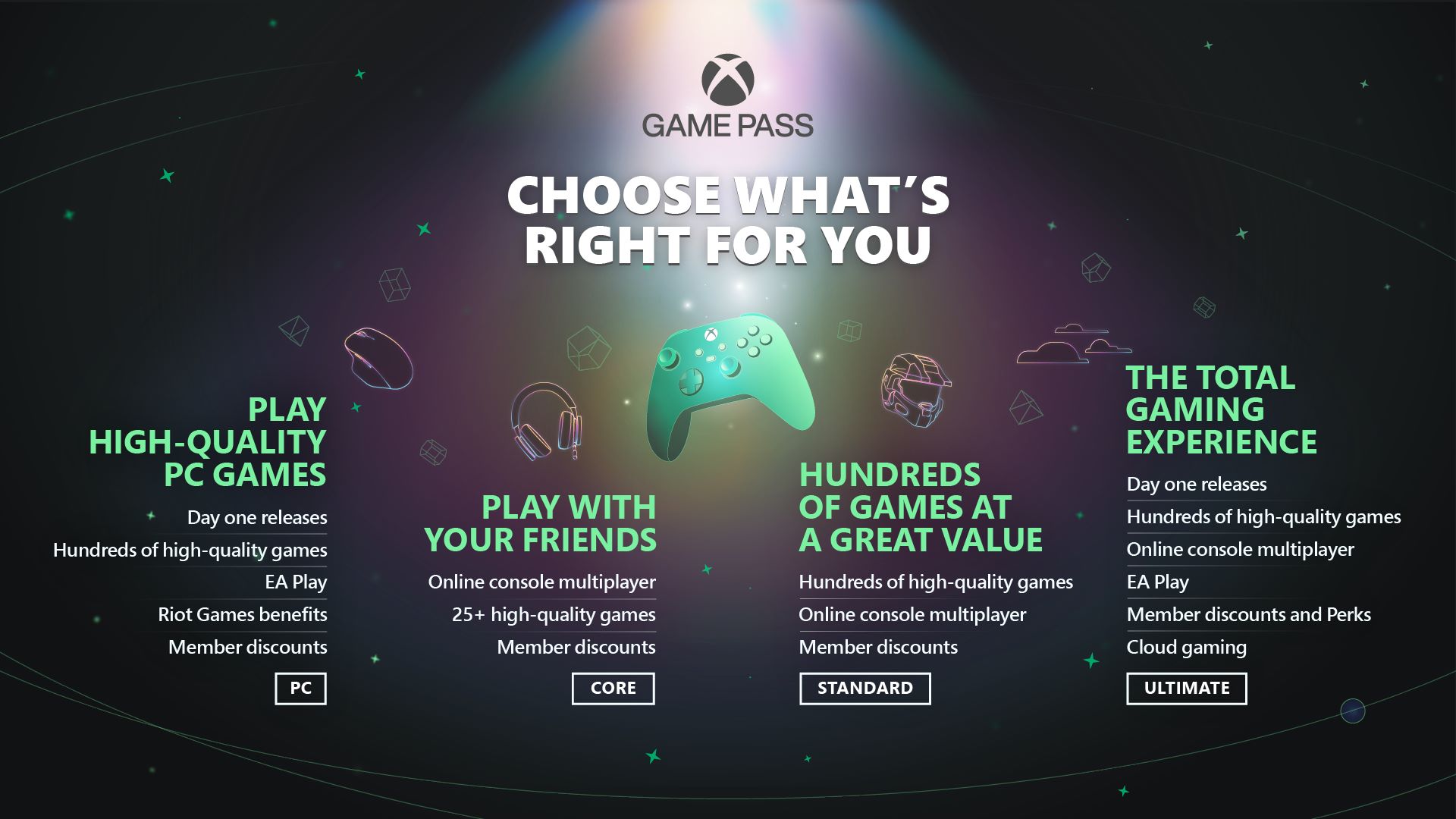
With a Game Pass Ultimate membership you get access to online console multiplayer and hundreds of high-quality games ready to play right away. This includes major first-party studio franchises available from day one such as Gears of War, Halo, Forza, Microsoft Flight Simulator and many more, along with a variety of unique ID@Xbox games and new additions on a regular basis. Game Pass Ultimate also offers access to PC titles and Xbox Cloud Gaming (beta), member offers and perks, and an EA Play membership that includes popular series like EA Sports FC, Battlefield and Star Wars.
If you are a PC gamer, it is for you. With the Xbox app on Windows PC, you can browse the catalog of PC games, view recommendations, filter by genre, and discover your next favorite game with just one click. Like the Ultimate membership, PC Game Pass also includes EA Play on PC at no additional cost, giving you access to a collection of EA's top titles, exclusive in-game rewards, and early trials of select new games.
There are also Xbox Game Pass Corewhich includes online console multiplayer and access to over 25 high-quality games on Xbox Series X|S and Xbox One. It too includes offers and discounts for members Up to 50% off select games with Game Pass promotions.
Finally there is Xbox Game Pass Standardwhich gives you all the benefits of Game Pass Core, plus access to hundreds of high-quality games for one low monthly price – with new games being added all the time, there's always something new to play. Note that default does not contain Games available from day one.

Get gaming
Now that you've got everything set up, it's time to start playing! Xbox.com offers various resources to help you find what you need. Check out ours Games homepage for the latest and greatest new releases and bestsellers. You can also visit ours Xbox sales and special offers On this page you'll find deals on games, consoles, accessories and more to enhance your gaming experience.
A few other places you might want to visit would be our official Xbox Gear Shop for the latest Xbox apparel and accessories, as well as the Microsoft Store on Xbox where you can grab the latest releases, blockbuster exclusives, season passes, additional content, ID@Xbox games and more – all at great prices.
Plus, one of the most exciting features on Xbox, Xbox Cloud Gaming (Beta), included with a Game Pass Ultimate membership, lets you stream hundreds of high-quality games anywhere, allowing you to play Xbox console games on devices you already own, including Mobile devices, tablets and PCs.
Additionally, all membership levels include Xbox Remote Play, so you can play games installed locally on your console on any compatible PC, Android or iOS device. Learn more about Xbox Remote Play here..
Once again: Welcome to the world of Xbox! If you haven't already, be sure to bookmark Xbox Wire to stay up to date with the latest and greatest news and updates on your favorite games across Xbox consoles, PC and cloud.
Table of Contents


