
Project management is very easy if you use these apps available for iPhone and iPad.
A good Project managementwhether professional or personal, this is what guarantees the achievement of objectives, especially if you are a person with many tasks and activities during the day.

Top apps to organize and manage your projects from iPhone
However, sometimes it gets complicated achieve project goals if you don’t have a good organization of tasks. Fortunately, in this article you will know best apps to manage projects from iPhone and iPad.
Best apps to manage projects from iOS
- Trello
- Wrike
- Asana: centralize your work
- Personal Nozbe
- XPlanner project management
- Endless – Freelance Projects
- Project
- Sprints – Agile projects
Below you can see a list of applications to manage projects very useful and fast for mobile devices.
Trello

Manage projects, tasks, and meetings with Trello
One of the most used applications for manage projects and especially the tasks is Trello. It is a platform that simulates a chore boardwhere the administrator or administrators will be able to add activities to each of the members.
They are the interface is intuitive and gives you the ability to assign tasks, configure the delivery time of activitiesidentify one of the members who are on the board of directors, add images and commentscreate delivery reminders and more.
Wrike

Plan your tasks and collaborate as a team with Wrike
Wrike It stands out for being an application hosted in the cloud, whose purpose is the Project managementwork planning and team collaboration.
They are the interface is minimalistorganized and with special features such as the ability to reply to mentions, check the inbox and real time requestsquickly access folders and projects created by administrators, attach images and files much more.
Asana: centralize your work
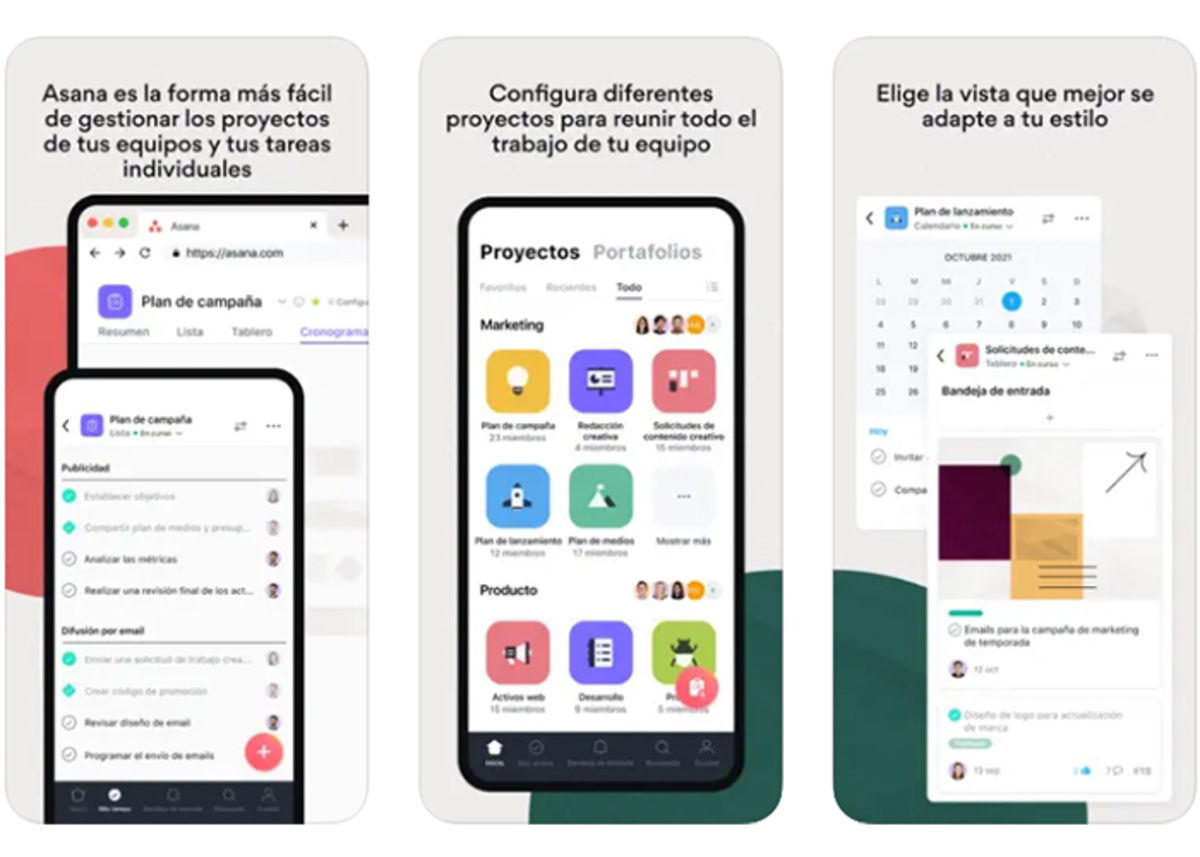
Asana: the easiest way to manage your projects
Asana: centralize your work It stands out for the free functions it offers, being one of the best options for managing team projects and achieving better individual task control.
Each of the functions it incorporates is very useful, whether for large-scale projects oh small projects.
And as if that were not enough, you can add many participants to the project and even divide the workload into manageable tasks.
Personal Nozbe
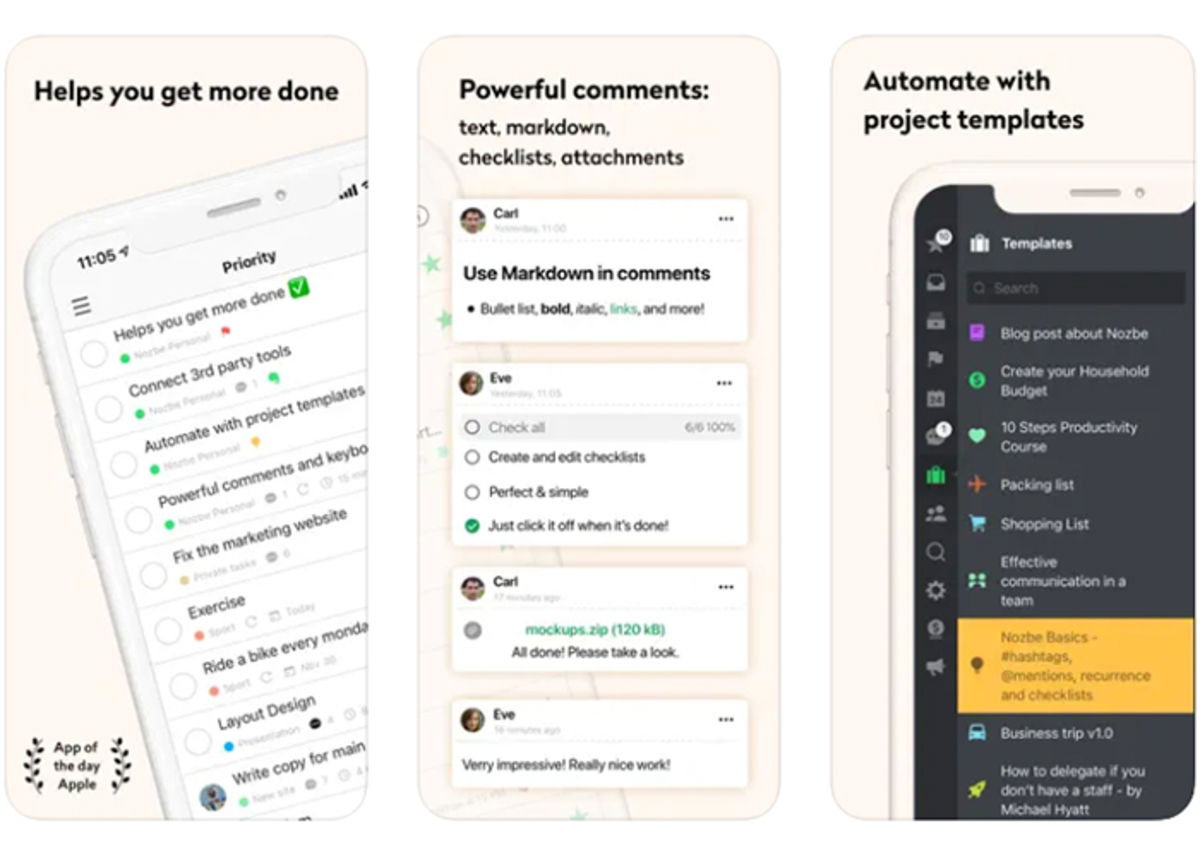
Manage your projects easily and comfortably with Nozbe Personal
another of best apps for managing projects of the mobile is Personal Nozbe. With this platform, you can easily create new tasks or add activities using Siri.
In addition, you will be able to access all the tasks and manage your prioritiesadd delays, required timecategories and more.
XPlanner project management
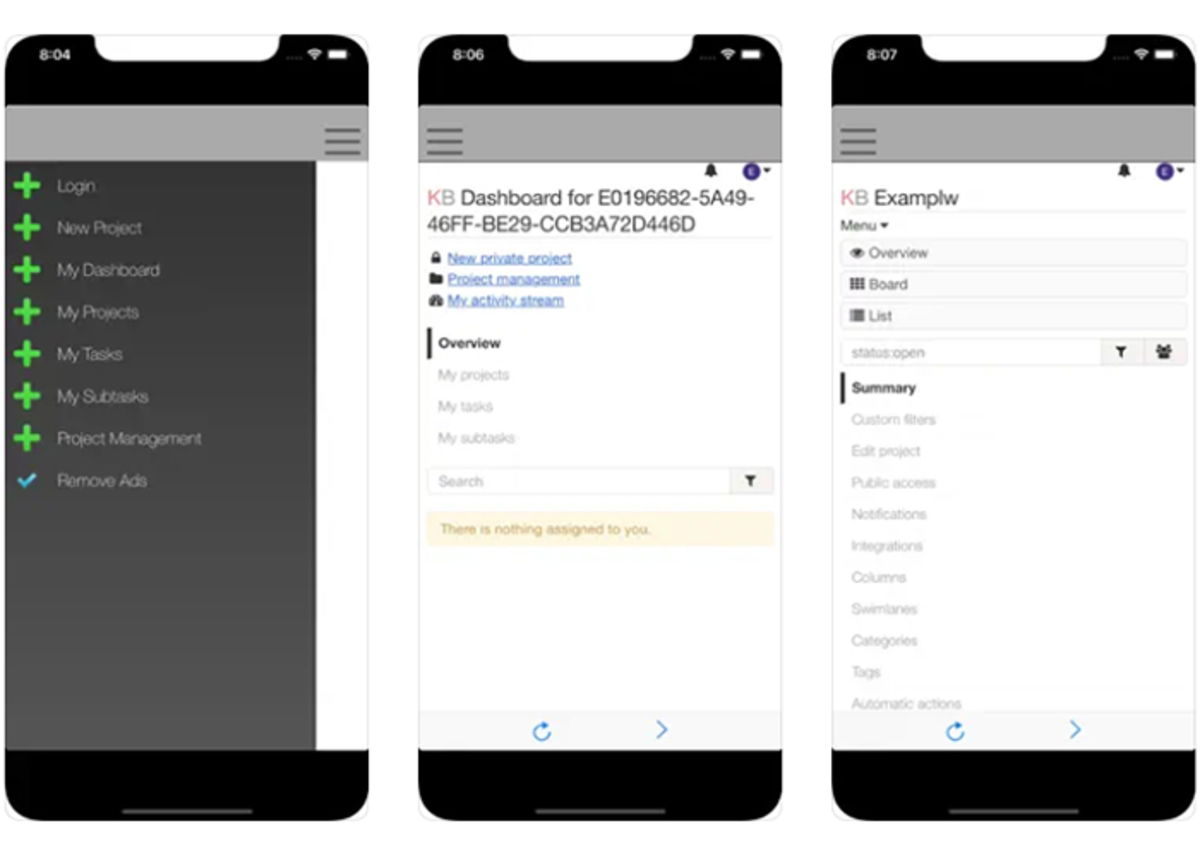
Improve your productivity with XPlanner Project Management
If you are looking for a tool that is simple, minimalistic but does what it promises, then check it out XPlanner project management.
This app is used by many organizations to improve personal productivity under a comfortable and easy to use interface.
With this platform you can create your workspaceassign tasks, drag and drop tasks, Add commentsdocuments, change the colorthe category, the expiration date, among others.
Endless – Freelance Projects

Create the best job boards with Endless
Another quite popular option among the community is Endless – Freelance Projects. This app was created by freelancers and intended for freelancers, and along with similar apps, you will have the ability to create job boardsadd tasks, plan themand add a large number of participants to the table.
Of course, its system hosts in its database more than 30 million specialized freelancers, the most important being digital marketing, graphic design, illustration, programming, technology, etc.
Project
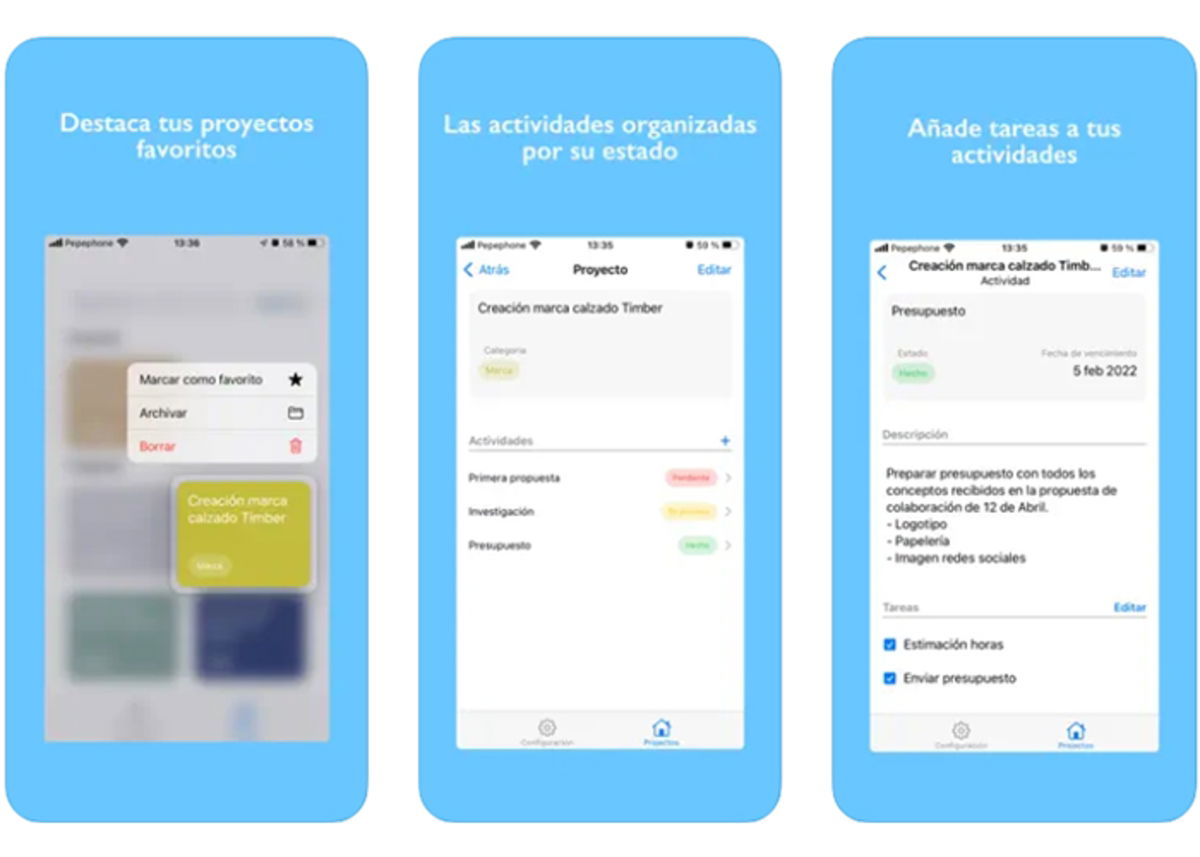
Achieve all your goals with Project
If your client portfolio has recently grown and you need to be organized in your tasks and effectively manage your projectsthen check the app Project.
It stands out for having the most striking and intuitive interface of all, which makes the project management be extremely easy.
You will be able to highlight the projects of your preference or those that need more attention, once you have created all the activities of the project, you can add them tasks for each activity and organize them by level of importance using colors.
Sprints – Agile projects

Organize your daily tasks and activities with Sprints
Last but not least, we have Sprints – Agile projectsan application that will help you manage and track your projects in an agile, organized and detailed way.
With that pocket tool you can see the progress of each task what the board members do and you can even generate reports and statistics weekly or monthly.
Table of Contents


