
Related News
Gestures have been implemented in Android for quite some time, and in addition to being able to use this option to replace navigation buttons, some manufacturers have used them to facilitate access to certain quick functions. If you want to be the one who decides what gestures are for, the app we’re going to talk about next, called gestures, It will allow you to create your own gesture system.
Click the floating button and draw
Gestures Gesture
The free Android
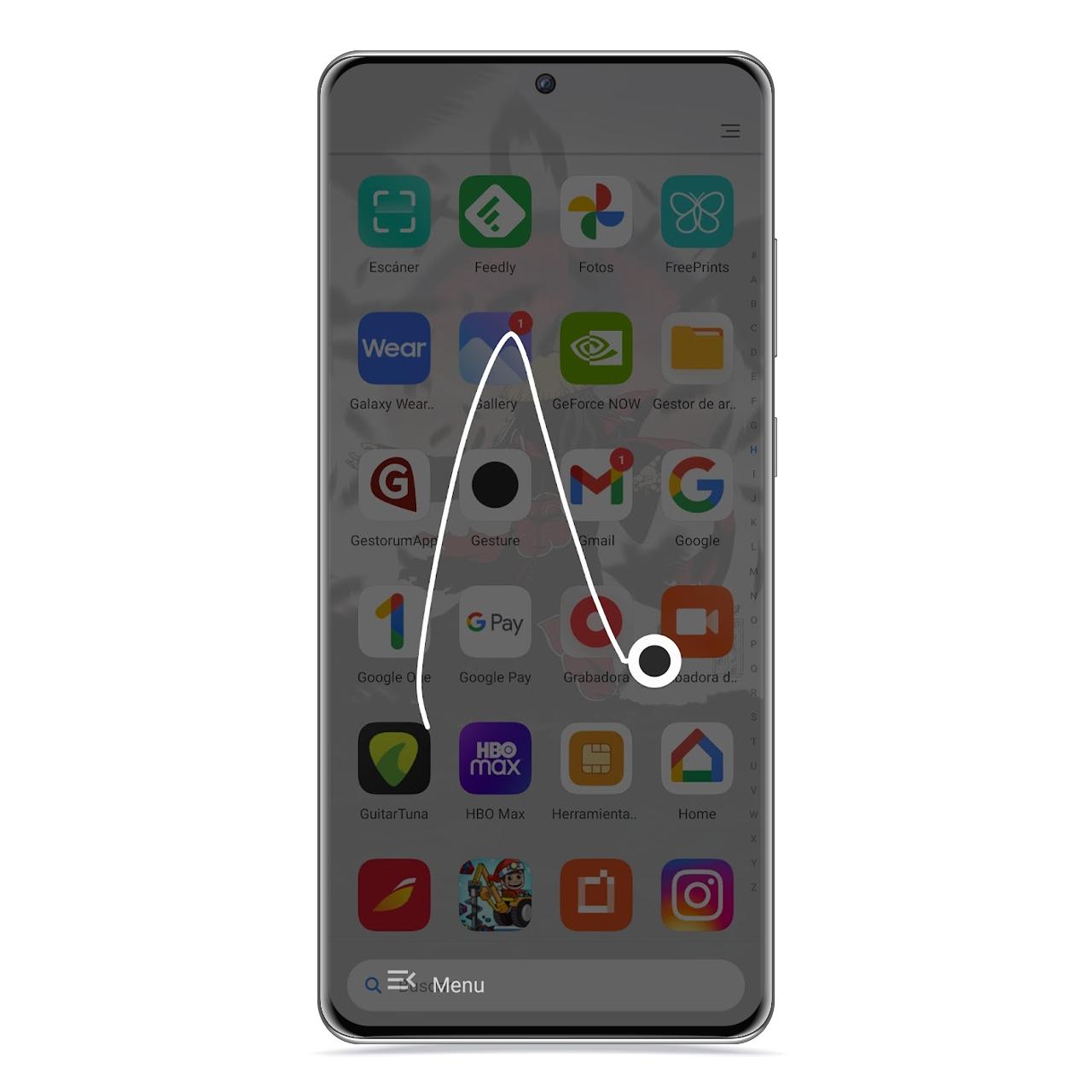
Gestures is an app that can work using a floating button that will be placed anywhere on the screen and you can press when you want to make a move, at which point a kind of virtual whiteboard appears in which you will have to draw the gesture in question that you want to activate.
Forms in motion
The free Android
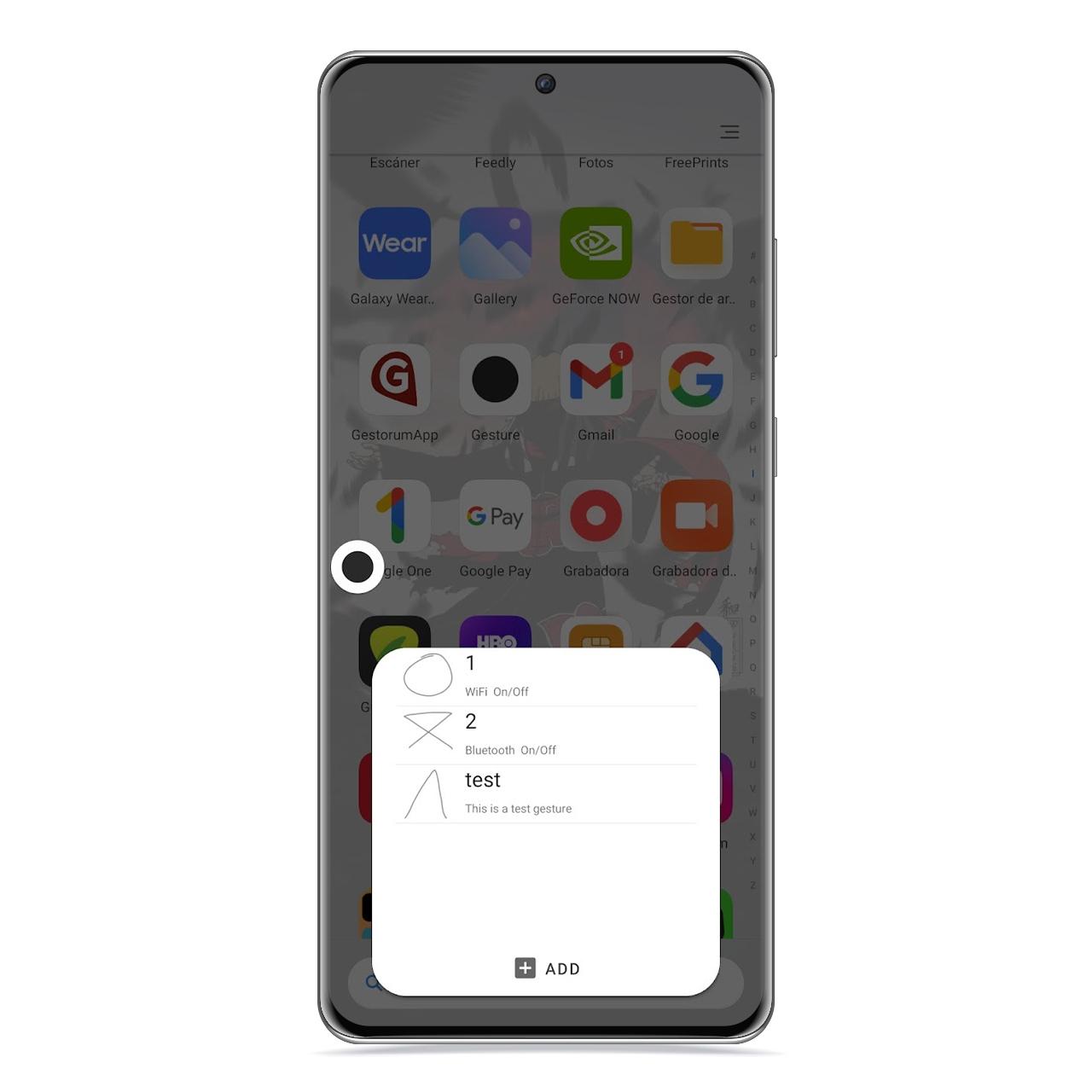
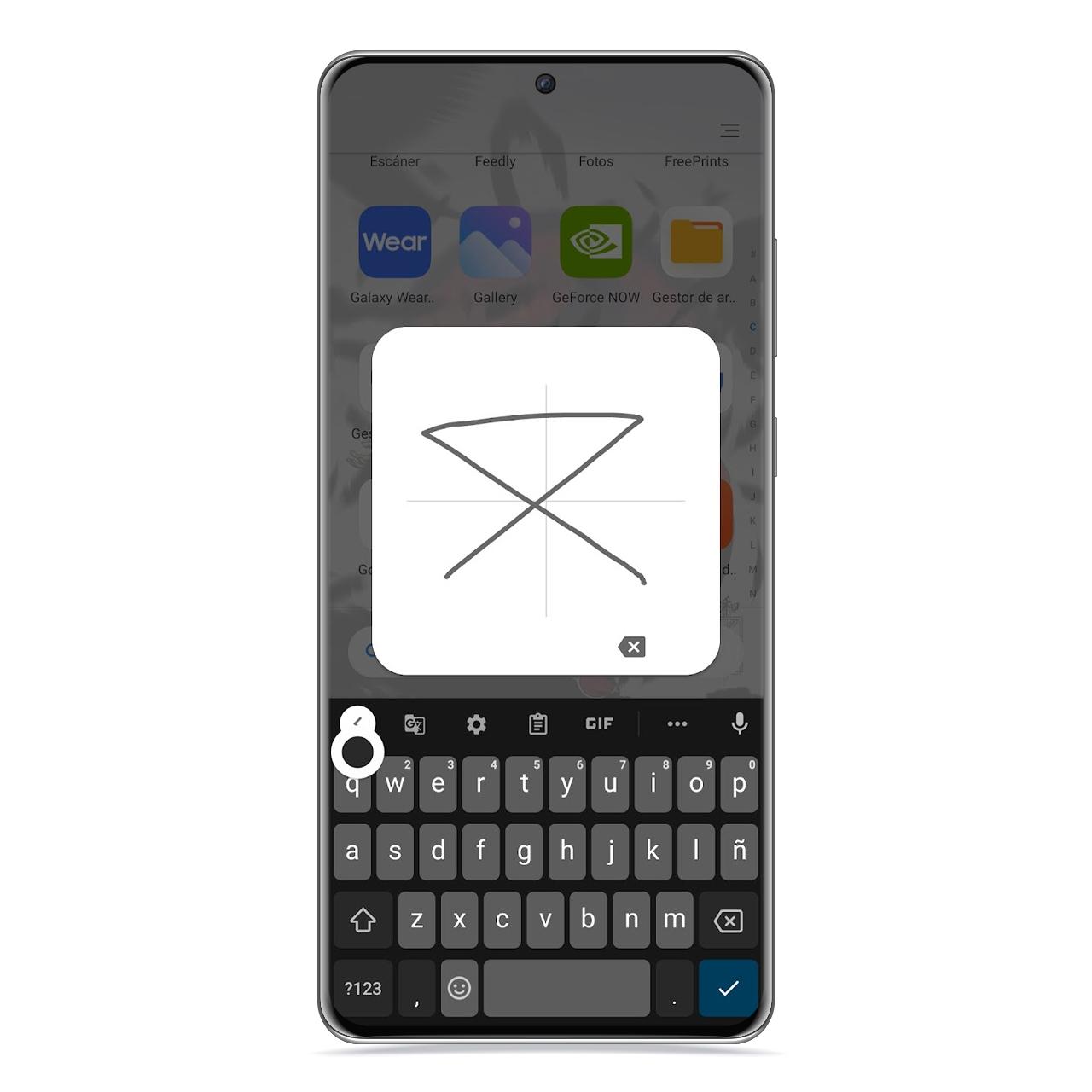
All of this has a few prior steps, such as creating said gestures. To do this, you just need to open the application and draw a test one. When choosing the form of each of the gestures, You have to keep in mind that it should be something simple and save you time, and not the other way around. it is therefore preferable to draw simple shapes to reproduce such as a triangle, a circle or a “V”.
gestural gesture
The free Android
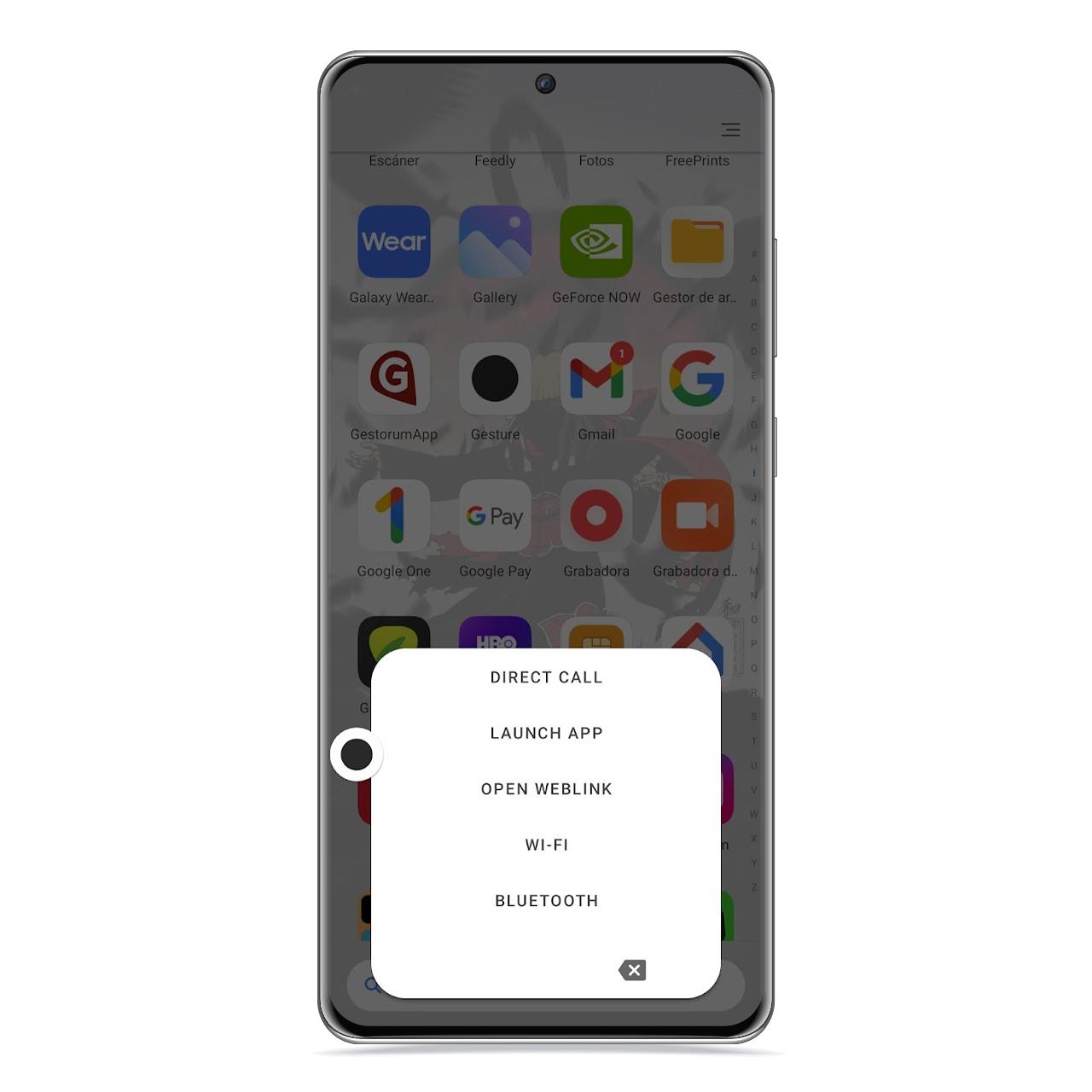
After creating the first gesture, you will have to choose its function, and in this sense there are many possibilities, since you can activate or deactivate certain sections of the configuration such as Wi-Fi or Bluetooth connection, as well as run an application of your choice or even call a contact.
Gesture functions
The free Android
To access the settings of this application just press its floating button and tap on menu section it’s at the bottom of it, from where you can access its multiple options. If you don’t want to use a floating button and you are using on-screen buttons, you have the option to activate this virtual whiteboard when you swipe up from the floating button start button.
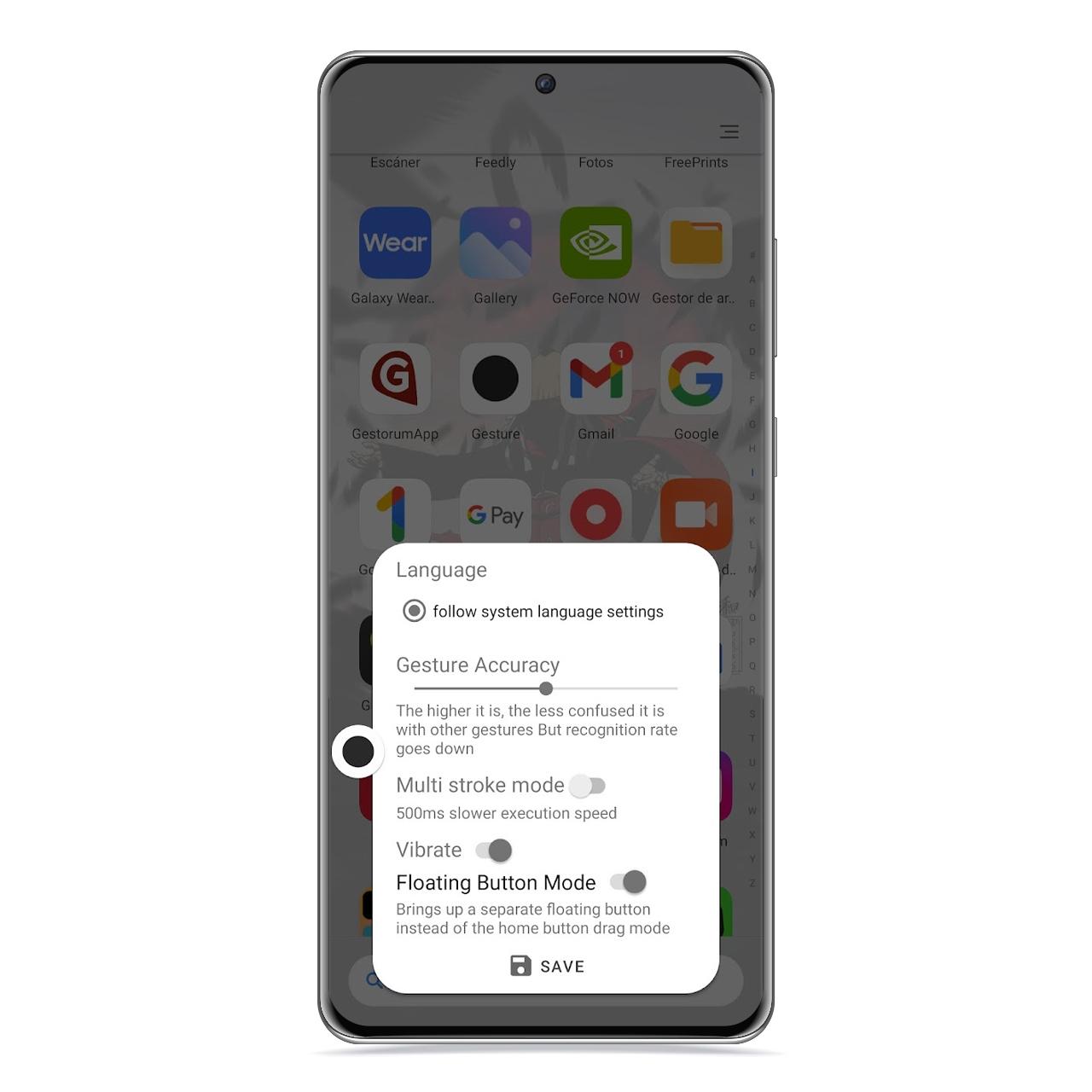
gesture size
The free Android
Additionally, you can change the size and transparency of the floating button—if you choose to use this way of calling the virtual whiteboard—to make you don’t mind more than necessary when displayed on the screen.
How to download from Google Play
You can download gesture for free on Google Play, and there are no in-app purchases, so you’ll be able to use all of its features right from the start.
You may be interested
Follow the topics that interest you
.
Table of Contents


