
Related News
If you don’t like putting your photo, or want to change it to something different, create your own personalized facebook avatar this can be one of the best options available to you, and you can even use it in the metaverse. This is a platform option that allows you to create a 3D visual representation of yourself, which you can also share in comments or as stickers on Messenger.
Create your own avatar on Facebook
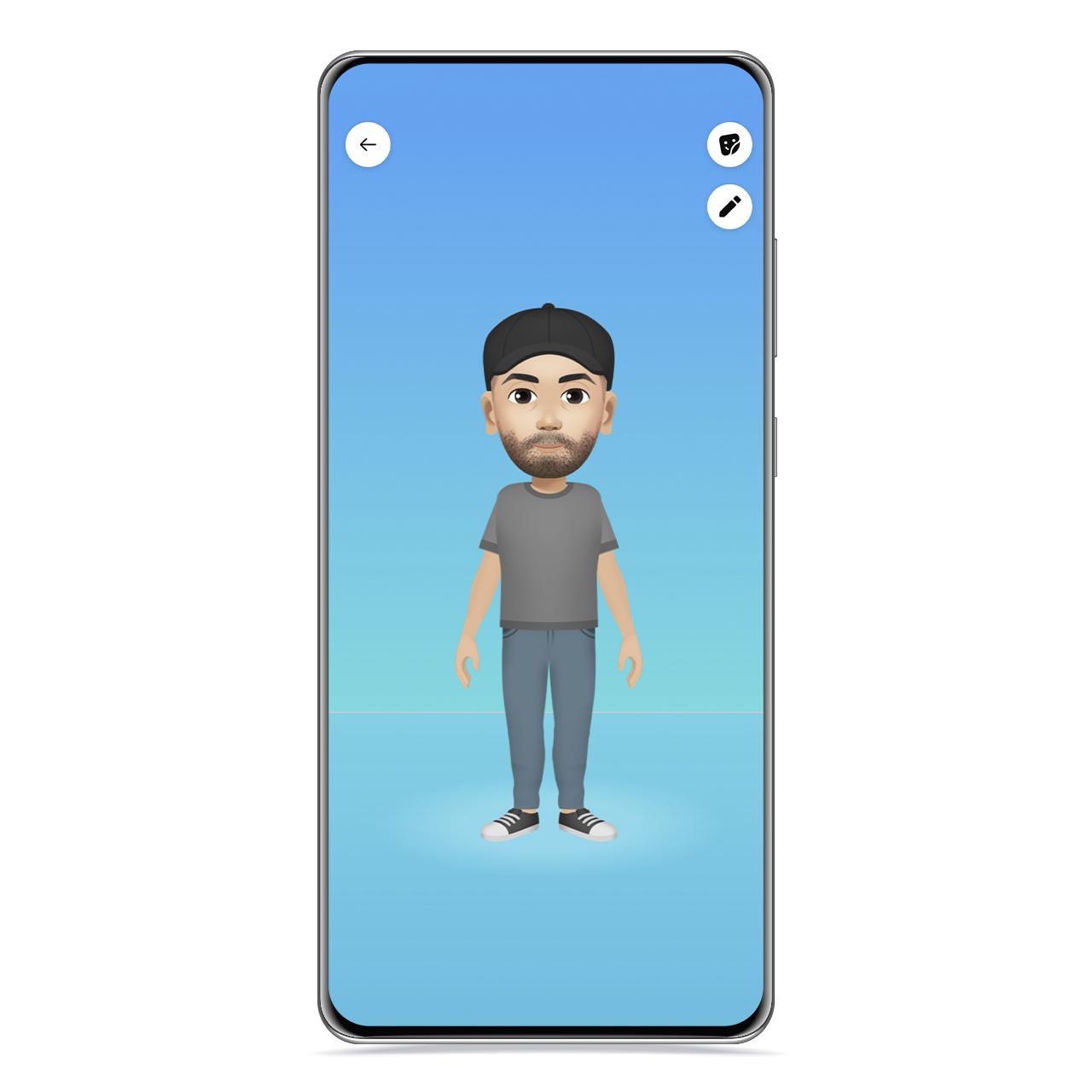
3D Avatar
The free Android
Facebook allows you create a 3D avatar to use it as a profile picture or as a sticker, although this is an inconspicuous option in the interface. To create it, follow these steps:
- Go to a chat or post and tap the emoji icon.
- Click the Sticker icon.
- When you see the notice “Use stickers from your avatar”, click on “Create your avatar”.
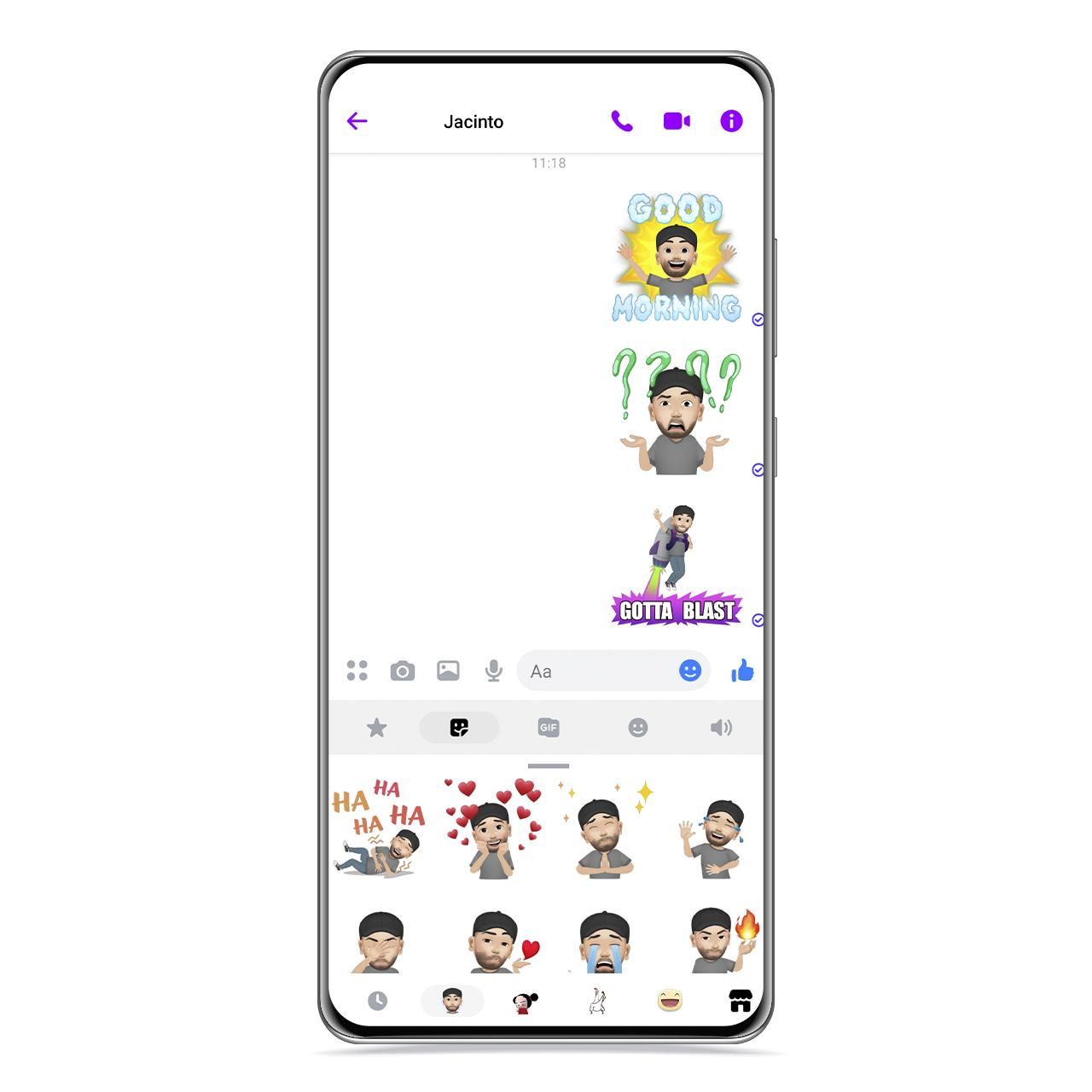
3D Avatar Stickers and Messenger
The free Android
When you do this, Facebook will direct you to an editor that will allow you to gradually define the features of your 3D avatar on Facebook. the ideal is that this one looks a lot like you, And for you to take a good reference, the company has enabled an option in the upper right part of the editor that allows you to use the front camera as a mirror.
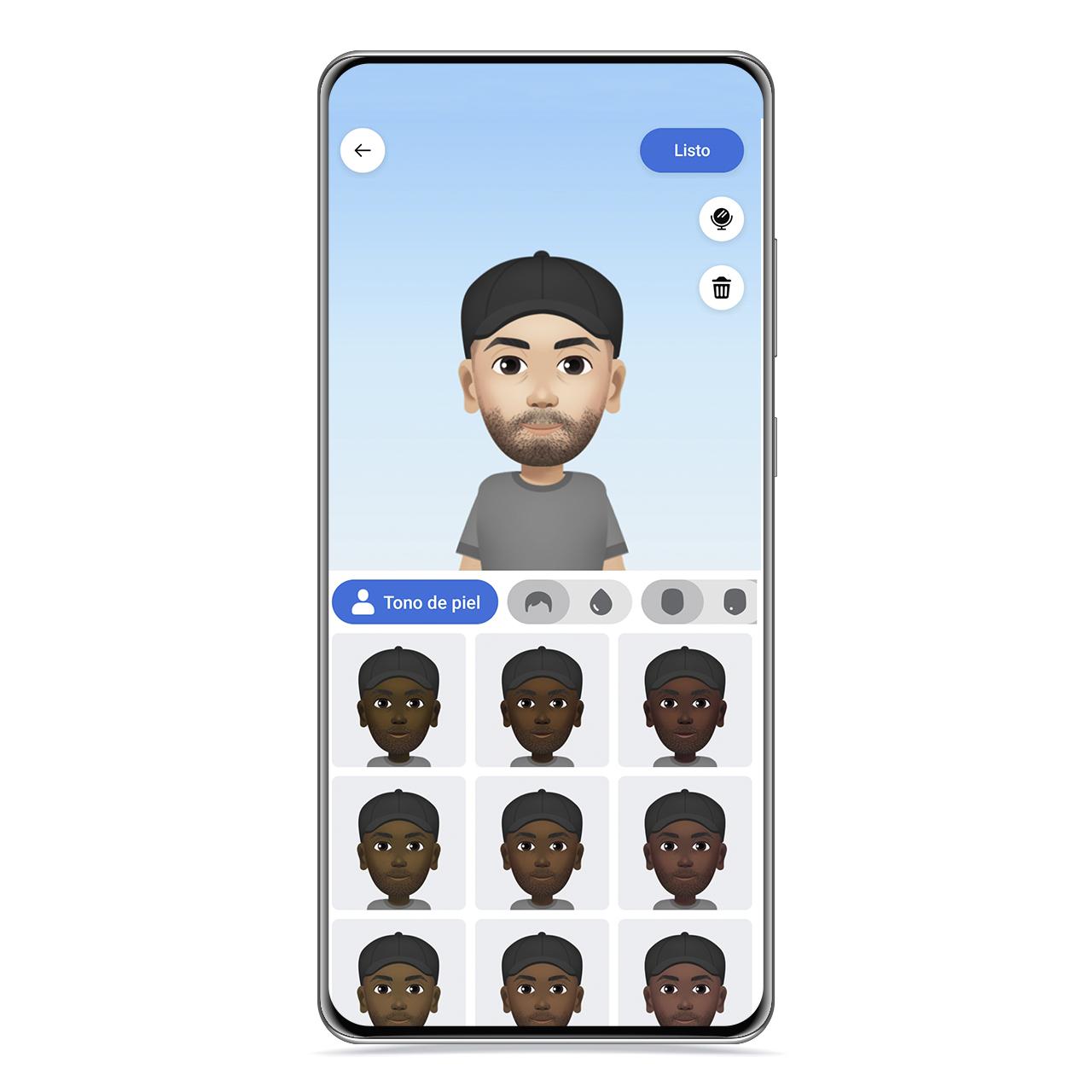
3D avatar skin tone
The free Android
How could it be otherwise, Facebook made an effort to have great possibilities in terms of representation, so you added multiple shapes, skin tones, and features, such as wrinkles. Now it depends on how realistic you want it to be.
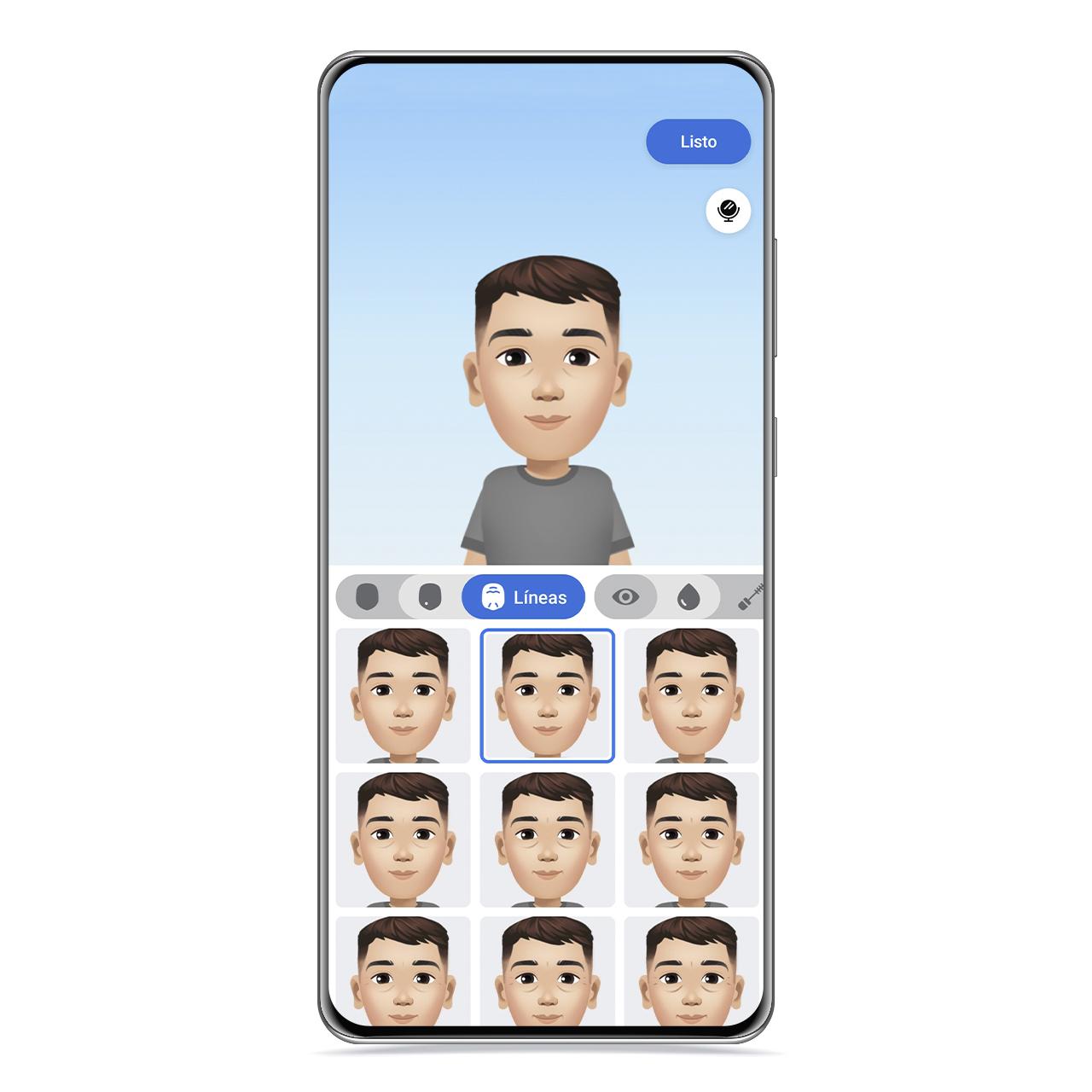
3D avatar facial lines
The free Android
You will start by choosing the color of her skin and then you will move on to the way she has her hair, where you can choose between short, medium and long hairstyles between very varied hairstyles. After that, it’s the turn of choose the face, next to your complexion and facial wrinkles, like wrinkles.
In the eyes you can also choose its type, color and makeup, although in this last category there are not too many options.
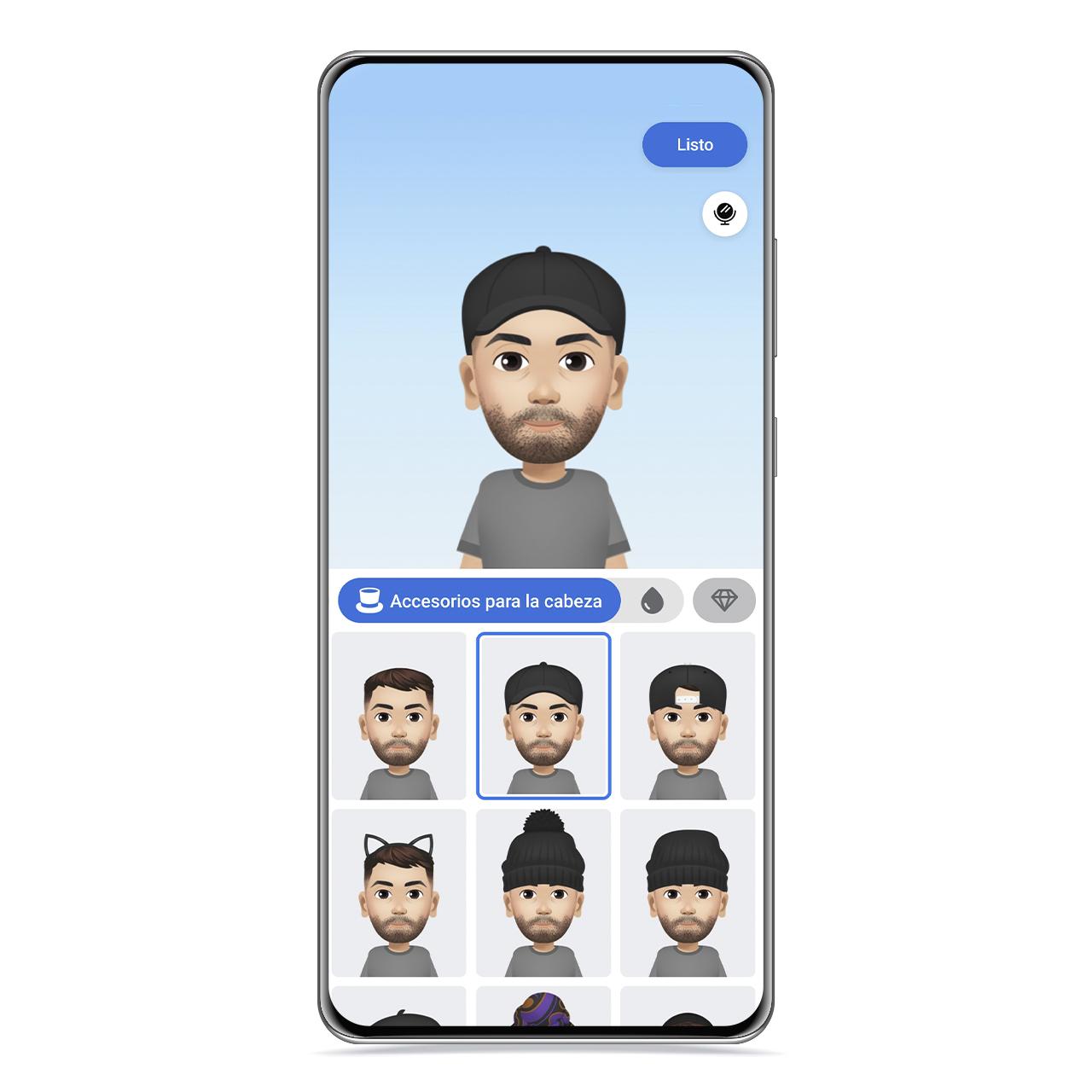
3D avatar caps
The free Android
Eyebrows and facial hair are also categories to define, and as with hair, you can not only choose its shape, but also also its color.
Finally, it’s the turn of the accessories, which range from glasses to the clothes worn by the avatar, including a hat, a cap or a scarf, among which you can also choose a color. Moreover, in the last section there is a collection of other accessories such as earrings, piercings or the traditional Indian Bindi.
Create your profile picture with lots of details
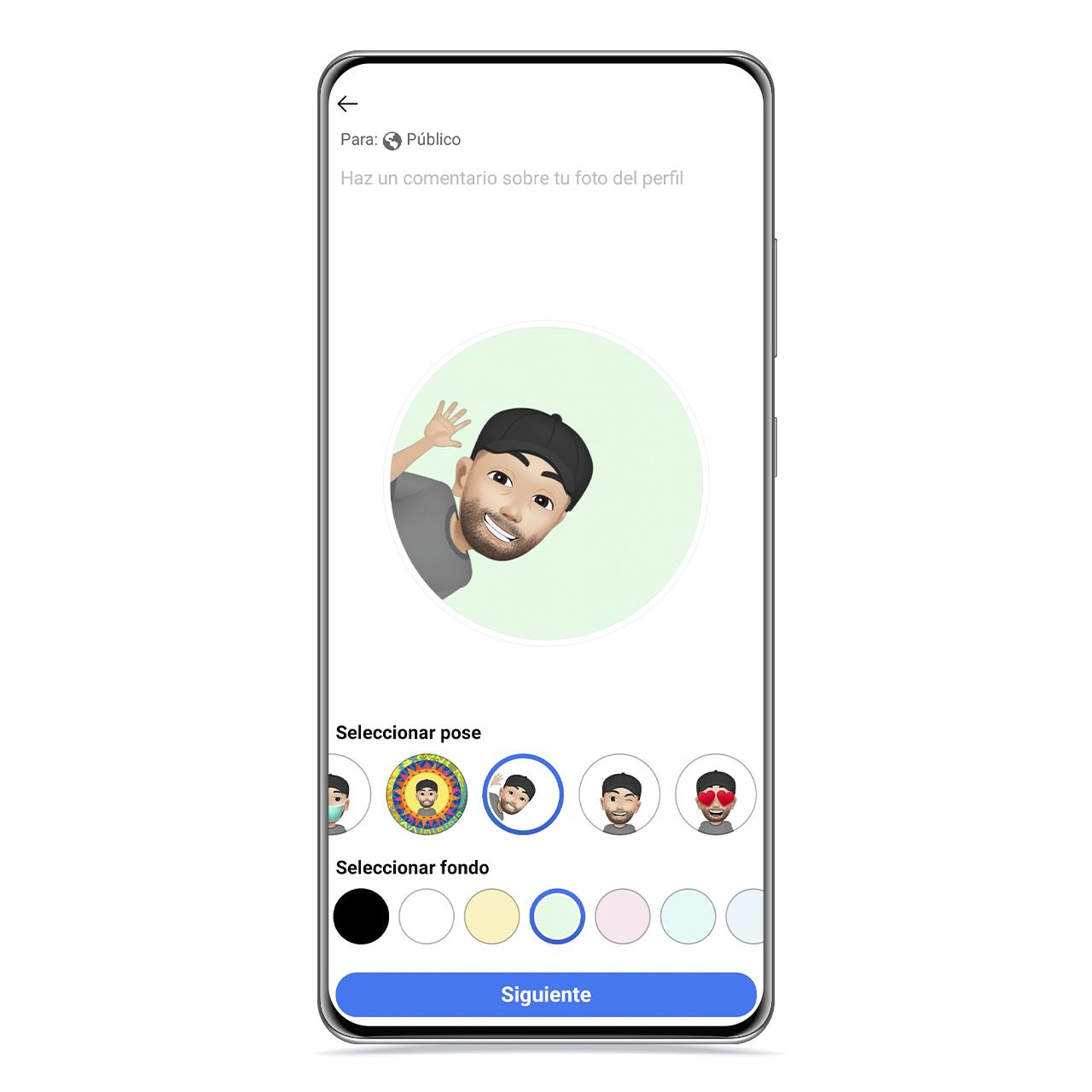
3D avatar posing
The free Android
After creating the avatar, you will be able to create the profile picture ideal to show it among your contacts with the best pose. To do so, follow these steps:
- Go to your profile.
- Click on your profile picture.
- Click on “Create a profile picture with avatar”.
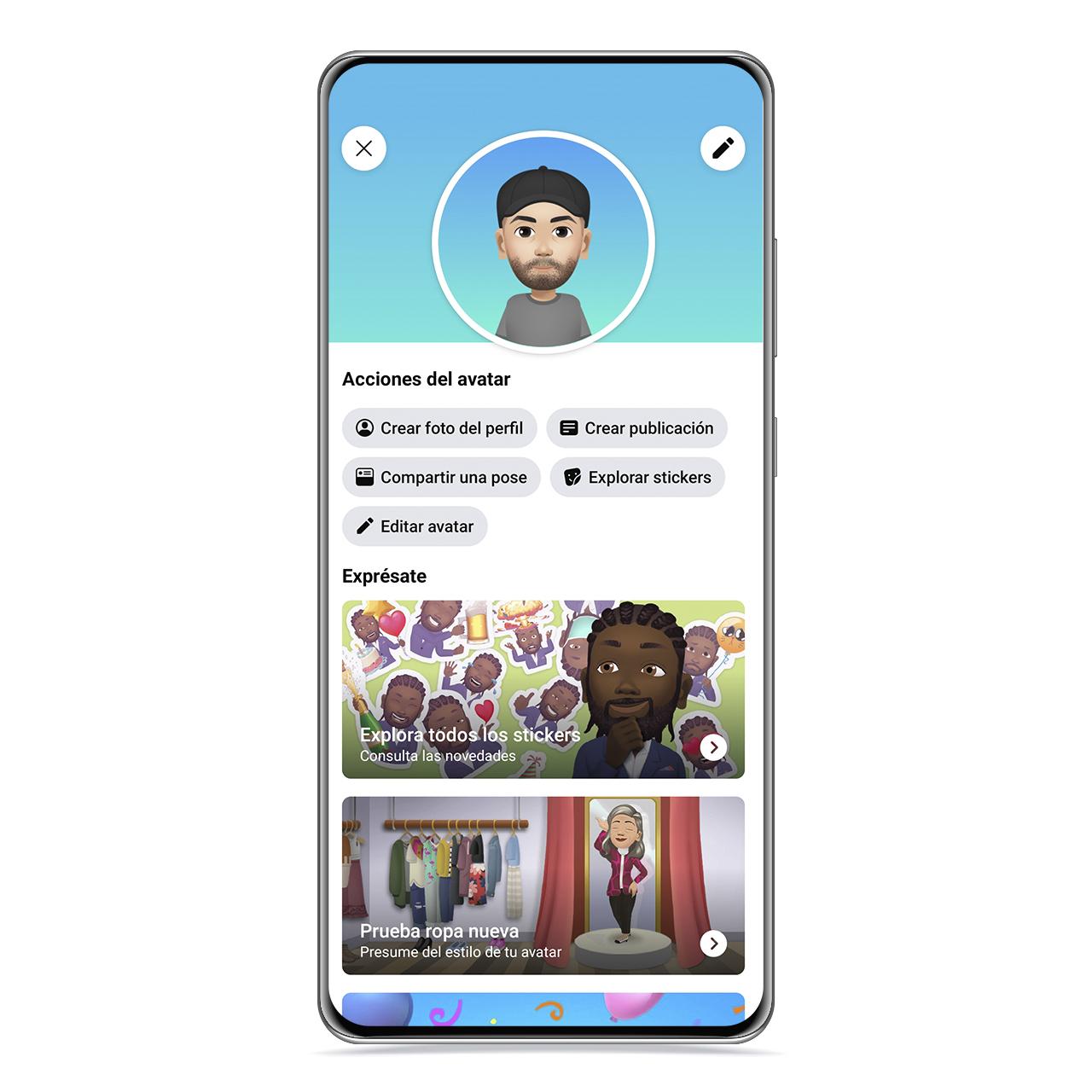
3D avatar menu
The free Android
This will take you to a menu where you can perform different actions with your avatar, such as browsing through your stickers, change the avatar or share another pose. The one that interests us is to create a profile picture.
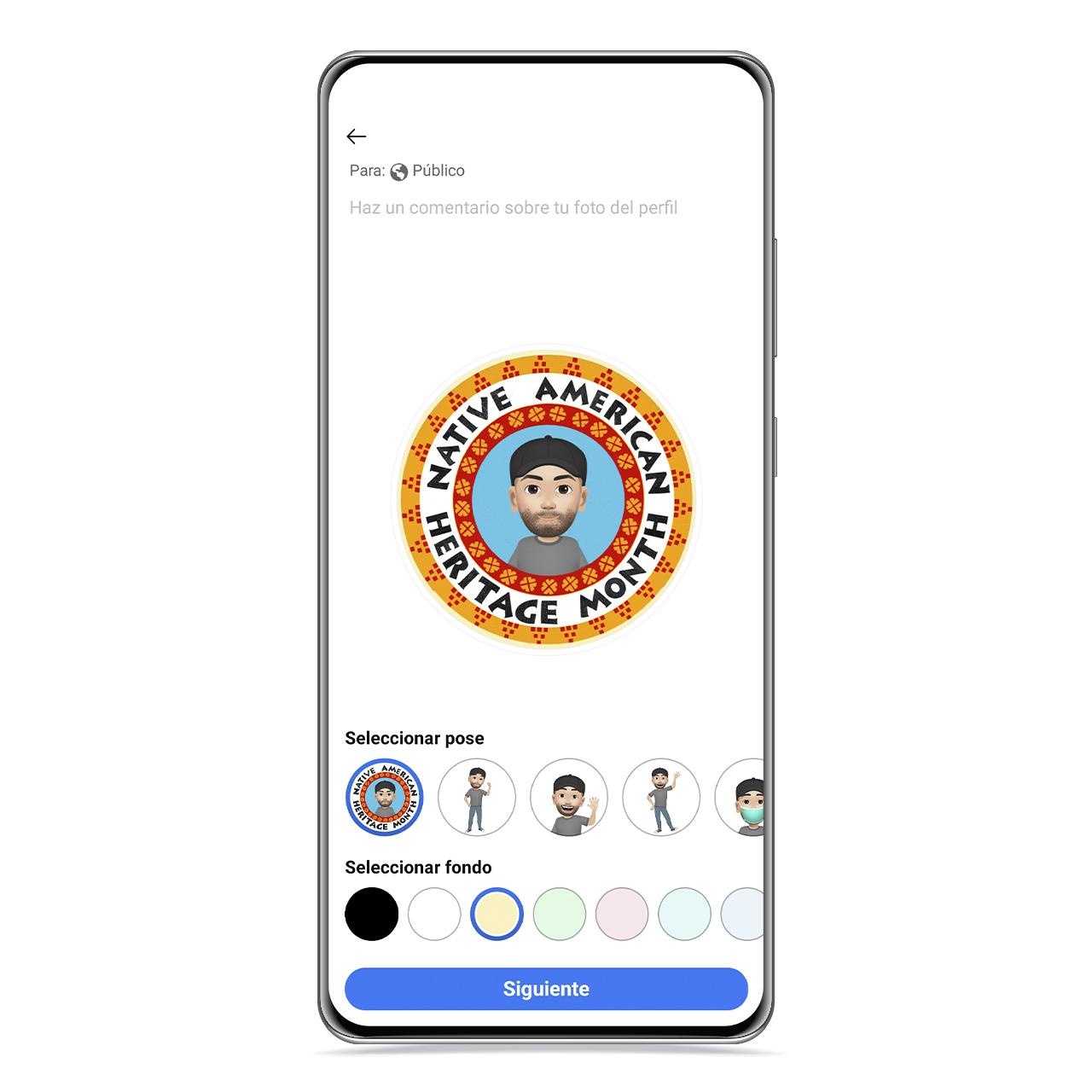
Facebook profile picture themes
The free Android
Here you will see the usual circle in which profile photos are displayed, and you will have at your disposal a series of background colors, as well as poses or even themed frames for the photo.
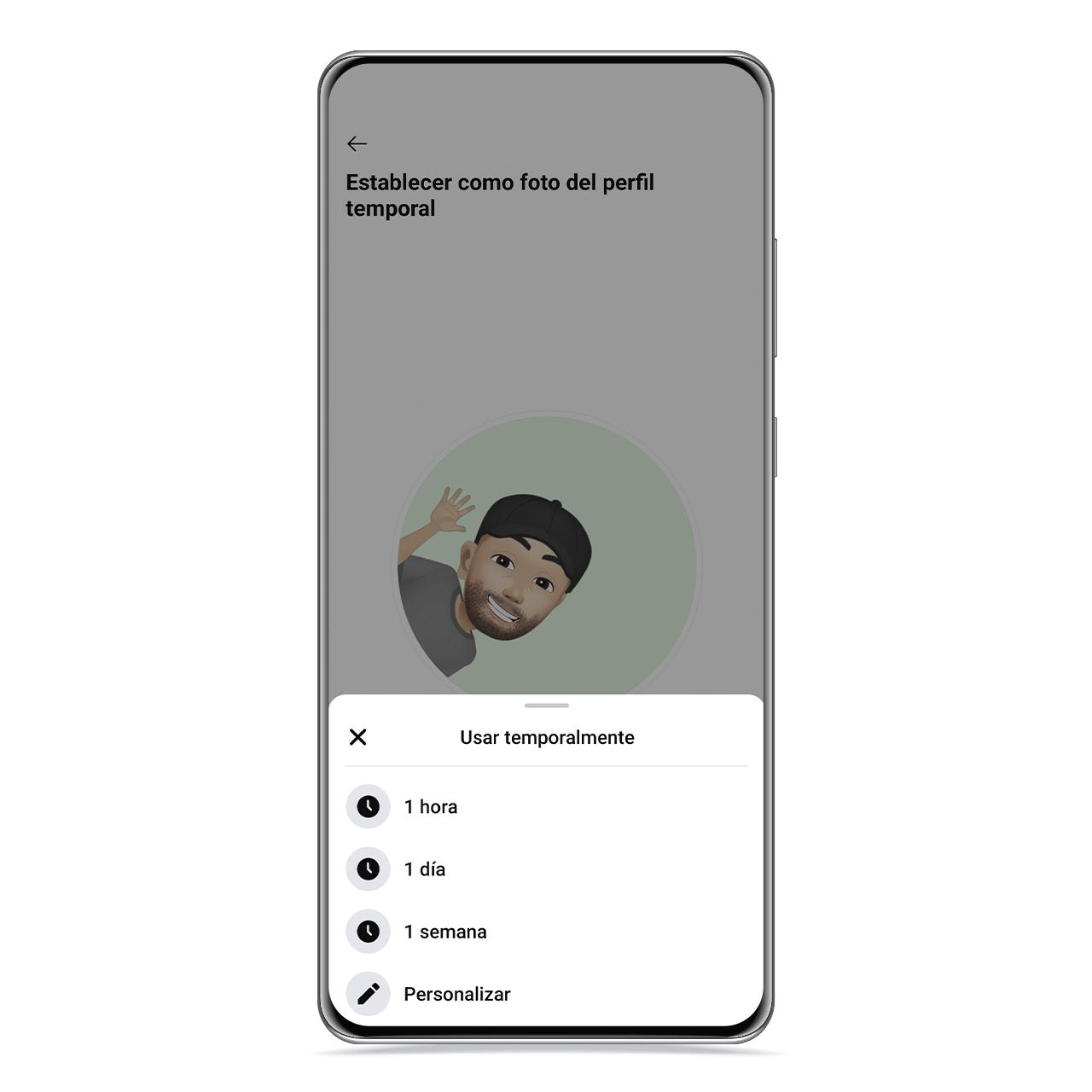
Duration of 3D avatar as profile picture
The free Android
When you click Next, you can set a time limit for this profile picture, which can be automatically deleted after an hour, a day, or a week. Although you can also customize how long you want to spend before returning to your previous photo.
How to use stickers based on your avatar
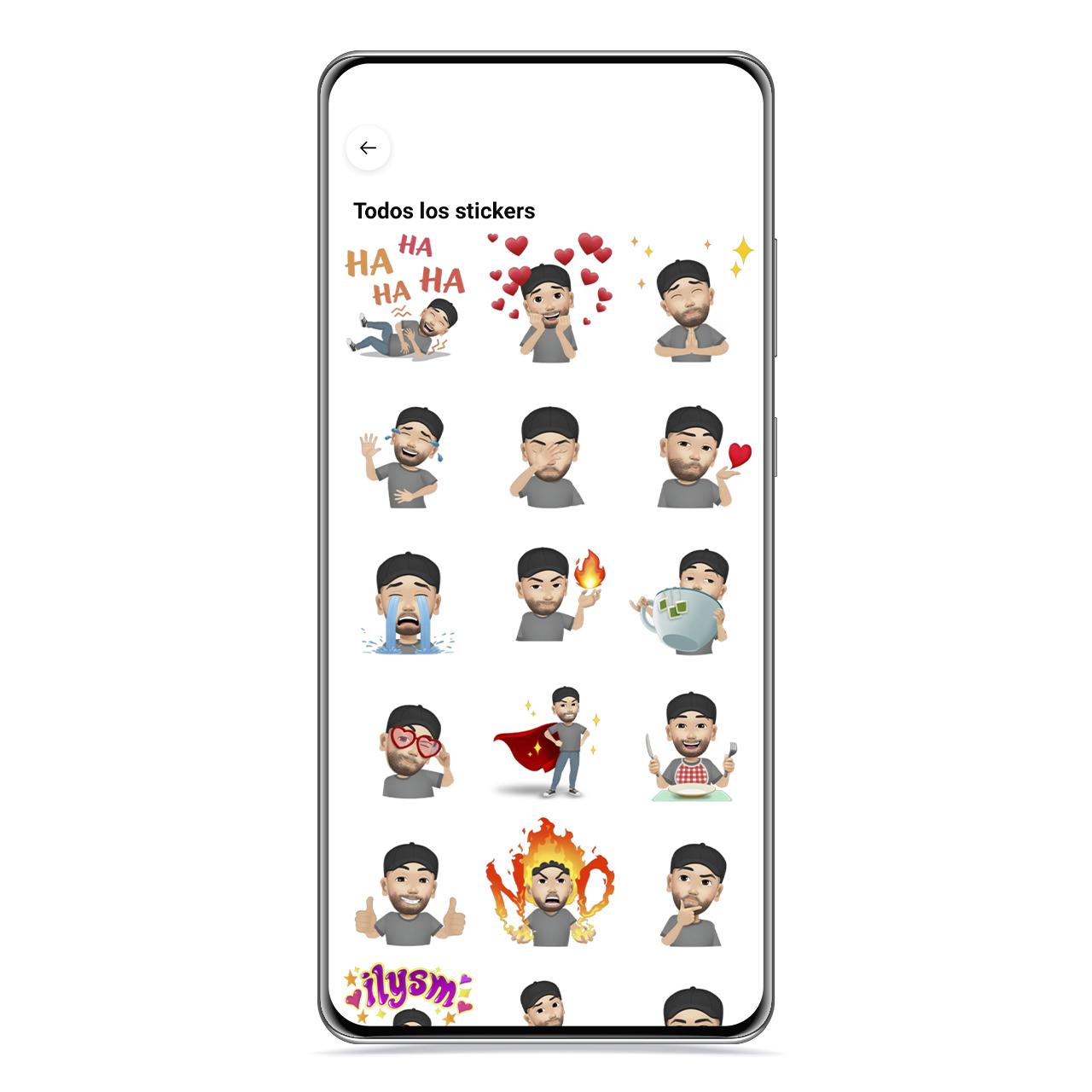
3D avatar stickers
The free Android
By creating a 3D avatar on Facebook, will be created automatically a series of sitckers that you can use interchangeably in any section of the application that allows you to put other types of stickers.
This means that you can use them both in Messenger conversations with other users and in comments on a post, and even to be your profile picture.

3D avatar sticker and whatsapp
The free Android
These stickers will appear next to the rest of the packs, and your face will be the one representing the pack icon. In addition, if you hold down, you can see a preview of each of the stickers to better observe them.
If you share them in other apps like WhatsApp, a photo will be sent, but the good thing is that you can create your own sticker pack to use this avatar in the messaging app.
You may be interested
Follow the topics that interest you
Table of Contents


