
With these three methods, you will be able to find out if someone has blocked you from iMessage, FaceTime and calls on their iPhone.
Have you ever been curious if someone blocked you on their iPhone? If you have an iOS device, make sure you know you can block calls and messages from a specific phone number. Indeed, a few months ago we explained to you how to block a phone number on your iPhone. Luckily for the blocker, Apple makes this feature quite discreet, so most people won’t even guess that the other has blocked them. However, there is always a way to know.
There are several ways to find out if someone has blocked you from your iPhone. However, keep in mind that these methods are not completely effective and cannot always prove that you are stuck on the other terminal. Here we will explain how it is done:
How to Know if Someone Blocked Me on iPhone
- Find out if you’ve been blocked from calls
- Find out if you’ve been blocked on iMessage
- How to Know if You’ve Been Blocked on FaceTime
here we leave you three different methods with which you can find out if someone has blocked you from your iPhone. They’re fairly simple to make, and while there are reasons all three options might not be available at the other end, the answer is usually the same: a lock.
1. Find out if you’ve been blocked from calls
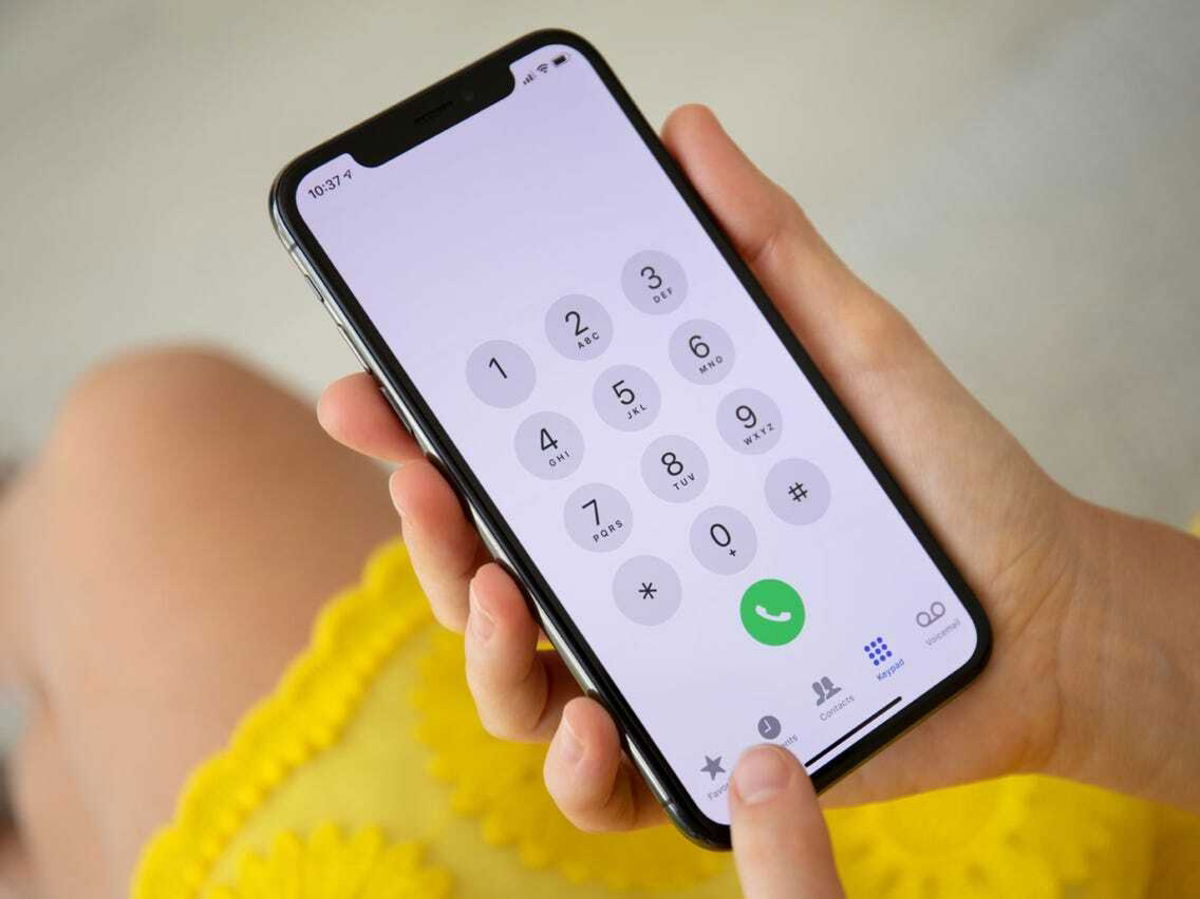
The first step to find out if someone has blocked you is quite simple. This is to call the number from which you think you have received the block. If you hear a dial tone, or nothing at all, and then a message that the person you’re trying to call isn’t available… chances are you’ve been blocked.
The call may redirect you to voicemail, where you can choose to leave a message or not. If the person has blocked you, the voicemail message will appear under the section titled “locked“.
What is quite curious is that, when you were blocked, you will usually hear only one tone before being informed that the number you are trying to call is not available.
Of course, this is not a completely reliable test. That someone cannot receive your calls can be due to several things, having no reception, having the mobile in airplane mode and even the possibility that the Do Not Disturb mode is activated on your device. In each of these options, the number will appear as unavailable.
2. Find out if you’ve been blocked from iMessage
When someone blocks you on their iPhone, it means they have blocked you from calling, texting, iMessage, and FaceTime. For that, it is necessary to review the four methods to confirm once and for all if the worst has happened.
To find out if someone has blocked you on iMessage, just go to the Messages app on your iPhone. Try sending an iMessage to the person you want to contact and wait a bit. If after business hours the message “Delivered” does not appear under your last text message, it could be the following:
- The other person blocked you.
- The other person’s iPhone has no Wi-Fi or mobile data connection. This second is quite likely if the iPhone is in airplane mode.
You can ask someone else to send a message via iMessage to that person and see if your most recent text says “Delivered”. If so, then you have been officially blocked.
How to Know if You’ve Been Blocked on FaceTime

FaceTime call on iPhone
Unlike WhatsApp video calls, in FaceTime it is much more complicated to know if someone has blocked you. This is because FaceTime will not display any different information on the screen when you make a call to someone who has blocked you. It will sound just like always and it will show the same waiting screen.
However, if you’ve tried calling a person multiple times and still get the same “FaceTime not available“, there are several reasons.
- The person can ignore your calls.
- You haven’t set up your FaceTime yet.
- Your iPhone is not connected to Wi-Fi or mobile data.
- You might be calling an old number that isn’t related to FaceTime. Here the option is to try calling your Apple ID email as well.
- They blocked you from their iPhone. Because of this, they will not receive your calls, iMessage or FaceTime calls.
stop harassing
Either way, if someone has blocked you, there’s a 99% chance they won’t want to hear from you right now. Maybe that will change in the future… or not, but once you satisfy your curiosity stop trying to make forced contact.
If you are a hopeless person and want to continue investigating if someone deleted you from their life, here is a tutorial to find out if someone deleted you from Facebook. much simpler to know if you have been blocked from iPhone.
Related Topics: tutorials

Sign up for Disney+ for 8.99 dollars and without permanence
Table of Contents


