
Related News
Electricity companies have been on everyone’s lips in recent days due to the irresistible rise in the price of electricity in Europe. One of the biggest companies in the country is Endesa, which has millions of users in Europe. That’s why we decided to tell you what you can do with its Android app if you choose to install it, which we highly recommend. It is a good complement to the Red Eléctrica de España application.
Consultation chat
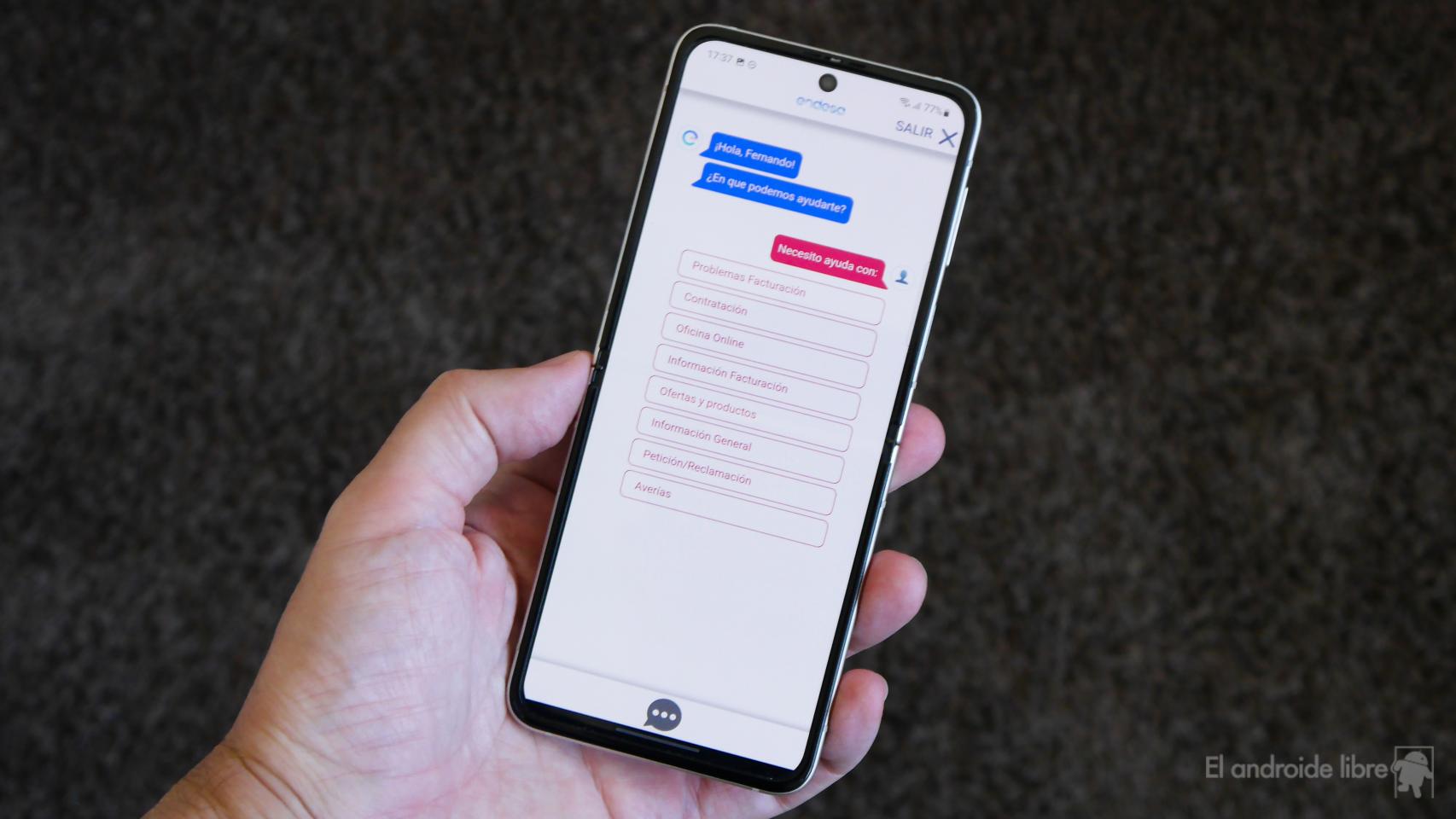
One of the most practical functions is to use the chat integrated into the application, which allows us to inquire as if we were doing it by telephone or in an agency of the company.
In addition, it has an active notification to press if we are waiting to be taken care of or while we are waiting for the operator to carry out some management.
Change payment method

If we want the invoices to be applied to a different bank account than the one we indicated when we registered, we can do it directly from the profile section. There we can also modify our personal data or link the access with our Google account or with a fingerprint.
Carry out the procedures

Another function of the application is to carry out procedures such as modifying the subscribed power, terminating a contract, assigning authorized persons, etc.
Manage reviews
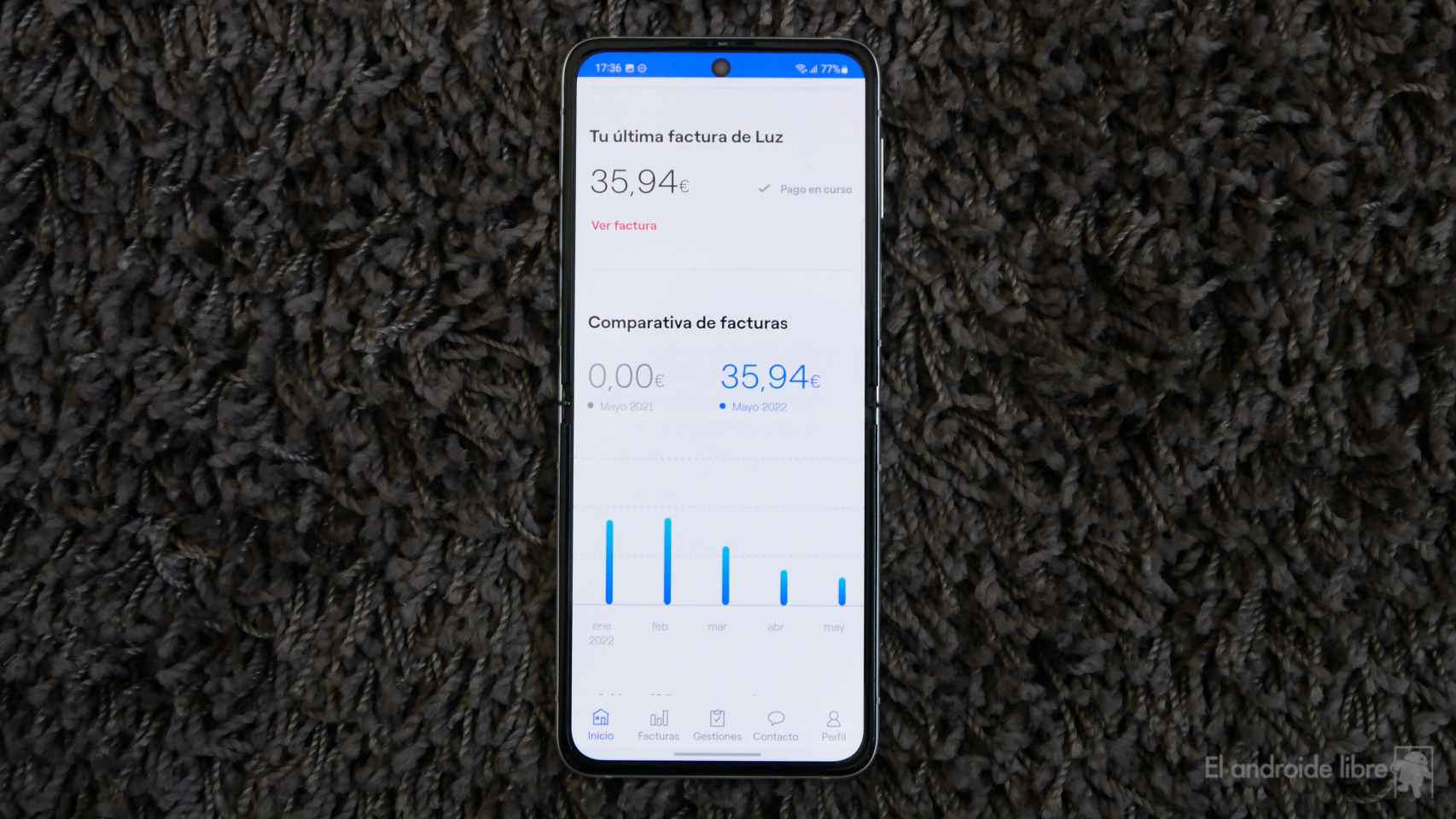
App notifications are interesting because they can notify us when a new invoice arrives, which is necessary because Endesa is not known to send them on the same day each month.
We can also put a notice when we reach a specific electricity consumption per month, to be aware of the expense.
See invoices and their details

Of course, we will have access to our invoices, which we can download in PDF, but there is also a section where we see the detail of the charges in a simplified way, which is easier to understand.
Consumption per day and per hour

Something that few people know is that we can also check the consumption of our house for days or even hours. It is useful to control how much certain appliances spend, but above all how much our house spends at night, for example, depending on the things that we have permanently connected: refrigerator, freezers, purifiers, speakers, cameras…
You can download the app from the Google Play Store.
You may be interested
Follow the topics that interest you
Table of Contents


