
These are all the options that exist for playing any Windows game on a Mac.
Macs were never a gaming platform, and while they’ve gotten better in recent years with the advent of services like Apple Arcade, Windows is still the number one platform for launching new games. However, what very few know is that there are several options to play the best Windows games from a Macand we’ll go through them all.
Training camp
This has been for years the best way to run games, and any other type of software, available for Windows on Mac. Boot Camp is a program created by Apple itself to facilitate the installation of Windows in a partition of our own hard disk. In other words, we would have Windows running natively on our Mac, being able to choose to start in macOS or in Windows.
In this way, we take full advantage of the specifications of our Mac and Windows will work smoothly and natively. However, none of the Macs with Apple Silicon chips support Boot Camp, so we can’t install Windows. It is therefore a method only compatible with Macs with Intel processors.
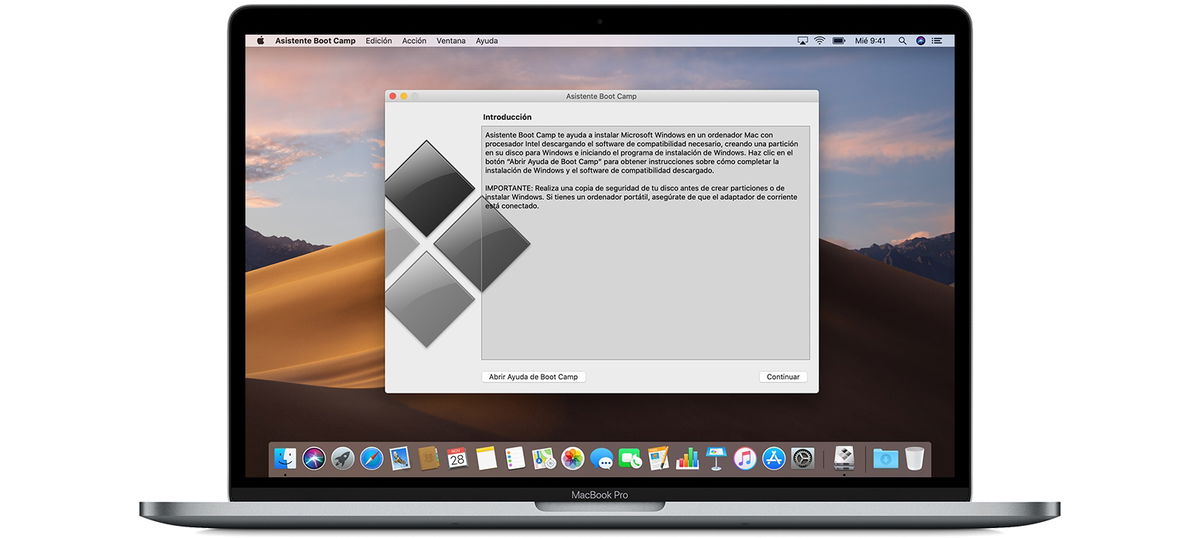
Boot Camp is Apple’s application for installing Windows on a Mac
To install Windows this way you will need to have downloaded original copy of Microsoft’s operating system and start Boot Camp on the Mac by following the given steps.
a virtual machine
It is a slightly easier way to run Windows on Mac and play the games available. A virtual machine is an application in which we have a complete operating system, being able to switch between macOS and the virtual machine in a very simple way.
a virtual machine Doesn’t take full advantage of Mac specssince both operating systems are still running at the same time, but for many games, such as Fall Guys, this is more than enough.
There are some Virtual machines available on macOS, VirtualBox and Parallels are the most popular. You will also need an official copy of Windows and install it in the virtual machine to be able to play any game on the platform.
Cloud gaming: GeForce Now and xCloud
It can be the a faster and easier way to play windows games on mac, but it’s not perfect. The best service right now is GeForce Now, which lets you play any cloud-downloaded game from anywhere. However, you will need a good internet connection, paying a subscription and having a compatible game.

GeForce Now lets you play hundreds of Windows games from the cloud
Another similar option is xCloud, which lets you play a game from the Xbox catalog from anywhere, including your Mac. Monthly subscription It allows us to enjoy more than 100 quality games from any device.
crossing
CrossOver is a program that allows you run windows apps on a mac. Although it is compatible with many games, it may not work with all. To use CrossOver, you just need to download it from its official website and install it on your Mac, then you just need to launch the Windows game through CrossOver.
Wine
Wine is a free and open-source program that lets you run Windows apps on a Mac, but it’s not as reliable as a virtual machine, Boot Camp, or CrossOver. It is an older program and may not work with newer games. To use Wine, you will need to download and install it, then run the Windows application through Wine.
Table of Contents


