
Whether you use Google Calendar or any other calendar app, there is no doubt that These types of apps are a guarantee when it comes to helping you organize, because this way you can have all your pending events at your fingertips on any device.
However, there are times when the calendar is more comfortable the more visible it is, and we are going to show you an application with which you can put it in the notification bar from your mobile or tablet.
So you can see it whenever you drag the bar down, and you won’t have to search for the app in your launcher. Apparently not, but if you use it a lot, having the calendar nearby can make a difference.
This is how the calendar notification works
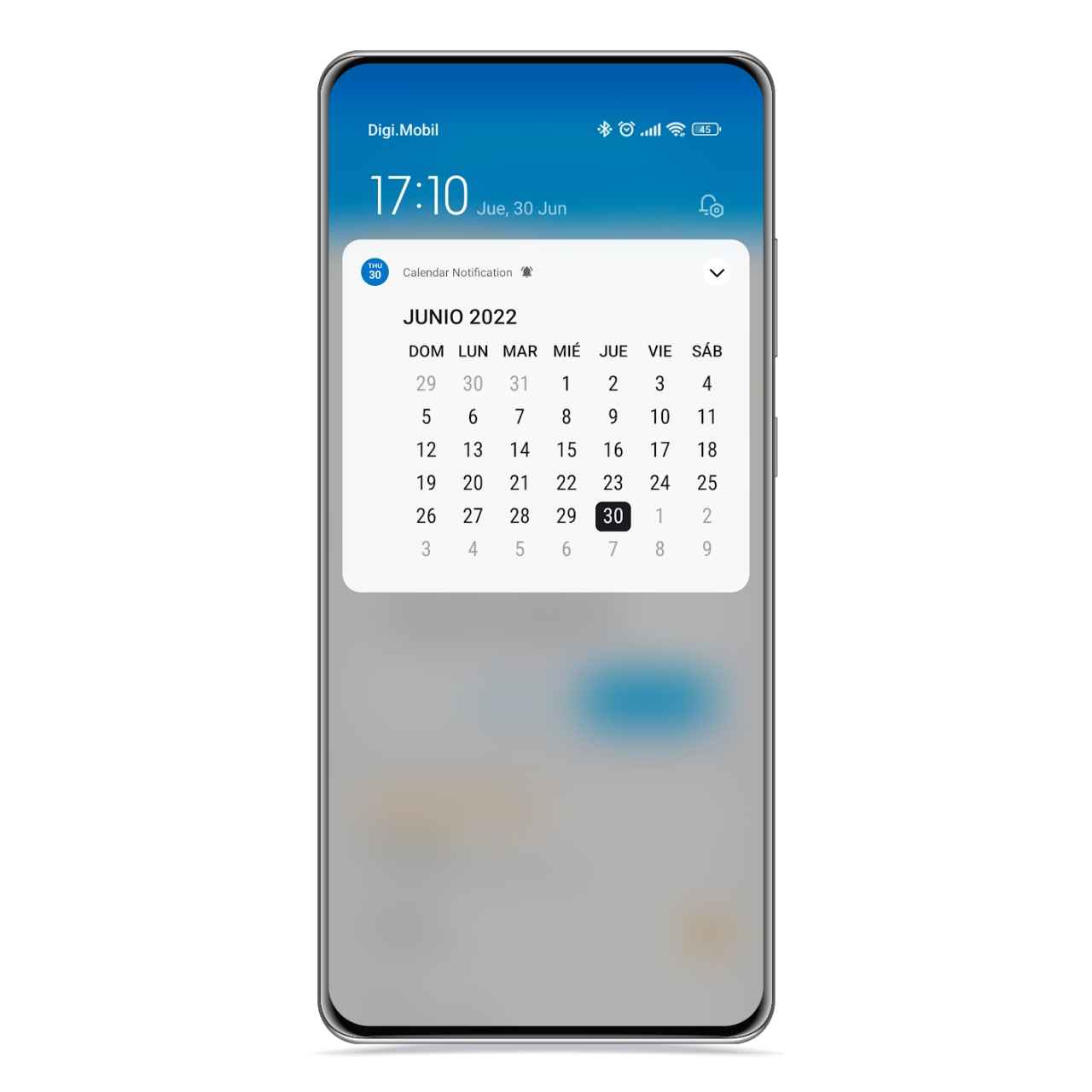
Calendar in notification bar
The free Android
This application can help you organize yourself better easily, because it is able to put in your notification bar a calendar, an agenda or an agenda view mixed with a weekly calendar, although these last two options are only available in the premium version.
By clicking on the calendar of the notification, will take you to your calendar app default, and there you can create a new event and save it to whatever calendar account you want.
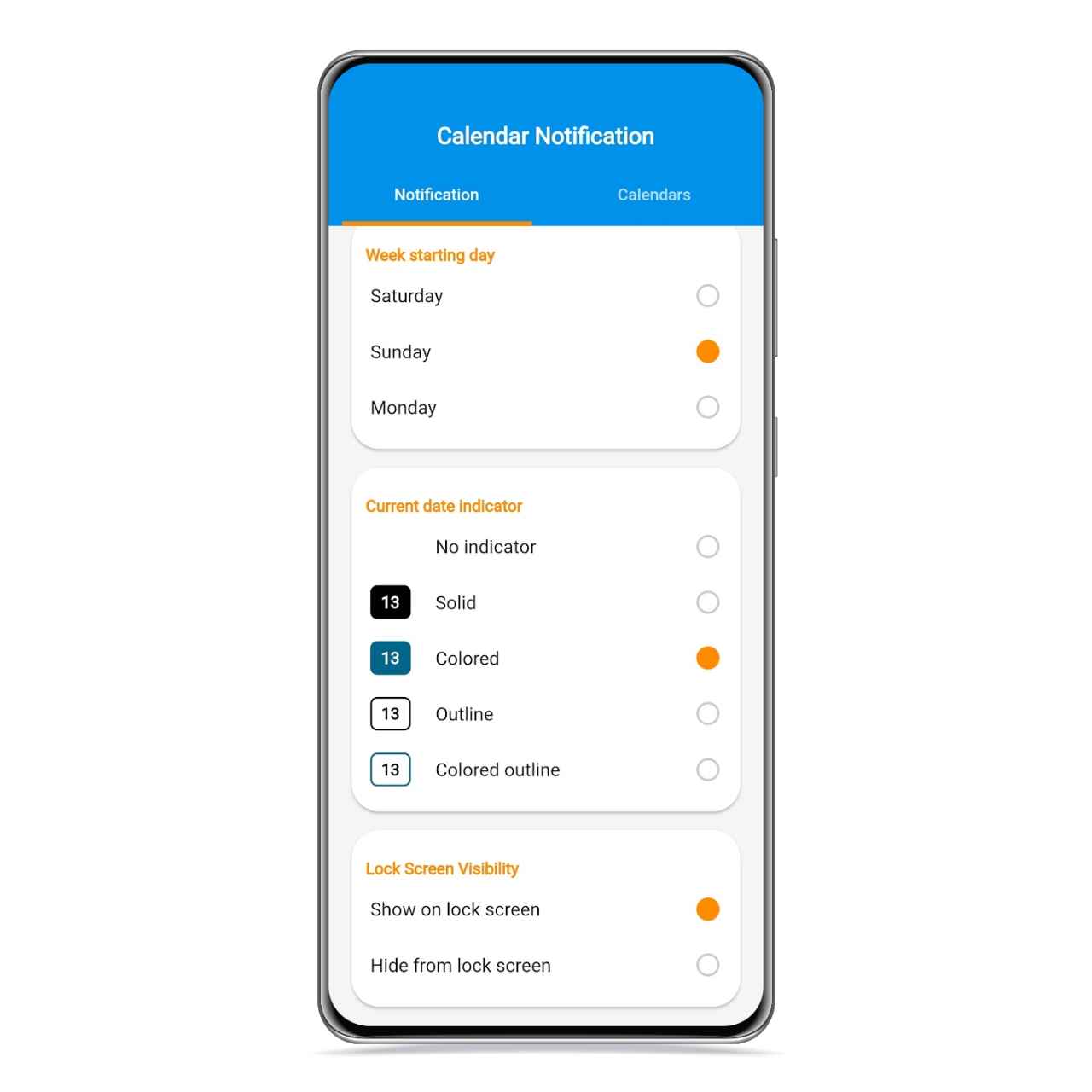
Calendar notification design
The free Android
Of course, to access your calendar events in the notification, you’ll need the premium version of the app, which has a price of almost 6 dollars in one payment, so it can be a good option if you know you are going to take advantage of it.
Additionally, you can also choose whether you want the calendar to appear displayed, or that it looks compact so it doesn’t take up too much space in the notification shade.
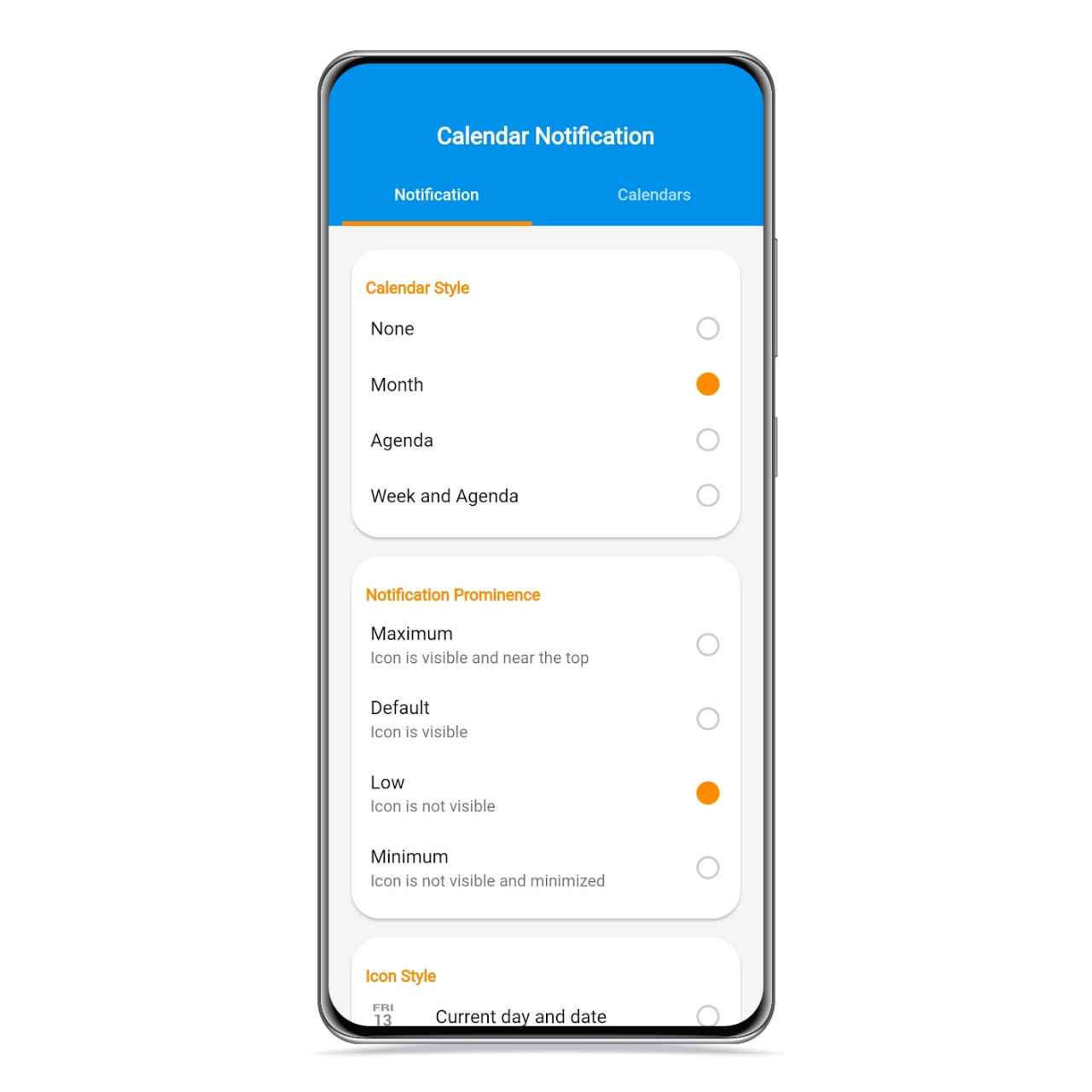
Options in calendar notification
The free Android
If you want, you can block the notification from appearing on the lock screen, though if you don’t have the premium version, your personal events will not be displayed, so you shouldn’t be worried.
If you usually use the calendar, this is one of the best tools you can have, because you will always have it at your fingertips and you can consult the general view of it whenever you want.
How to download from Google Play
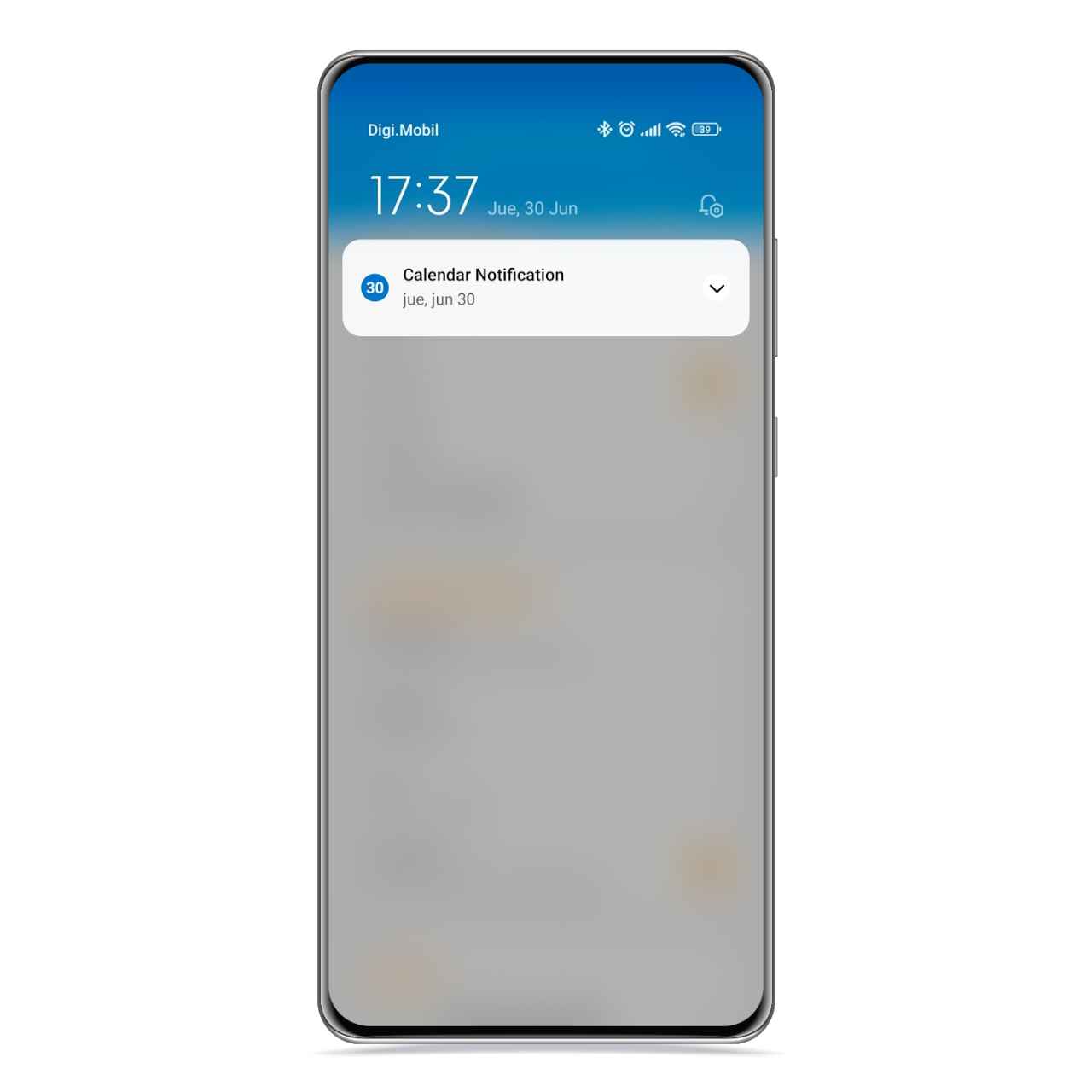
Compact calendar in the notification bar
The free Android
You can download Calendar Notification for free from Google Play on your Android mobile or tablet, and you must keep in mind that it has a premium version of the application in which you will unlock more features.
You may be interested
Follow the topics that interest you
Table of Contents


