
AirPods update 5E135 is now available and that’s all we know about this new firmware version released by Apple.
Apple has just released a new AirPods update available for all generations except the original AirPods. if you have some AirPods 2, AirPods 3, AirPods Pro, AirPods Pro 2 or AirPods Max You can now download and install this new firmware. The previous AirPods update (5E133) arrived a few weeks ago and now the update has just been released. model 5E135.
All the AirPods you can buy this 2023 have been updated to this new version, as well as the official Apple MagSafe charger and the PowerBeats Pro and Beats Fit Prowho can already install the 5B66 firmware.
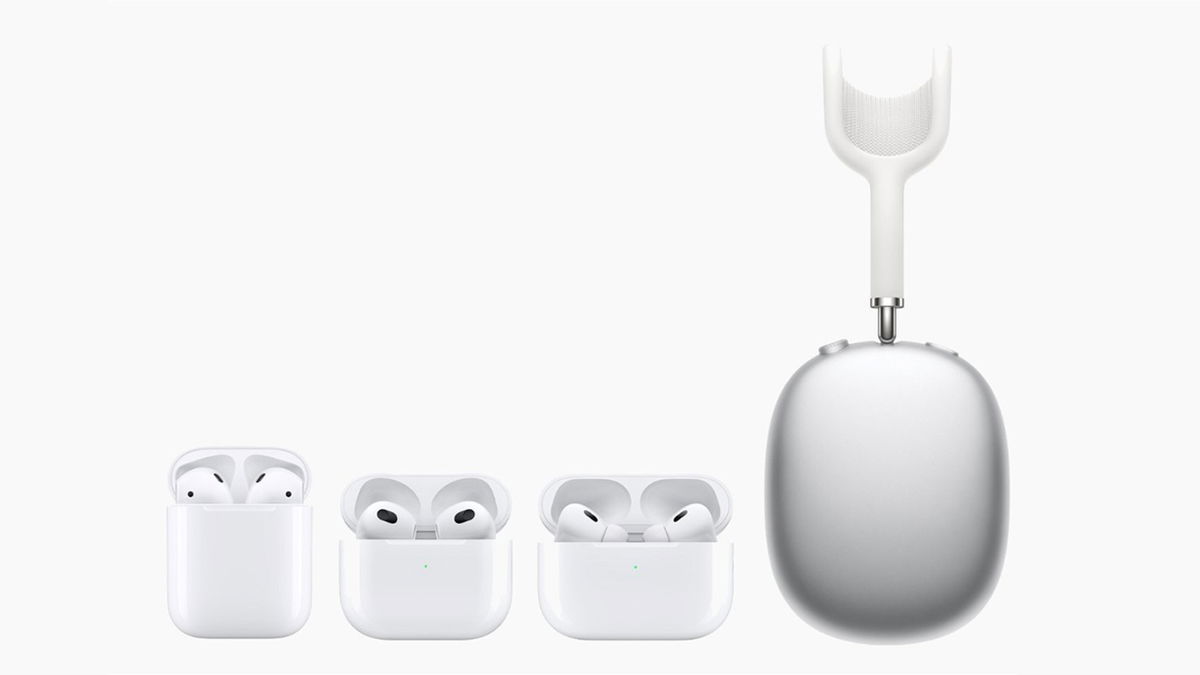
All Current AirPods Just Updated
News and how to update your AirPods to version 5E135
One thing that stands out from the version number is that this is a minor update, we went from 5E133 to 5E135. Therefore, at first, many new features were not expected. Additionally, Apple has confirmed on its support page that this new AirPods firmware version is intended to correct an error.
Bug fixes and other improvements
To update AirPods to this new firmware, you will need to be patient. It’s not something as simple as updating an iPhone, iPad, or Apple Watch. Apple ensures that the update happens automatically when your iPhone, iPad or Mac is near the AirPods.
Firmware updates are provided periodically while your AirPods are charging and within Bluetooth range of your iPhone, iPad, or Mac.
However, there seems to be a way to try to “force” an AirPods update. We recommend you connect the AirPods to the iPhone as you normally do, enter the settings and the “AirPods” menu that appears in the upper area and see the firmware version below that they have. Now the normal thing would be to wait, although you can follow these steps to try and install the update on your AirPods as soon as possible:
- Store AirPods in their charging case.
- Connect the case to the charger using the Lightning cable.
- AirPods must be connected to your iOS device.
- Obviously, your iPhone or iPad must be connected to the Internet.
- We don’t know exactly when, but leaving both devices closed for a while will cause the AirPods to update to the latest version.
- If the devices have 100% battery, it is easier for them to update.
Despite the fact that in the latest versions of iOS, Apple has improved the way we enter the AirPods settings with a new menu, the the way to update them has not changed and we just have to wait for the AirPods to decide to update.


