
Related News
Just as you can take advantage of your Android mobile with certain applications to discover films and series, you can also use it to read e-books in EPUB and PDF and other formats and personalize your experience to the fullest, changing the font size, background, and even allowing you to make annotations. These applications are ideal for reading on your Android smartphone or tablet, so if you always want to take your books with you, they will surely interest you.
Amazon’s Kindle

The Amazon app is the best to read on your mobile or tablet, although they must be books purchased from the company store or that are included in the subscription to Amazon Reading or Kindle Unlimited.
He can underline, annotate, draw and then access a index showing where you made your annotationsin addition to other very interesting options in terms of interface design.
read era
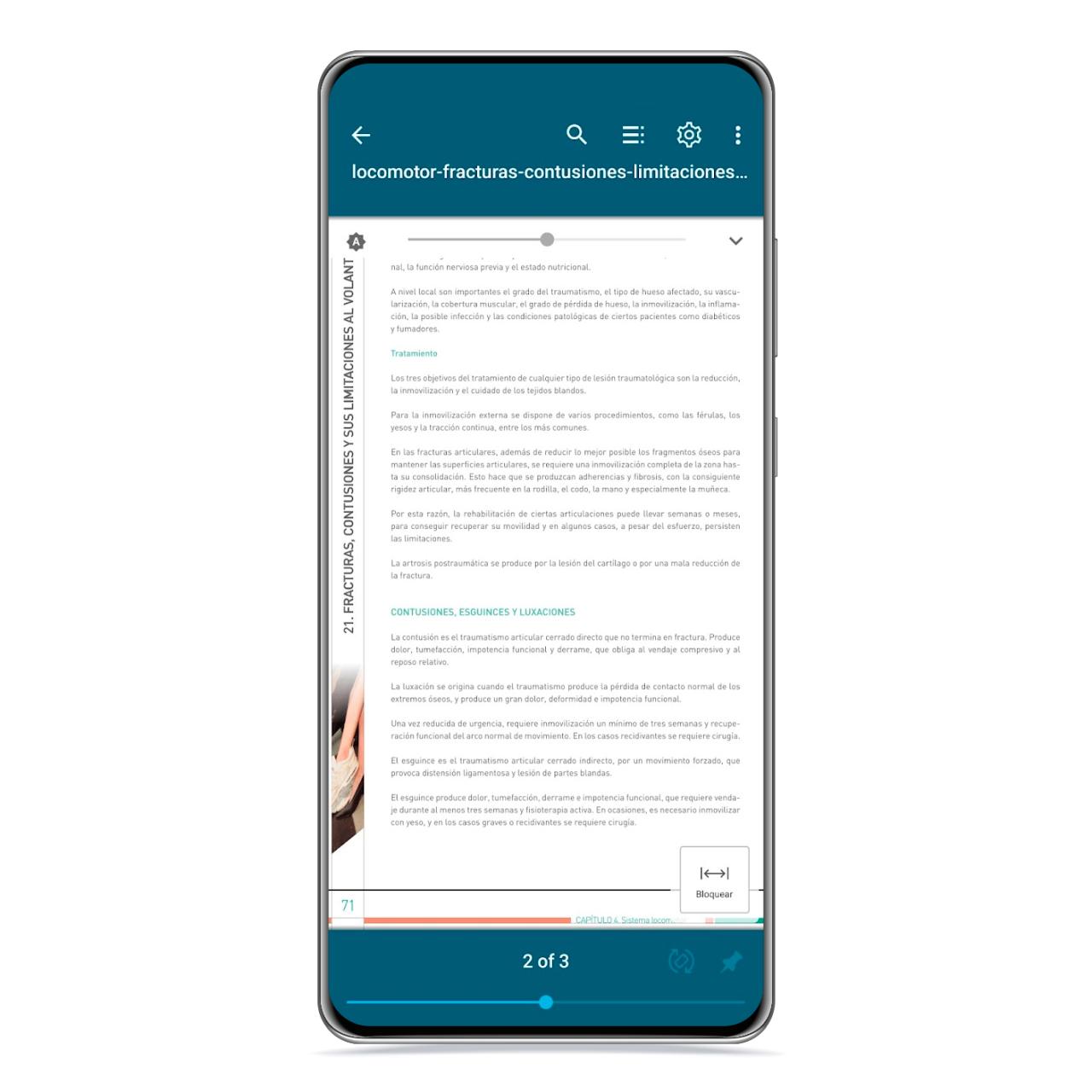
read era
The free Android
This other player is also quite complete, although an update to bring some aspects of the design could do the trick. He has a comprehensive classification of books that you have saved on your mobile, being able to order them according to many parameters such as the author, the format or the progress.
On the other hand, each of the files will have a tab displaying the title, different action buttons, a summary of your technical data and even the file explorer path where it is saved.
Eboox
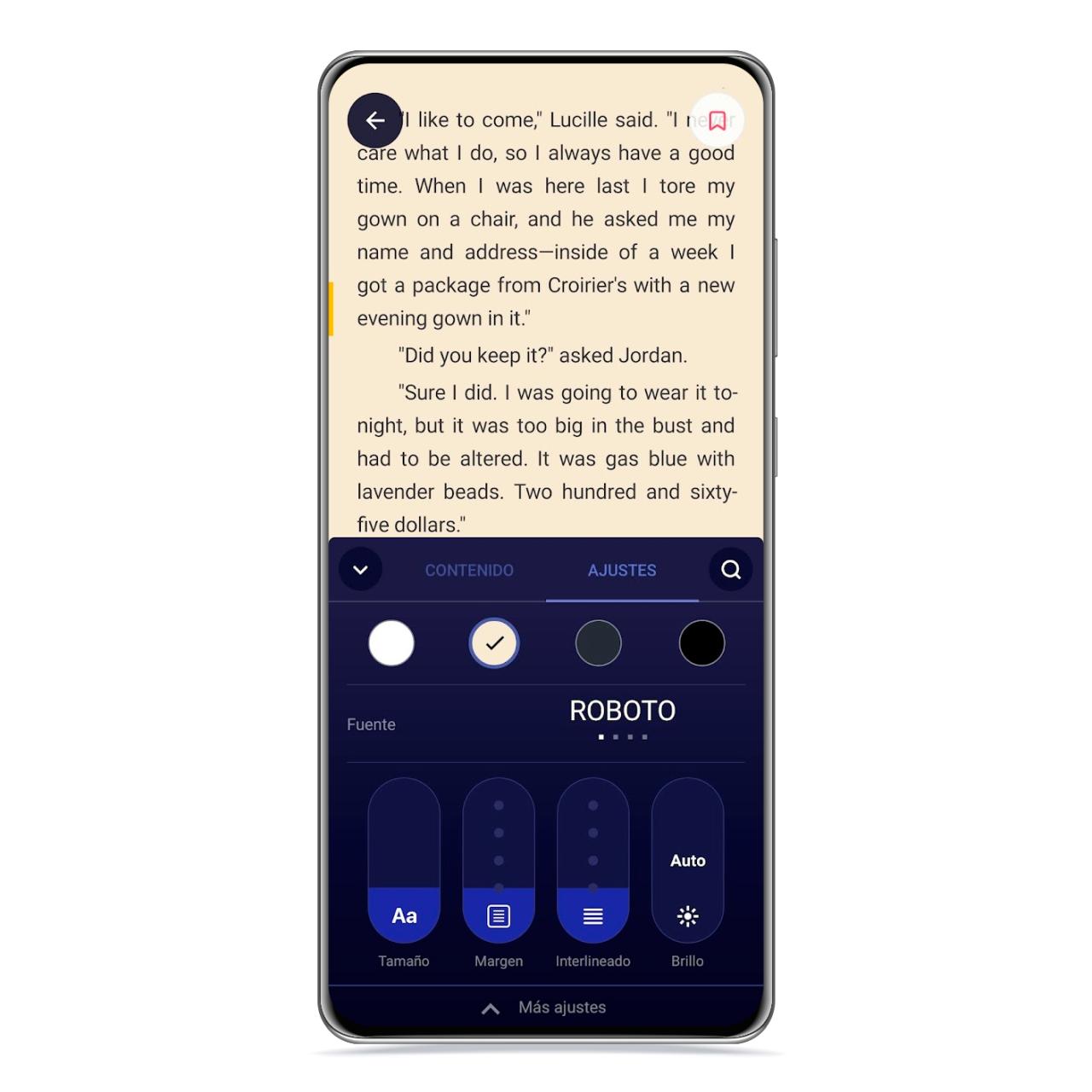
In this case, it is one of the most complete applications that you can access if what you want is fully customize your reading experience. It has a library with free books and an option to import the ones you have saved on your mobile.
In the player itself, you will be able to see both your progress and its contents in terms of chapters and bookmarks, but you will also be able to control the appearance of virtually everything you see to screen, font to font size, side and bottom margin, line spacing
MoonReader+
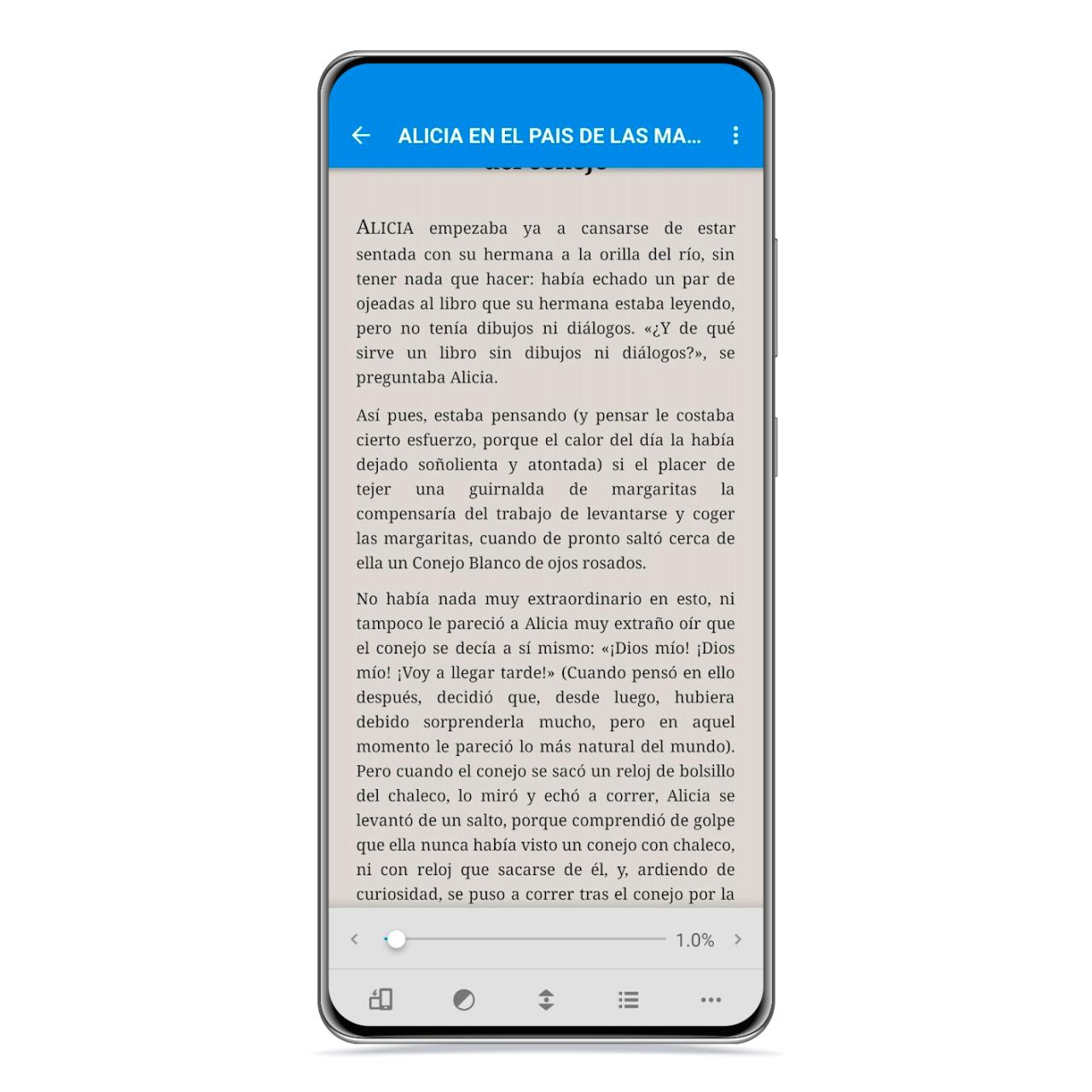
MoonReader+
The free Android
It is one of the best options that you can download to your smartphone or tablet to read your favorite books and discover new titles that may interest you, since it contains access to a few libraries, although it also allows import your books from Dropbox or from files on your mobile’s internal memory.
You will be able to see the pages of the book you are reading in full screen with a small indicator at the bottom where you can see the chapter you are going through, the percentage of the book you have read and even how much battery the device has left. You can also choose the icons you see in the bottom bar that will help you perform quick actions such as searching for a word or accessing bookmarks, among others.
You may be interested
Follow the topics that interest you
Table of Contents


