
Related News
Android is a platform that has evolved remarkably over time, and with the return of Android tablets to the forefront, you can make the most of it with best apps for taking notes or writing.
Below you will be able to see some of the most interesting options for organizing and taking your notes from your Android mobile or tablet, and they can be very beneficial if you combine them with their PC version.
Notion
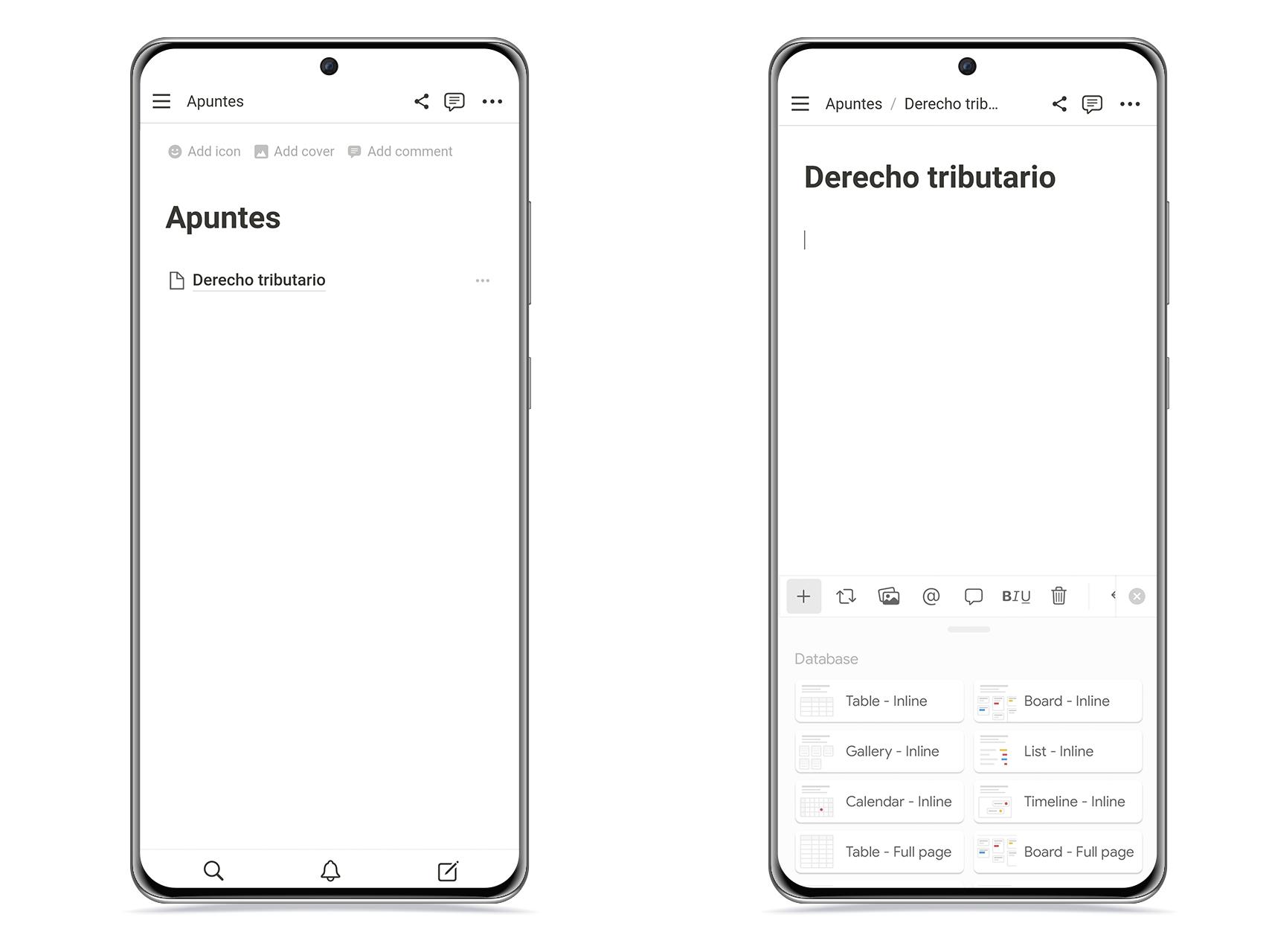
Notion is an extremely powerful tool that you can do almost anything with. This available on PC and Android, and syncs between your devices instantly, offering a huge amount of format options.
And it is that, with Notion, you can create spreadsheets, create new sub-pages in each page, as well as tables, links, chalkboards and more, so it can be ideal for organizing all your topics in one place.
- Download Notion from Google Play.
a note
a note
The free Android
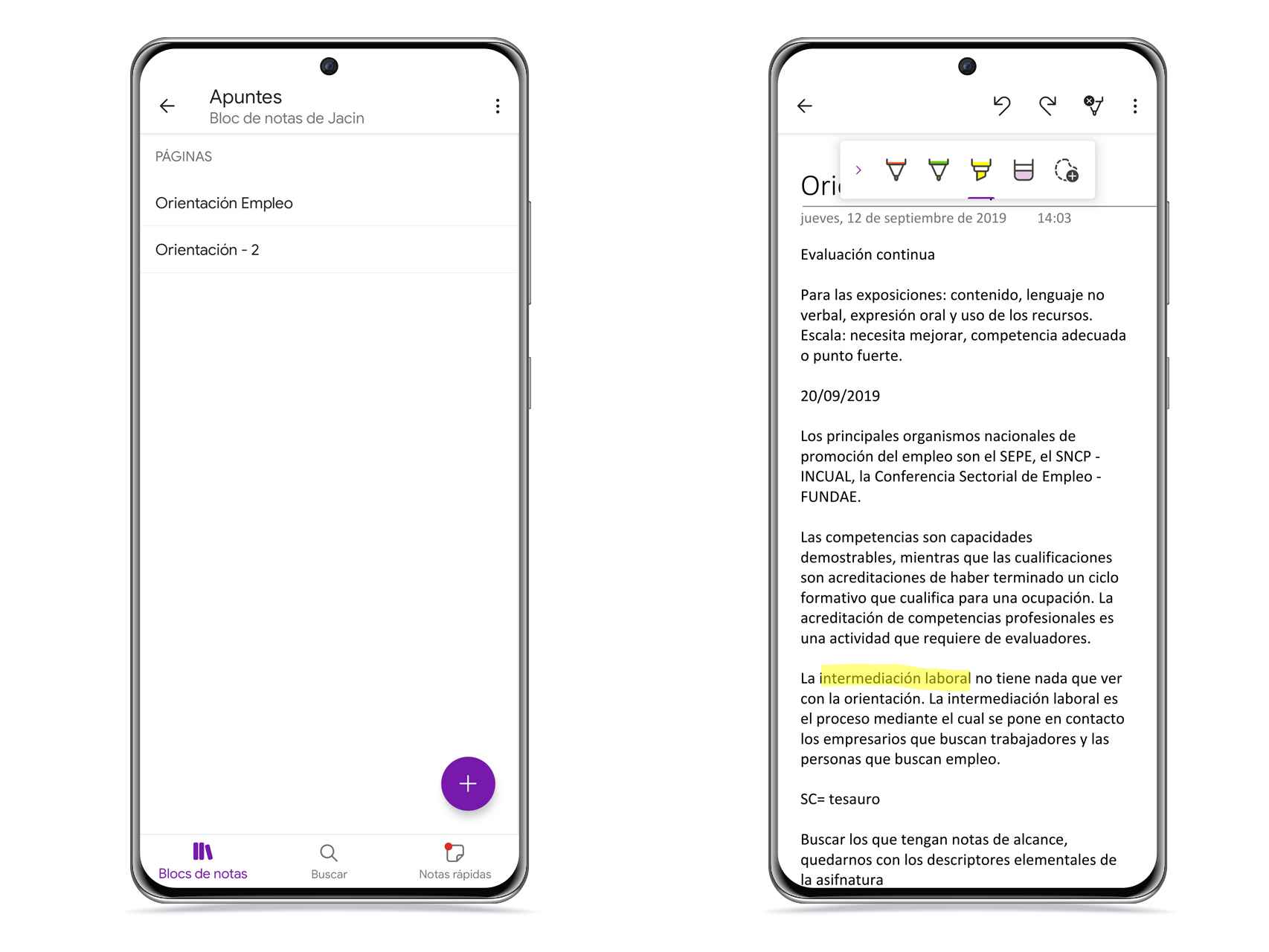
On the other hand, OneNote is a very interesting Microsoft application, and it is also ideal for organize everything you need in the same space and in different formats. It’s a versatile option that also syncs across all your devices.
In this application, you can tell the difference between the most stable content and the quick notes, which are separated. In addition to that, you can add pictures audio notes and format texts. Although it is sometimes easier to use on a computer than on a mobile.
- Download OneNote from Google Play.
Microsoft Word

Microsoft Word
The free Android
A true classic in the world of word processors which also has its own application for Android, and you can get a lot of use out of it, especially if you work with Word formats and need to use them daily.
It is an application in which you can take full advantage of the possibilities offered by Microsoft, with all the formats available. Additionally, there is a view for mobile and another at 1:1 scale so that you can modify the pages as you wish to print them later.
- Download Microsoft Word from Google Play.
iA writer

iA writer
The free Android
On the other hand, iA Writer is a application that focuses only on writingleaving aside the other elements. The idea is that you can access your writing quickly, easily, and without any distractions.
It doesn’t have as many format options as the other options, but that’s a relief if what you want is to write without having to pay attention to anything else. In addition, it incorporates a concentration mode and a word counter.
- Download iA Writer from Google Play.
SWP Office

SWP Office
The free Android
For its part, WPS Office integrates different compatibilities who can offer you everything you need in one place. There is a premium version, but with the free version, you can get a lot of benefits from it and edit your notes easily.
It has a tools section where you can also access all sorts of options such as formatting changes, extracting text from an image and even the translation of entire documents.
- Download WPS Office from Google Play.
You may be interested
Follow the topics that interest you
.
Table of Contents


