A new tool offers the eradication of ad trackers on Android: DuckDuckGo, the privacy-oriented search engine that also offers a web browser for the Google system, has started to activate tracker protection in apps. And we tested it.
Trackers are built into most web applications and services to analyze user behavior and, in general, to make advertising more relevant. But they also have their dark side: given the knowledge acquired by trackers, they pose a risk to privacy. when it’s not clear what they’re doing with the data they’re getting, where they’re storing it, and who they’re delivering it to. And that’s where DuckDuckGo comes in.
Complete and transparent tracker protection

DuckDuckGo is an Android application that offers web browsing functions and besides, it also allows you to search directly in DuckDuckGo itself in an easy way. Additionally, the developers recently included a tracker protection service which, based on our own testing, works effectively to protect user data.

Applications share usage information with analytics services to find out which sections are used the most, for example. This makes it possible to improve these sections or to offer new functions. The problem comes when there are companies that They spread espionage on the user to get your data without the transparency it should offer.
App Tracking Protection is a kind of tunnel or VPN connection with which DuckDuckGo monitors what applications send to different servers. By analyzing the exchange IPs, the anti-tracker can intercept data that is directed to data tracking servers. This way, we can be sure that the trackers are not getting this private information even without Google having introduced this option in Android natively yet (it is in iOS).
To activate the new App Tracking Protection, it is essential to download the DuckDuckGo app and request activation from browser settings. We have already activated it on our mobile and we have already been able to test it.
Global protection, app by app and with tracker information
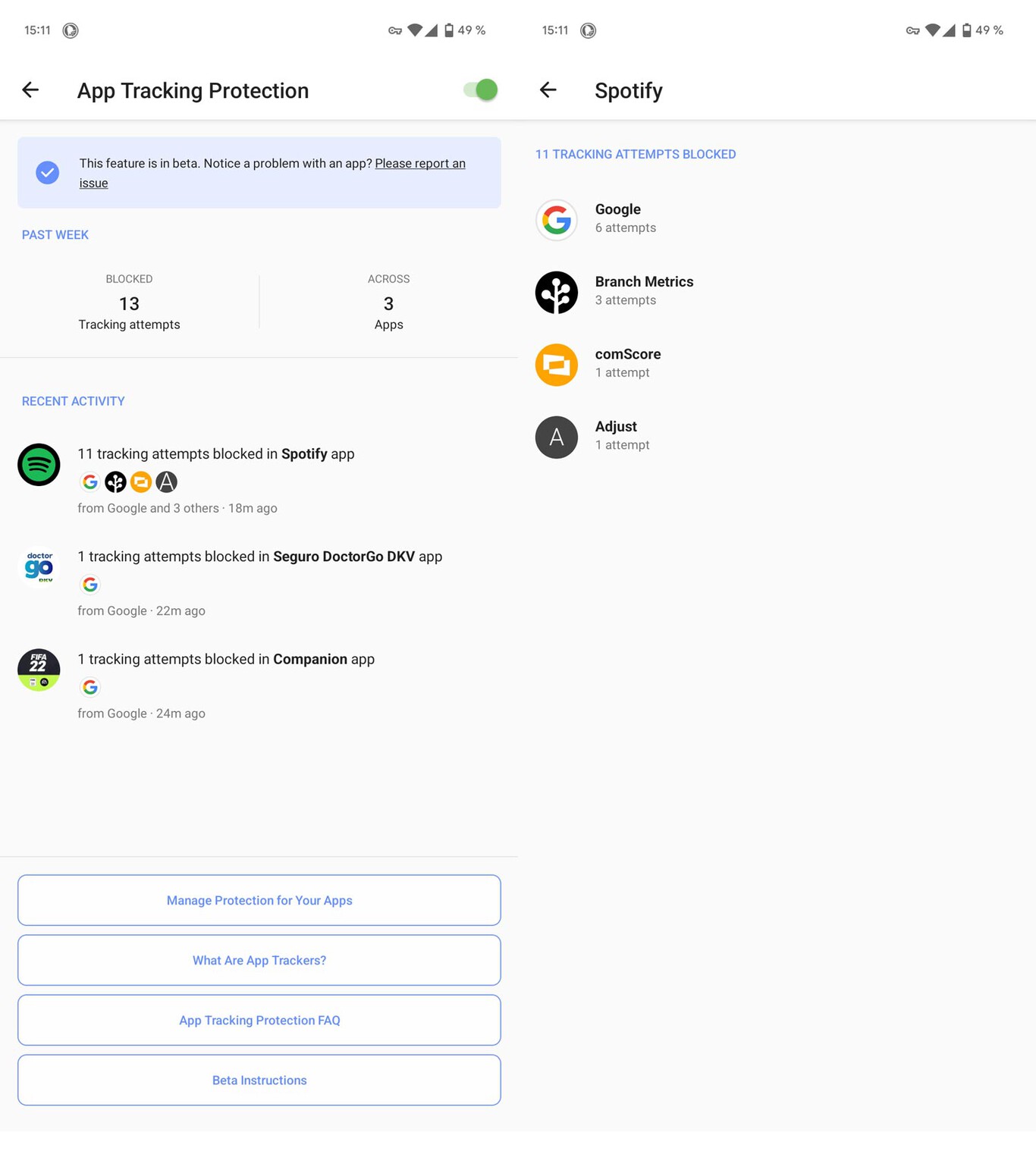
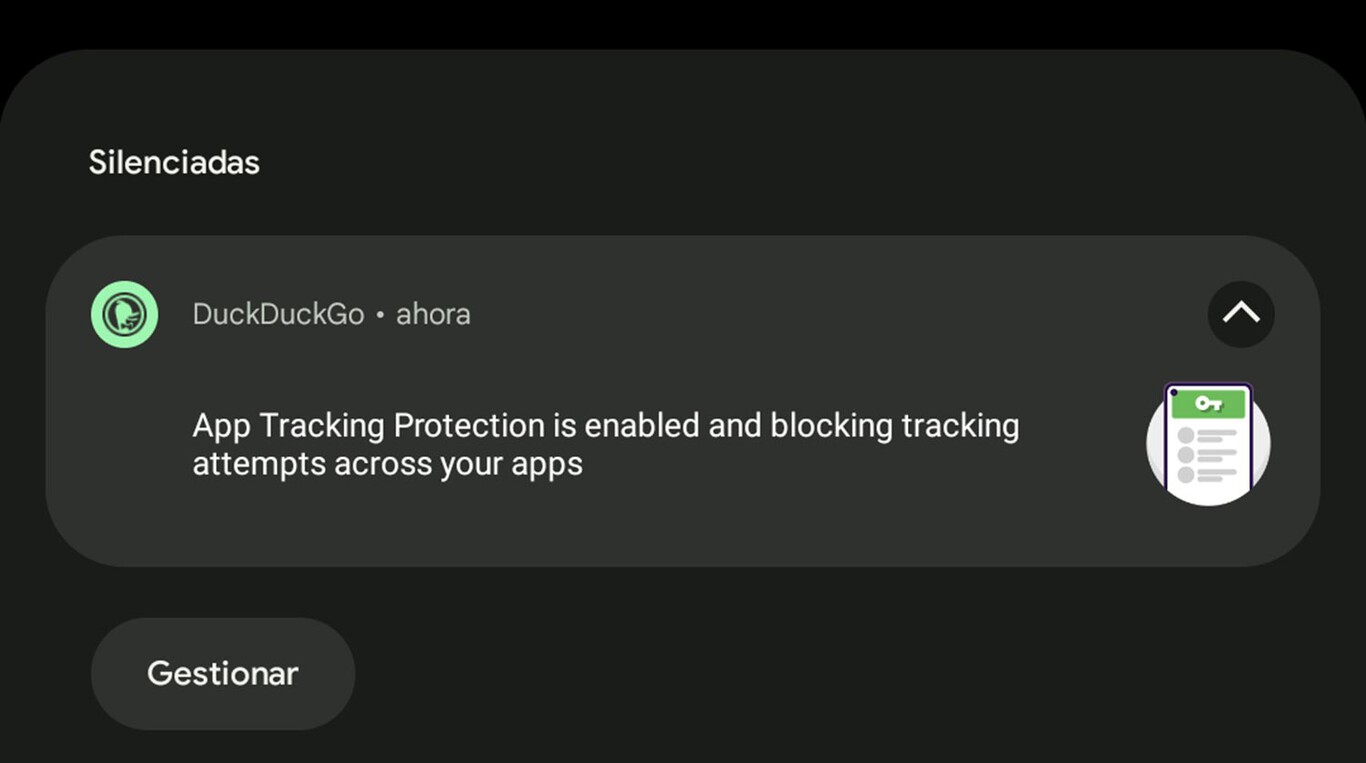
Once app tracking protection is enabled on the phone, DuckDuckGo VPN is enabled to identify possible contact with tracking servers. The application offers a persistent notification tasked with warning of interceptions. And in the settings of DuckDuckGo we can see all the crash log as well as the specific trackers of each application that were restricted.
DuckDuckGo lets you apply tracker locks to the whole phone or app by app, it’s all up to the user. By default, it activates applications for which no incompatibility with App Tracking Protection has been detected, although it is not essential to keep these settings. Of course: include apps that are not recommended in monitoring may prevent them from functioning properly.
Some applications must contact the tracking servers in order to function. And, by blocking this contact, these apps may stop working.
How tracker protection works is efficient, transparent, and a great help to privacy, and in return it should be noted that applications will not always function properly under surveillance. In addition, DuckDuckGo protection slightly warms the phone and slows down the connection.

We have found this to be a great way to take precautions on Android, making sure that app usage will be as clean as possible in terms of user data. DuckDuckGo won’t remove advertising and will make it less personalized (Yes, you can delete it on the web and through your browser). In turn, apps will be limited in their collection of usage data.