
Do you want to know if your Samsung Galaxy is working properly? In the Samsung Members app you have a handy checker, but you might not have (or want to use) said members. And there is a more universal way to “ check ” the whole system: a secret telephone code. Convenient, safe and quick to use.
With the huge number of sensors, buttons, connections and components that smartphones have, it is more than usual to break down and you don’t know if it is working properly or not. Using the mobile as usual is sufficient, although there is a better way to check that the phone is working properly: via a verification application. And Samsung includes one in the system manager: you can access the test log by typing a simple code.
Enter the code in the phone app
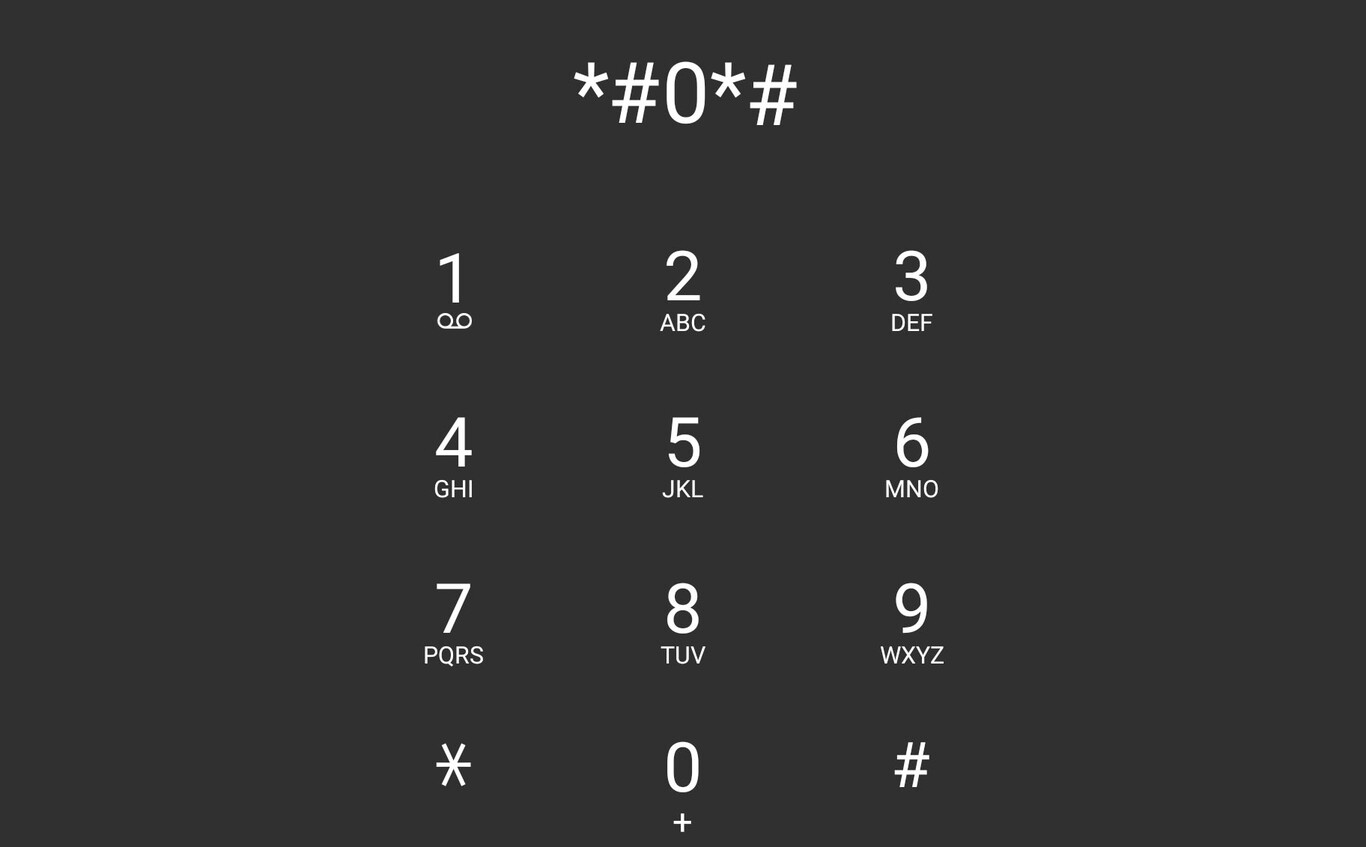
The function is hidden at system level and is accessible via a telephone code, classic codes that opened the setting menus on GSM telephones. Android smartphones keep many of these codes, such as “* # 06 #” to check the IMEI number. In our case, we will type in a code that will open the verification menu on Samsung Galaxy phones with One UI.

The secret code that concerns us is the ‘# 0# ‘. After entering, a grid opens with the different levels of verification of the smartphone. By sensors, screen, sound, S-Pen in case the mobile is a Galaxy Note... With it it is possible to know whether the phone is working properly, just by touching the screen.

The process consists of a few steps, they are as follows:
- Open the phone app on your Samsung Galaxy.
- Activate the numeric keypad and type ‘# 0# ‘, without the quotes.
- After typing the last character, the verification menu will open: run the tests one by one until the problems are eliminated.
- You can return to the checks menu at any time. There should be no problem maybe the system won’t let you come back to the office. In this case, you just need to relapse.

System Check is a secret menu that most Samsung Galaxy with One UI comes with. Its entry does not entail any risk for the telephone: you can try what you want.
Via | Gadget Hacks


