
Related news
In its day, gReader was one of the most comprehensive apps for reading news on Android thanks to its RSS system, and now, shortly after updating the app for the first time in years, we tested her again to see how she has changed in this time. This is a great option if you are looking for a comprehensive and highly configurable application.
An impressive but complete design

gReader
Free Android
The design of gReader can be a bit overwhelming due to the large amount of information the app displays on the main screen, where you will see the various news items that appear. The title, image and a few lines of the news text itself will appear in preview, along with the time it was published and the communication medium in question.
At the top there is a switch with which you can display all the elements, Or, just the ones you haven’t read yet. Within each post, you can select whether you want a view of the web version, or as a feed.
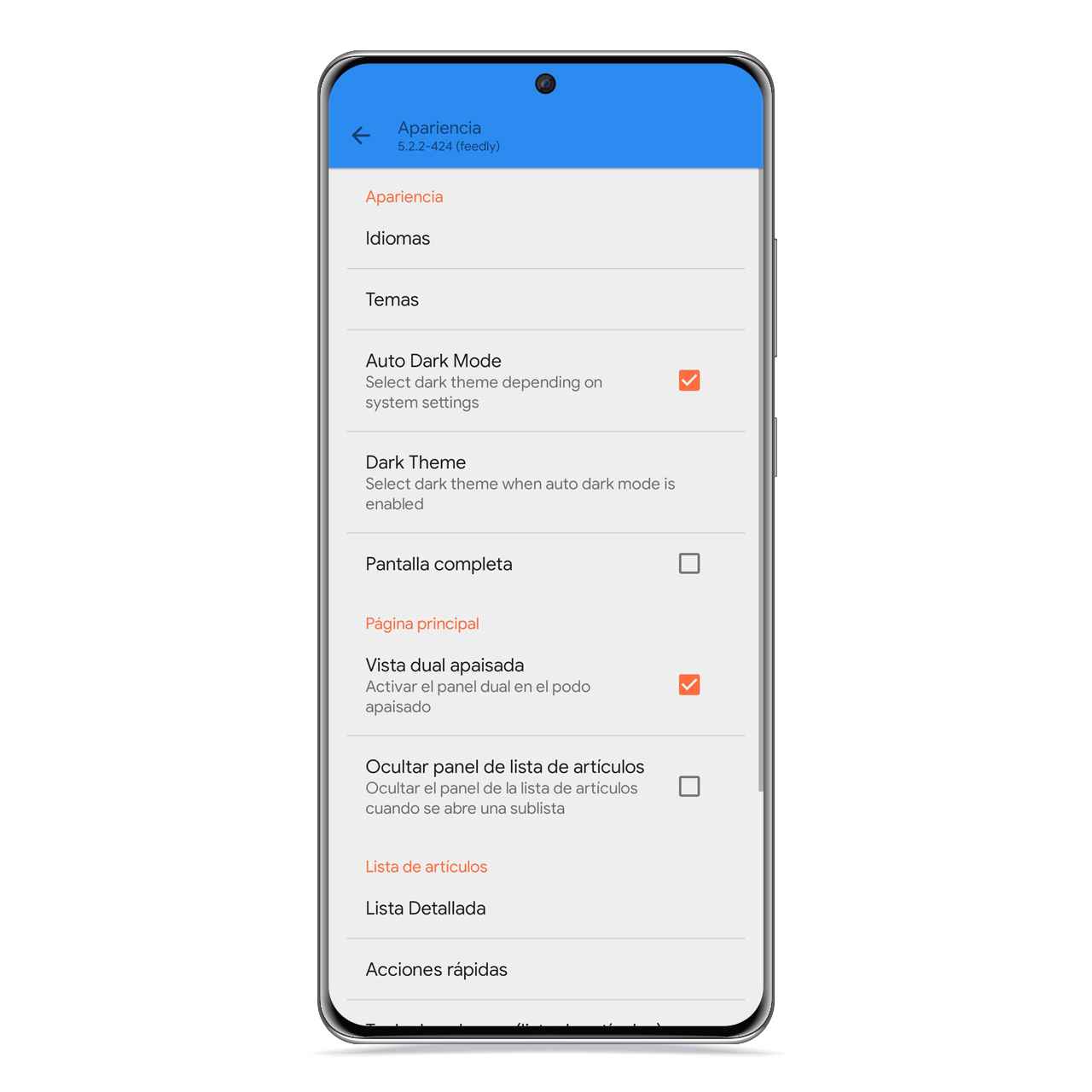
Appearance settings
Free Android
You can save each news item to read it later offline, as well as assigning tags to group all the publications that deal with the same subject, or according to the criteria you consider.
Organize your sources
When you start the application, you will be able to import your sources into the reader from Feedly Cloud, The Olrd Reader or from Inoreader, and once done, you will be taken to a main screen where The articles that you have pending reading will be displayed. This view can be in the form of a list, a grid or a map.
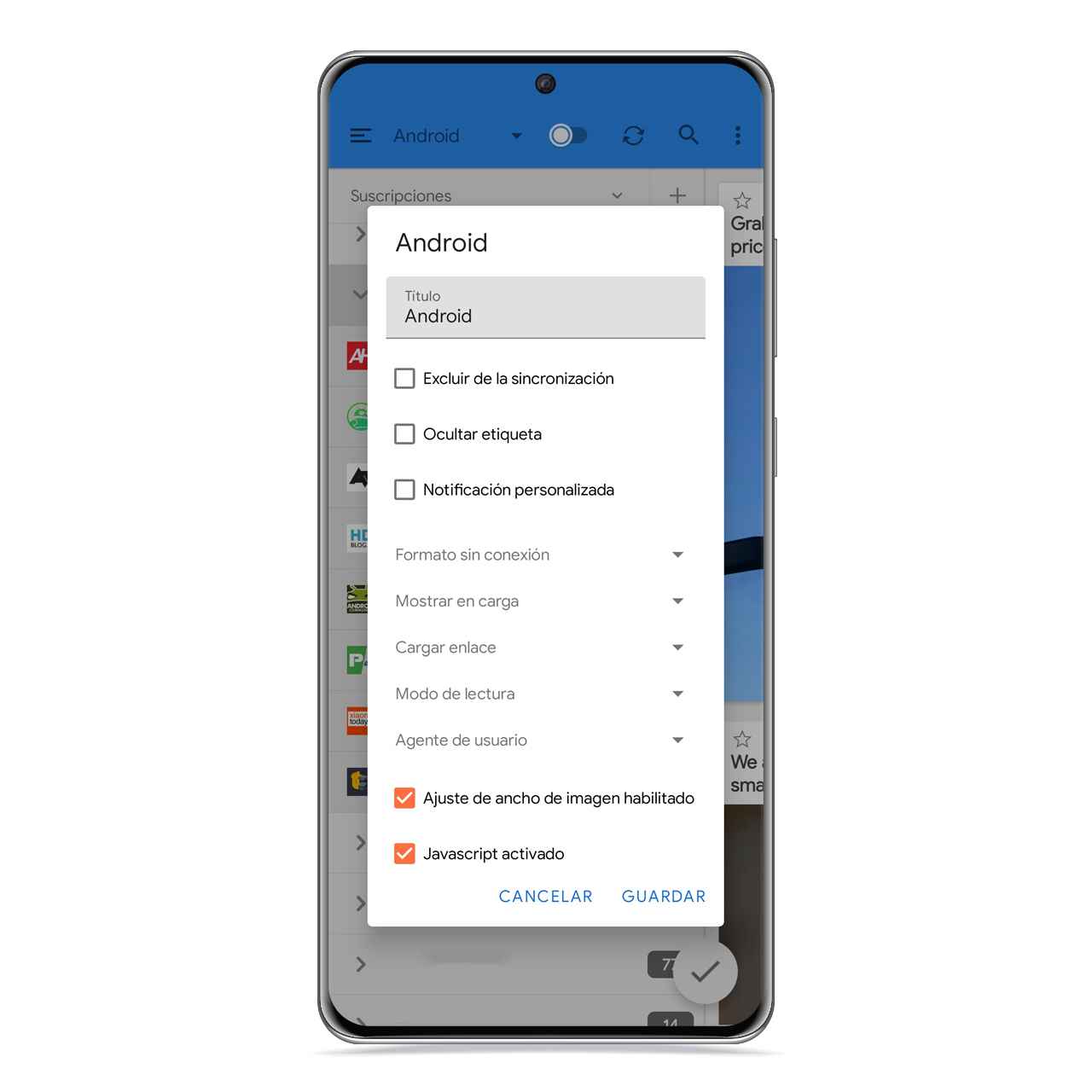
Add gReader fonts
Free Android
In this article overview, you will have a box at the top right of each one to quickly mark it as read. At the top left you can mark it to save it in a separate list and have it available in another section.
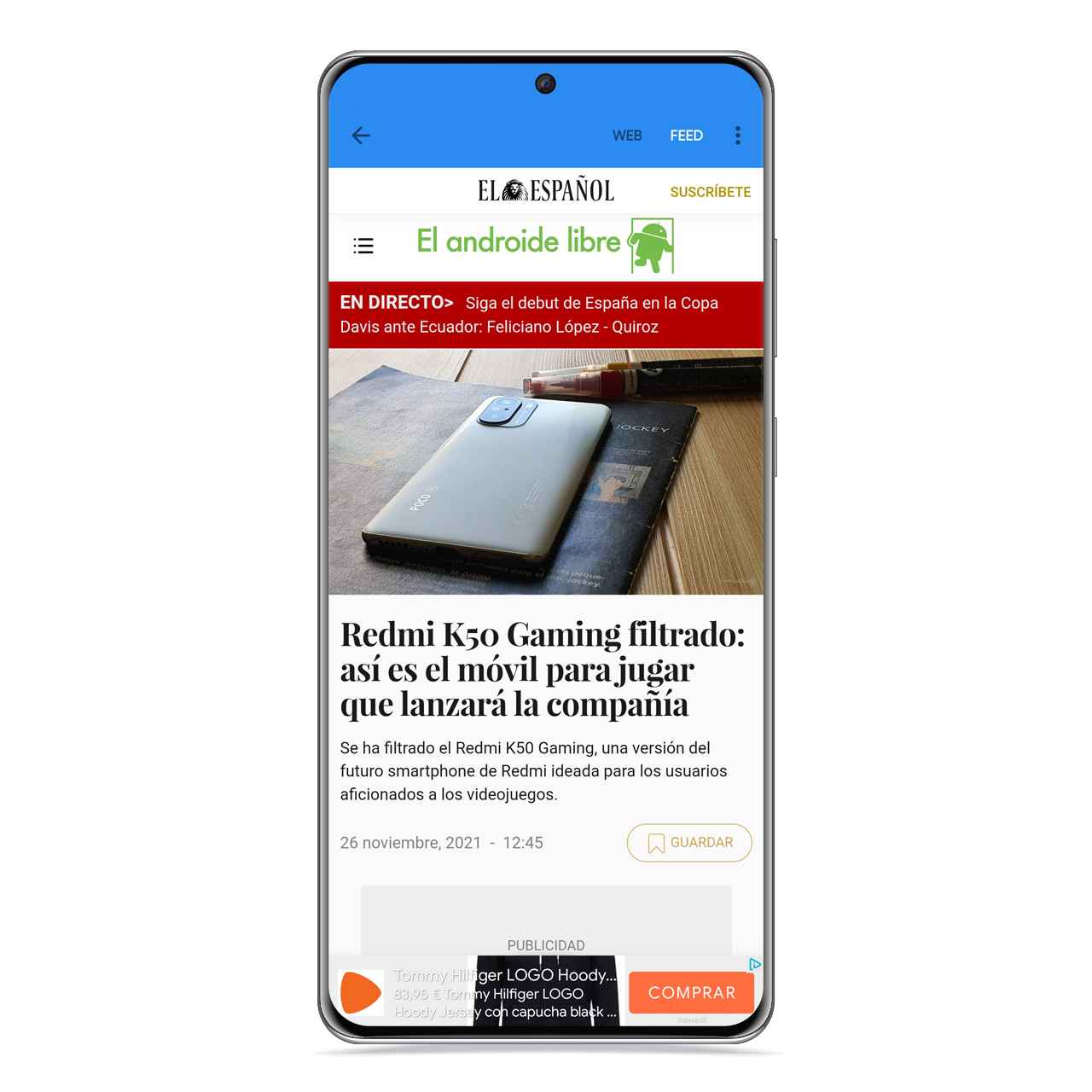
Vista web and gReader
Free Android
When you access the different sources in the side menu of the application, you can personalize their way of working individually or in general, and you’ll also have the option to create a screen shortcut for quick access to a specific font or folder of fonts.
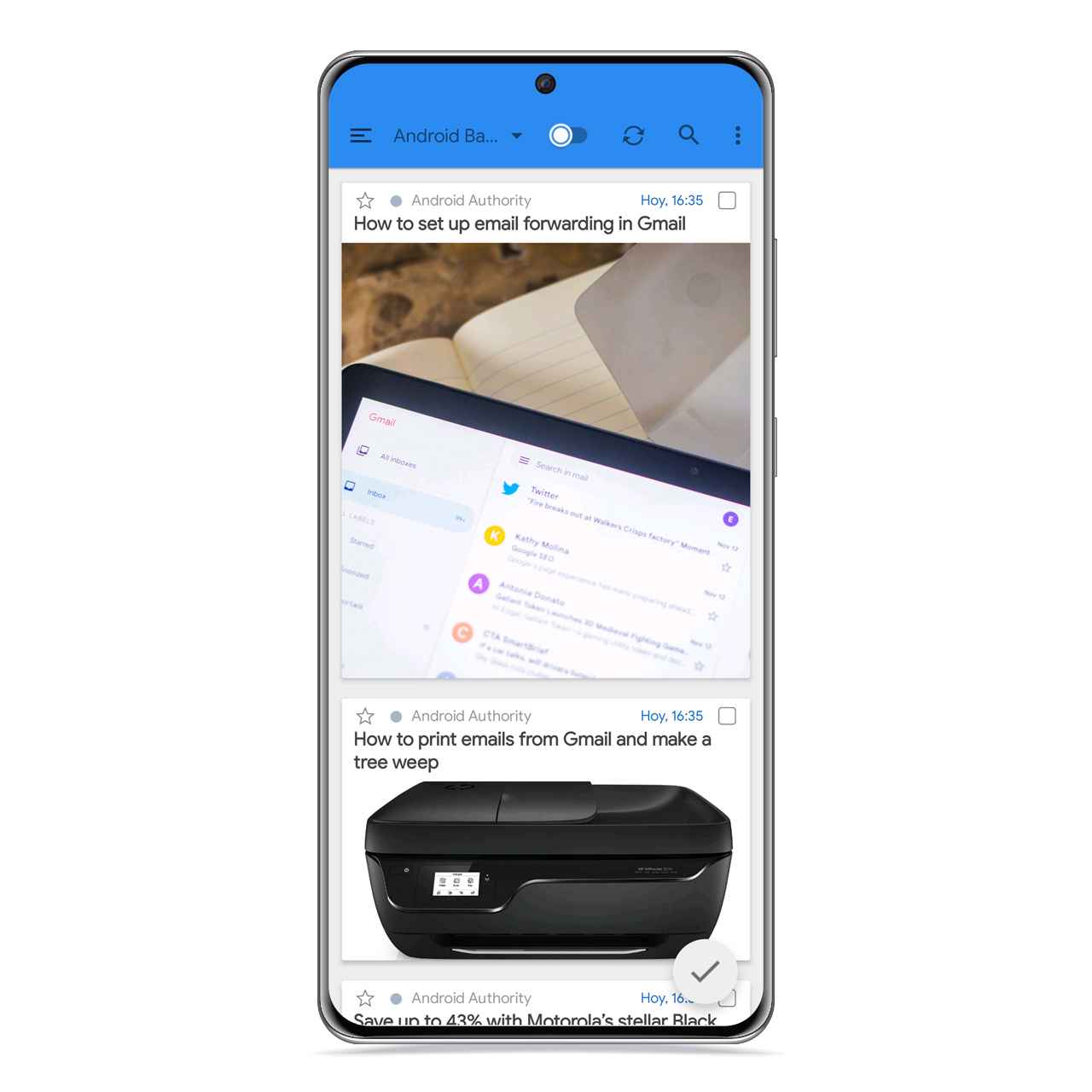
Map display in gReader
Free Android
The personalization of the application in this sense is total, and you will also have the possibility of gReader reads the news you want aloud to you, although this is a fully available feature only for users of the premium version. However, you can turn to Google Assistant to read the articles to you.
How to download from Google Play
If you want, you can download gReader from Google Play to completely free. You have to keep in mind that this is an app with in-app purchases.
it may interest you
Follow the topics that interest you
.
Table of Contents


