
When iOS 18.2 rolls out to all iPhones on Monday, it will bring a ton of cool new features. The main focus is on the new capabilities of Apple Intelligence, and for good reason: AI is Apple's main marketing asset, but the features are rolled out gradually over several months. iOS 18.2 (and macOS 15.2) adds long-awaited image tools and ChatGPT integration that make Apple Intelligence much more useful.
But if you don't have an iPhone 16 or iPhone 15 Pro (or just don't care about AI), none of this matters to you. Luckily, iOS 18.2 isn't just a release of Apple Intelligence, it also adds a host of other features and quality-of-life changes. Here are all the new features of iOS 18.2 coming to your iPhone that have nothing to do with Apple Intelligence.
Camera control improvements
After months of criticism, Apple is making several changes to the camera control button in iOS 18.2, for those with an iPhone 16. First, pressing and holding the button will launch the new Visual Intelligence feature.
But there are other quality of life improvements as well. In Settings > Accessibility > Camera control you can adjust the double-click speed. You can also enable an autofocus/exposure lock in Settings > Camera > Camera controlso a light press of the button locks the exposure and focus as is usually the case on a DLSR shutter release.
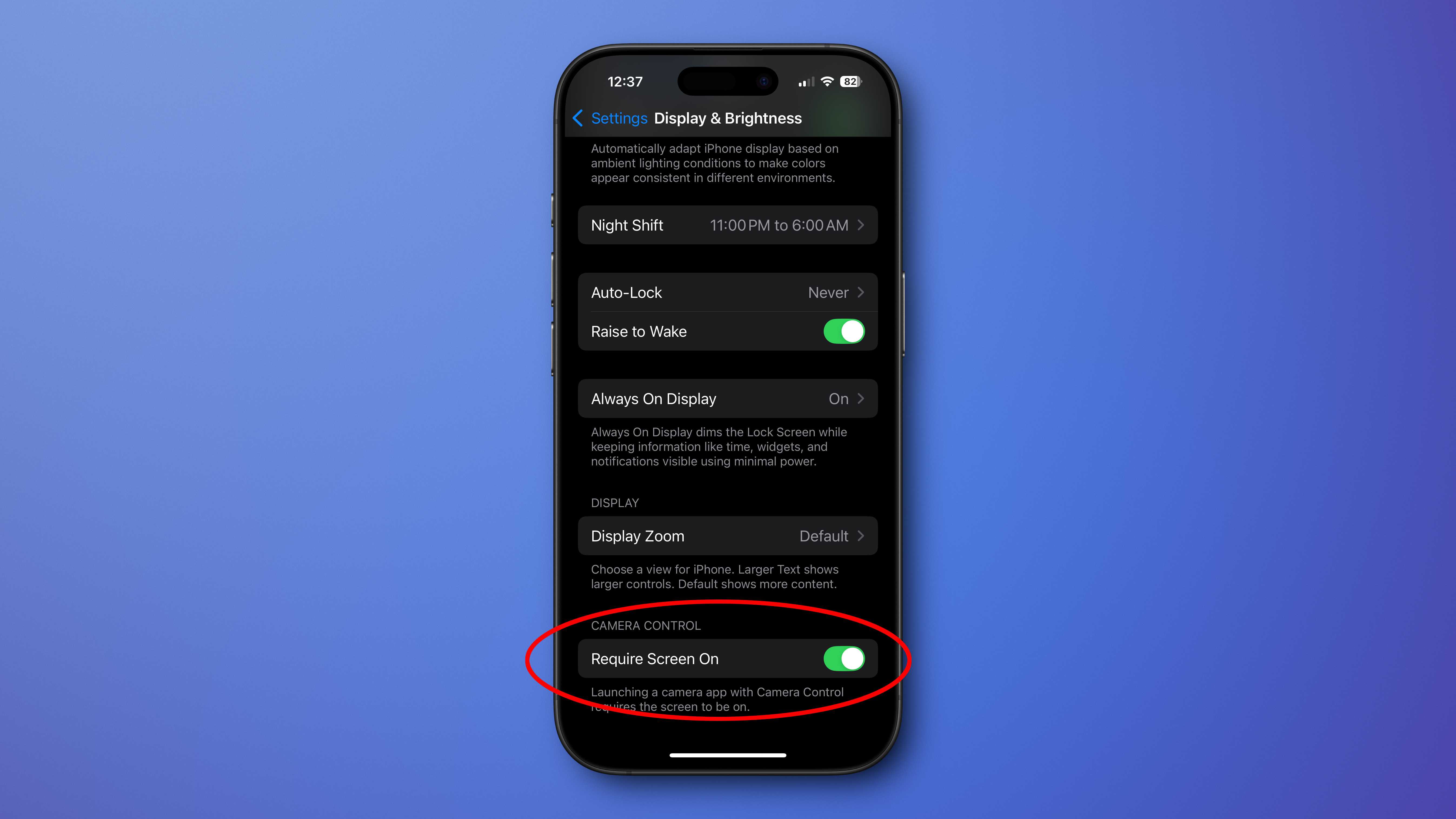
Finally, there's a new toggle that requires the screen to be on for the camera control button to launch a camera app. You'll find it in Settings > Display and brightnesswhich is kind of a confusing place for it.
Foundry
New Mail app with smart categories
The Mail app will analyze the content of your emails and automatically classify them into four categories:
- Primary: Your personal mail or mail that needs to be processed immediately.
- Transactions: Receipts, order confirmations, shipping notices, etc.
- Updates: News and newsletters, social media notifications, etc.
- Promotions: Coupons, marketing offers, etc.
The four categories will exist as buttons at the top of the Mail app, and you can swipe them to the left to view All Messages.
And no, Apple doesn't read your emails. This all happens on the device.
Volume limit and lock screen slider
In the Settings > Sound and haptics In the menu, there is a new volume limit feature for your iPhone's built-in speaker (volume limits for headphones have been around for a long time). This only affects media playback, not calls/FaceTime, alerts, or system sounds.
There is also a new option in Settings > Accessibility > Audio and visual called “Always show volume control”. This will move the volume control slider back to the bottom of the media playback controls on your lock screen. This volume slider was removed in iOS 16 (unless you were using AirPlay), and if you miss it, you can get it back now.
Default messaging and calling apps
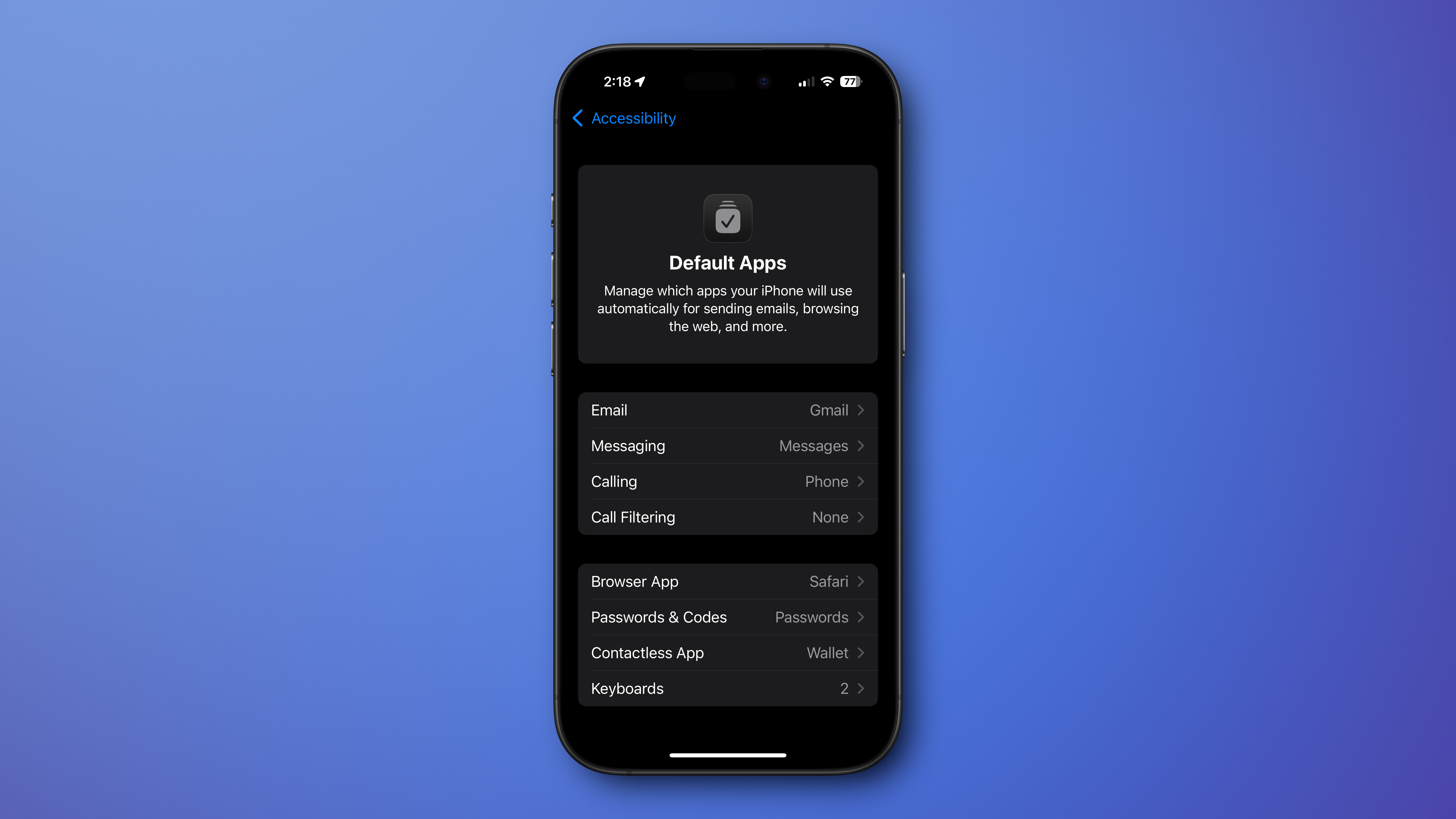
In iOS 18.2 settings > Applications You'll find a new selection at the top, before your list of installed apps, called Default Apps.
In this menu you will choose the default apps for things like email, browser, passwords and codes, etc. Most are options you had before (albeit scattered throughout the settings), but messaging and calling are new.
No applications are currently qualified to fill these areas, but they are likely just existing applications requiring new versions using new frameworks.
Foundry
Sudoku Puzzles in News+
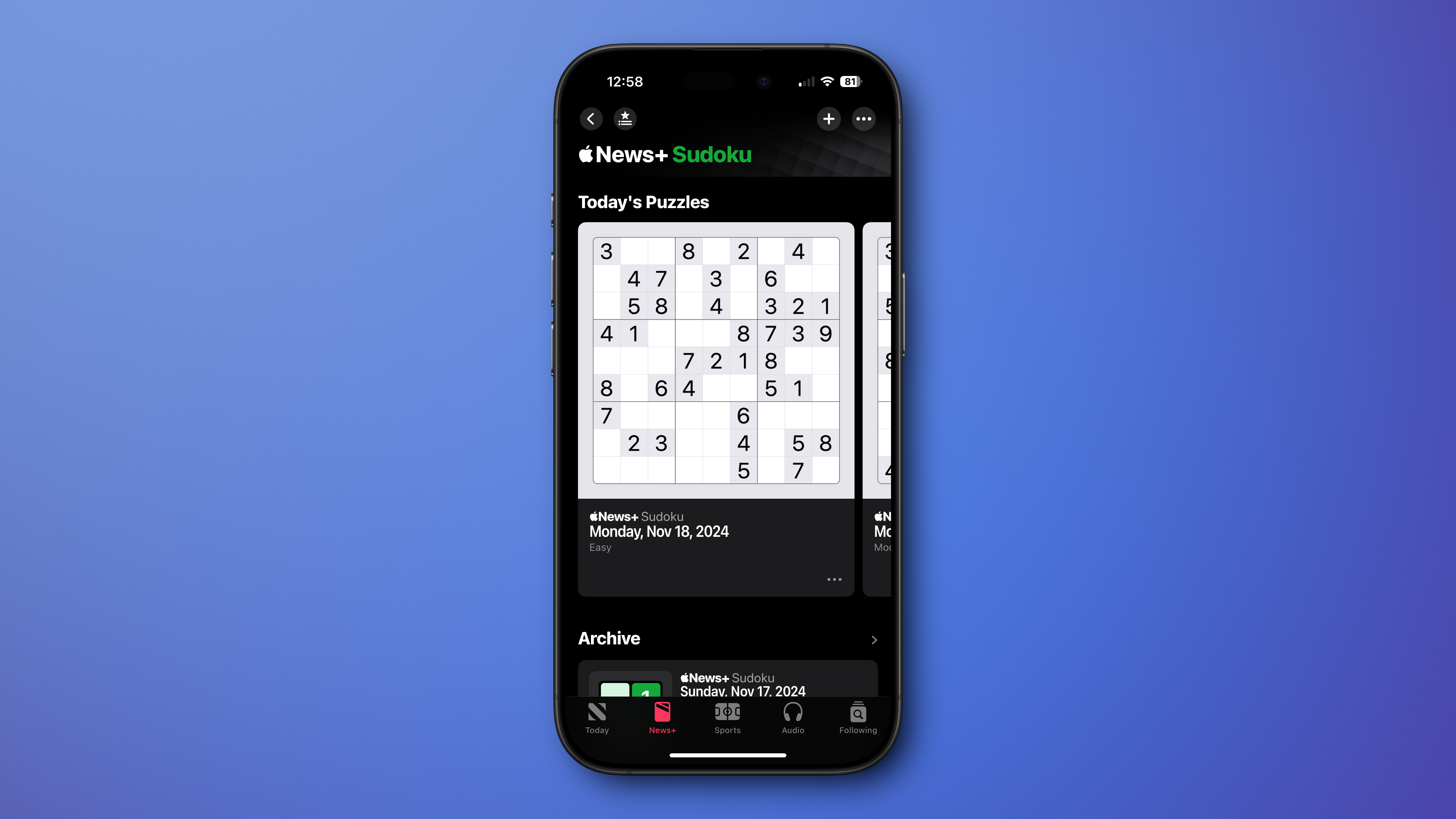
If you are a News+ subscriber, you have access to several puzzles in the News application. Apple releases daily crosswords, mini crosswords, and a word game called Quartiles.
Now, daily Sudoku puzzles join the list. Easy, moderate and challenging puzzle is available every day.
Foundry
Sharing the location of an AirTag item
You may have shared an AirTag with another iPhone user, but that's only really useful for trusted family members or friends.
With iOS 18.2, Apple will allow you to create a secure link that you can share with someone else to allow them to see the location of an AirTag. They will be able to open it on any device, even just a web browser on any computer, and see the location of that AirTag.
The link automatically expires after 7 days or when the AirTag finds its owner, and of course the owner can deactivate sharing at any time.
Additionally, Apple is working with a number of major airlines to integrate this sharing process into their lost baggage customer service flow.

Apple
Charging time estimates?
It's not yet available in the iOS 18.2 beta, but 9to5Mac has discovered code that suggests Apple will soon show you how much time your iPhone has left until it reaches a full charge. This is a feature that has been on Android phones for some time and would be a welcome addition to the iPhone.
However, although the feature first appeared in one of the first beta codes of iOS 18.2, it is not yet available. It's possible that it will be enabled when iOS 18.2 becomes available to everyone on Monday. Otherwise, expect this in iOS 18.3 sometime in February.
Table of Contents


