
Many users abuse their iPhone, here are some of the most common examples
The iPhone is a device owned by millions of people around the world and a large majority do not use it correctly. There are some everyday uses that could ruin your iPhone and your using experience, and most are unaware of it. In this compilation you have 6 common uses that users make of the iPhone that are not good for the device.

These uses of the iPhone can be dangerous for the device itself
Doesn’t clean iPhone properly
Very few users clean their iPhone properly and this can cause problems. It is not only interesting to clean the screen or the back, it is especially important clean the charging port as this could prevent our iPhone from charging properly. Cleaning the iPhone properly is important and there are things we should do and things we shouldn’t do.
Use non-certified accessories
One of the most delicate parts of the iPhone is the battery and it performs very poorly with uncertified accessories. Using a charger of questionable quality can significantly reduce iPhone battery life, something strongly discouraged. Charging the iPhone correctly is not difficult, but many still use cheap and uncertified chargers.

Using reliable chargers is very important
Leave or use your iPhone in the sun
The sun, or rather heat, is not recommended for the iPhone. Above 35 degrees, Apple advises against using the iPhone because it could overheat and this can be dangerous for internal components. So in summer, try to use your iPhone in the shade and not in direct sunlight and, of course, don’t leave it for a long time in a place where the sun shines on it.
Have your iPhone storage full
On the iPhone we can store many photos and applications that make it iPhone storage is still at its limit, and that’s not good. If our iPhone storage is practically full, it is our device may run slower and I have problems in applications.
From Settings > General > iPhone Storage We can see which apps and services take up the most space and improve device performance. There are different tricks to free up storage space on iPhone and you must follow them to speed up your iPhone.
Do not install software or application updates
Few users pay attention to it Updates are really important and could ruin your entire iPhone experience.. Device updates, which can improve performance, add features, and fix security issues, as well as app updates.
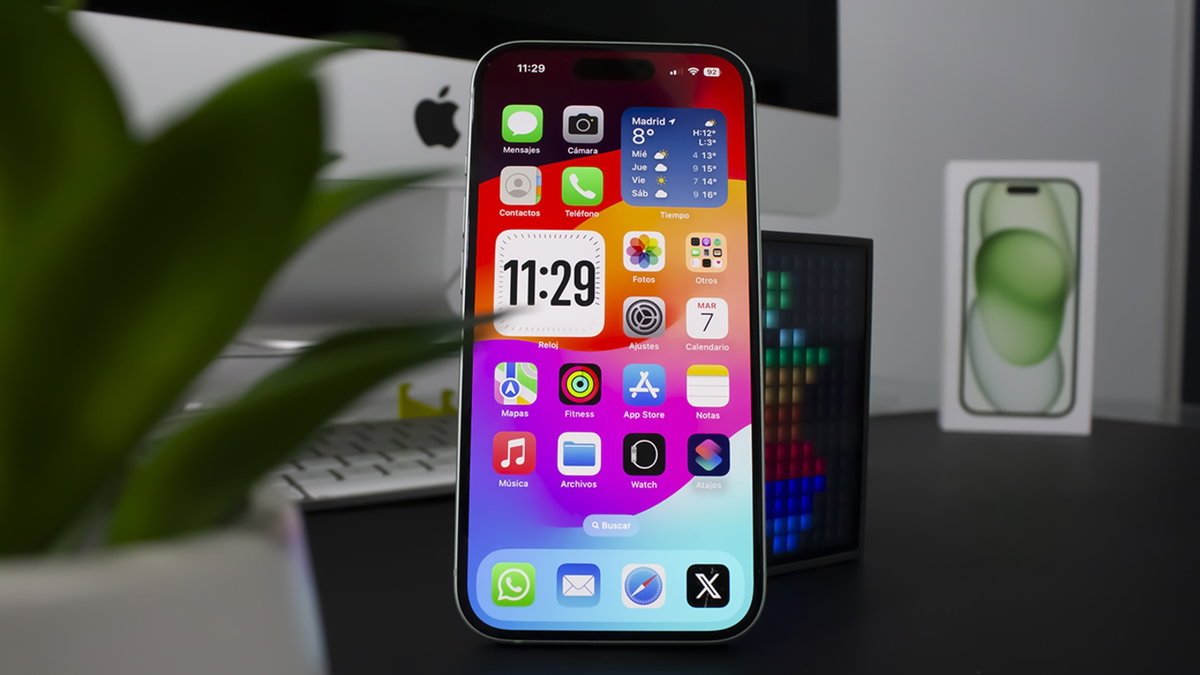
Keeping your iPhone up to date is something few people do
To update the iPhone you must enter Settings > General > Software Update, we recommend that you install the latest available iOS update. To install application updates, you must enter the App Store > Tap your profile > Swipe down and tap Update All.
Register old iPhones correctly
If you have an older square iPhone, you probably don’t maintain it well. Apple recommends charging the iPhone up to 80%, turning off the iPhone and storing it in a dry place with a temperature between 10 and 25 degrees.. This is the right way to store an old iPhone. In addition to checking its status from time to time and recharging it to 80%.
Table of Contents


